







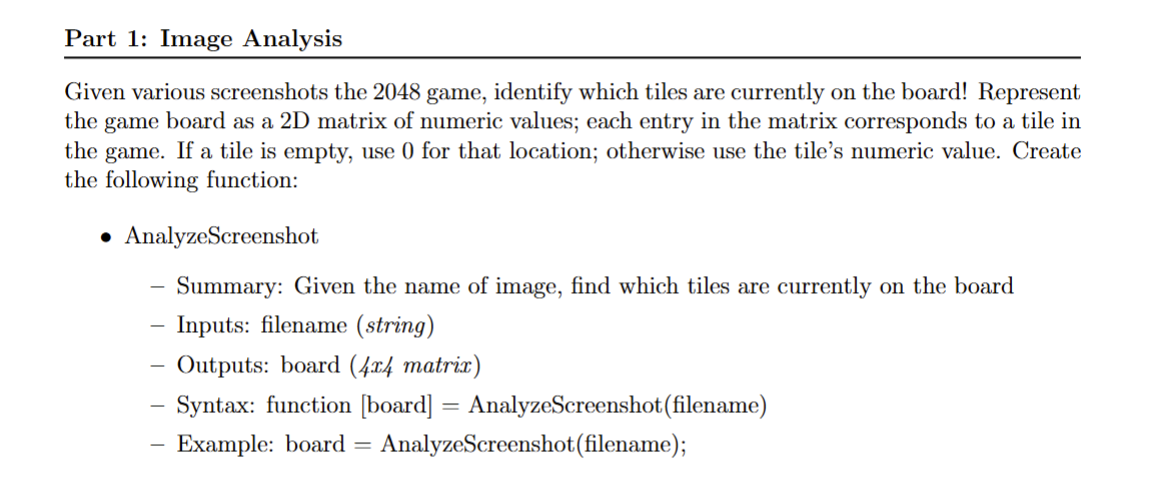
Question: Write a code in Matlab Grader Part 1 : Image Analysis Given various screenshots the 2 0 4 8 game, identify which tiles are currently
Write a code in Matlab Grader
Part : Image Analysis
Given various screenshots the game, identify which tiles are currently on the board! Represent
the game board as a D matrix of numeric values; each entry in the matrix corresponds to a tile in
the game. If a tile is empty, use for that location; otherwise use the tile's numeric value. Create
the following function:
AnalyzeScreenshot
Summary: Given the name of image, find which tiles are currently on the board
Inputs: filename string
Outputs: board x matrix
Syntax: function board AnalyzeScreenshotfilename
Example: board AnalyzeScreenshotfilename;
Step by Step Solution
There are 3 Steps involved in it
1 Expert Approved Answer
Step: 1 Unlock

Question Has Been Solved by an Expert!
Get step-by-step solutions from verified subject matter experts
Step: 2 Unlock
Step: 3 Unlock
 Study Help