







Question: #Write a function called count_characters. count_characters #should take as input a single string, and return a #dictionary. In the dictionary, the keys should be #characters,
#Write a function called count_characters. count_characters #should take as input a single string, and return a #dictionary. In the dictionary, the keys should be #characters, and the values should be the number of times #each character appeared in the string. # #For example: # # count_characters("aabbccc") -> {'a': 2, 'b': 2, 'c': 3} # count_characters("AaBbbb") -> {'A': 1, 'B': 1, 'a': 1, 'b': 3} # #You should not need to make any assumptions about the #characters in the string: spaces, punctuation, line breaks, #and any other characters should be handled automatically. #You may count upper and lower case separately.
#Write your function here!
#Below are some lines of code that will test your function. #You can change the value of the variable(s) to test your #function with different inputs. # #If your function works correctly, this will originally #print (although the order of the keys may vary): # #{'a': 2, 'b': 2, 'c': 3} #print(count_characters("aabbccc"))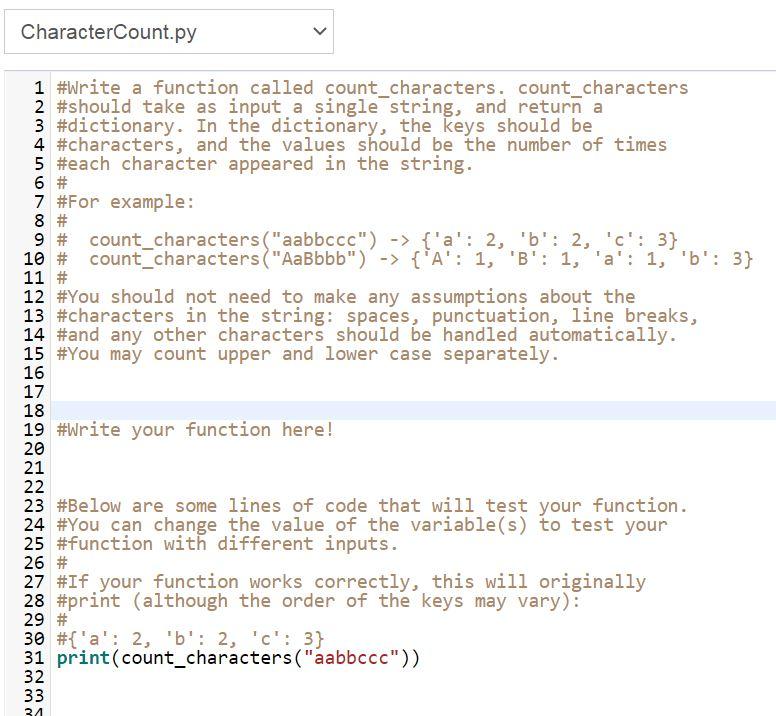
CharacterCount.py > 1 #Write a function called count_characters. count_characters 2 #should take as input a single string, and return a 3 #dictionary. In the dictionary, the keys should be 4 #characters, and the values should be the number of times 5 #each character appeared in the string. 6 # 7 #For example: 8 # 9 # count_characters ("aabbccc") -> {'a': 2, 'b': 2, 'c': 3} 10 # count characters("AaBbbb") -> {'A': 1, 'B': 1, 'a': 1, 'b': 3} 11 # 12 #You should not need to make any assumptions about the 13 #characters in the string: spaces, punctuation, line breaks, 14 #and any other characters should be handled automatically. 15 #You may count upper and lower case separately. 16 17 18 19 #Write your function here! 20 21 22 23 #Below are some lines of code that will test your function. 24 #You can change the value of the variable(s) to test your 25 #function with different inputs. 26 # 27 #If your function works correctly, this will originally 28 #print (although the order of the keys may vary): 29 # 30 #{'a': 2, 'b': 2, 'c': 3} 31 print(count_characters("aabbccc")) 32 33 31
Step by Step Solution
There are 3 Steps involved in it

Get step-by-step solutions from verified subject matter experts
 Study Help