







Question: Write a Java program with two classes using selection. Create the Car class: 1. Create a new Java class called Car. 2. Create a
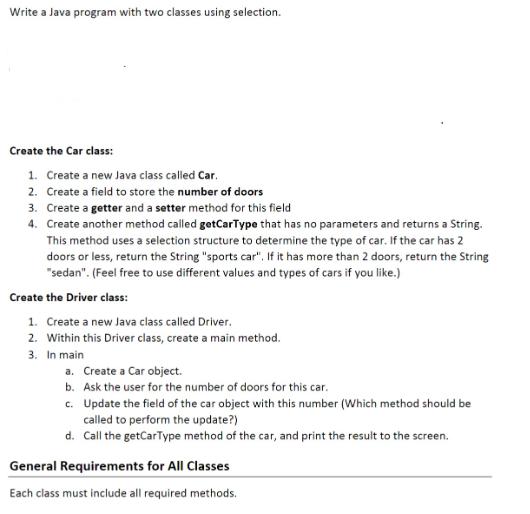

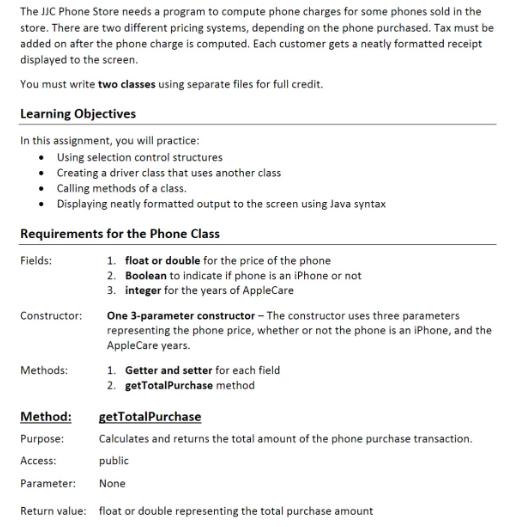
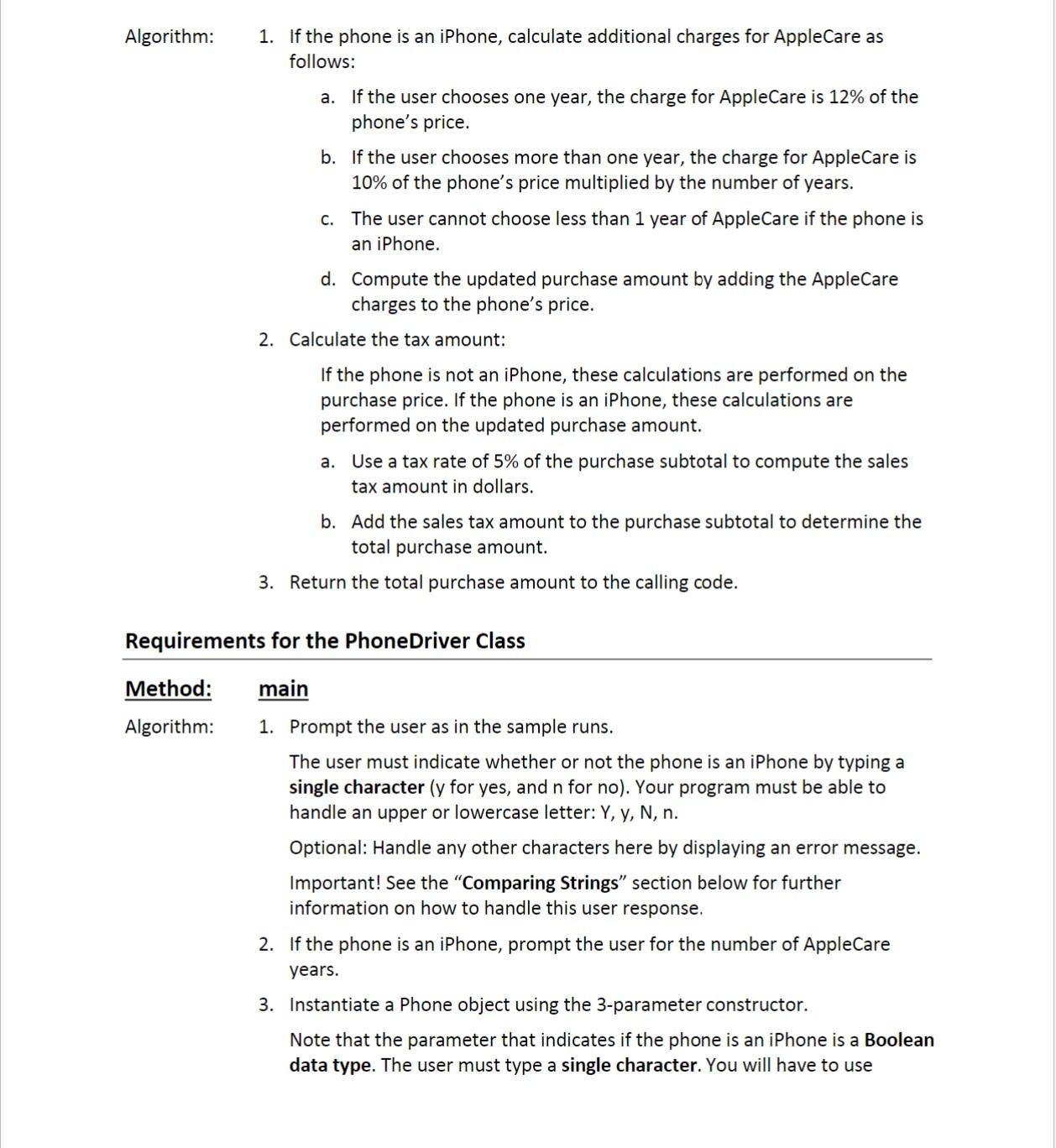
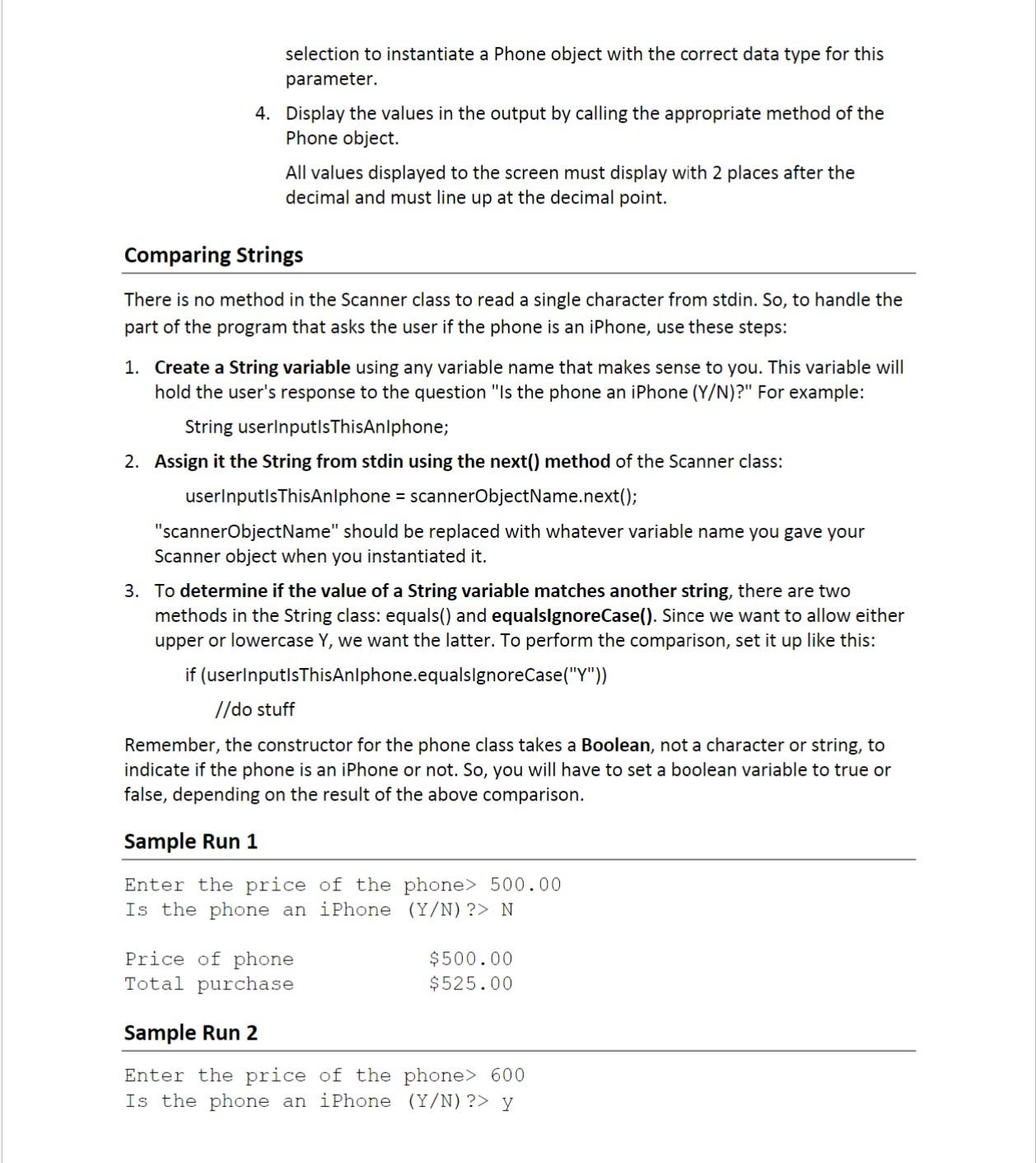
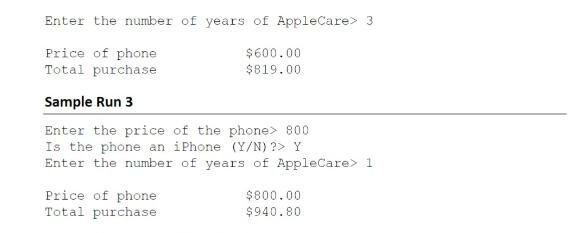
Write a Java program with two classes using selection. Create the Car class: 1. Create a new Java class called Car. 2. Create a field to store the number of doors 3. Create a getter and a setter method for this field 4. Create another method called getCarType that has no parameters and returns a String. This method uses a selection structure to determine the type of car. If the car has 2 doors or less, return the String "sports car". If it has more than 2 doors, return the String "sedan". (Feel free to use different values and types of cars if you like.) Create the Driver class: 1. Create a new Java class called Driver. 2. Within this Driver class, create a main method. 3. In main a. Create a Car object. b. Ask the user for the number of doors for this car. c. Update the field of the car object with this number (Which method should be called to perform the update?) d. Call the getCarType method of the car, and print the result to the screen. General Requirements for All Classes Each class must include all required methods. Other methods not specifically mentioned may be included as appropriate but be sure you are meeting the requirements as written! Use the appropriate access modifiers. The JJC Phone Store needs a program to compute phone charges for some phones sold in the store. There are two different pricing systems, depending on the phone purchased. Tax must be added on after the phone charge is computed. Each customer gets a neatly formatted receipt displayed to the screen. You must write two classes using separate files for full credit. Learning Objectives In this assignment, you will practice: Using selection control structures Creating a driver class that uses another class Calling methods of a class. Displaying neatly formatted output to the screen using Java syntax Requirements for the Phone Class Fields: Constructor: Methods: 1. float or double for the price of the phone 2. Boolean to indicate if phone is an iPhone or not 3. integer for the years of AppleCare One 3-parameter constructor - The constructor uses three parameters representing the phone price, whether or not the phone is an iPhone, and the AppleCare years. 1. Getter and setter for each field 2. getTotalPurchase method Method: getTotalPurchase Purpose: Calculates and returns the total amount of the phone purchase transaction. Access: public Parameter: None Return value: float or double representing the total purchase amount Algorithm: 1. If the phone is an iPhone, calculate additional charges for AppleCare as follows: a. If the user chooses one year, the charge for AppleCare is 12% of the phone's price. b. If the user chooses more than one year, the charge for AppleCare is 10% of the phone's price multiplied by the number of years. c. The user cannot choose less than 1 year of AppleCare if the phone is an iPhone. d. Compute the updated purchase amount by adding the AppleCare charges to the phone's price. 2. Calculate the tax amount: If the phone is not an iPhone, these calculations are performed on the purchase price. If the phone is an iPhone, these calculations are performed on the updated purchase amount. a. Use a tax rate of 5% of the purchase subtotal to compute the sales tax amount in dollars. b. Add the sales tax amount to the purchase subtotal to determine the total purchase amount. 3. Return the total purchase amount to the calling code. Requirements for the PhoneDriver Class Method: main Algorithm: 1. Prompt the user as in the sample runs. The user must indicate whether or not the phone is an iPhone by typing a single character (y for yes, and n for no). Your program must be able to handle an upper or lowercase letter: Y, y, N, n. Optional: Handle any other characters here by displaying an error message. Important! See the "Comparing Strings" section below for further information on how to handle this user response. 2. If the phone is an iPhone, prompt the user for the number of AppleCare years. 3. Instantiate a Phone object using the 3-parameter constructor. Note that the parameter that indicates if the phone is an iPhone is a Boolean data type. The user must type a single character. You will have to use selection to instantiate a Phone object with the correct data type for this parameter. 4. Display the values in the output by calling the appropriate method of the Phone object. All values displayed to the screen must display with 2 places after the decimal and must line up at the decimal point. Comparing Strings There is no method in the Scanner class to read a single character from stdin. So, to handle the part of the program that asks the user if the phone is an iPhone, use these steps: 1. Create a String variable using any variable name that makes sense to you. This variable will hold the user's response to the question "Is the phone an iPhone (Y/N)?" For example: String userInputlsThisAnlphone; 2. Assign it the String from stdin using the next() method of the Scanner class: userInputls ThisAnlphone = scannerObjectName.next(); "scannerObjectName" should be replaced with whatever variable name you gave your Scanner object when you instantiated it. 3. To determine if the value of a String variable matches another string, there are two methods in the String class: equals() and equalsignoreCase(). Since we want to allow either upper or lowercase Y, we want the latter. To perform the comparison, set it up like this: if (userInputls ThisAnlphone.equalsignoreCase("Y")) //do stuff Remember, the constructor for the phone class takes a Boolean, not a character or string, to indicate if the phone is an iPhone or not. So, you will have to set a boolean variable to true or false, depending on the result of the above comparison. Sample Run 1 Enter the price of the phone> 500.00 Is the phone an iPhone (Y/N) ?> N Price of phone Total purchase $500.00 $525.00 Sample Run 2 Enter the price of the phone> 600 Is the phone an iPhone (Y/N) ?> y Enter the number of years of AppleCare> 3 Price of phone Total purchase $600.00 $819.00 Sample Run 3 Enter the price of the phone> 800 Is the phone an iPhone (Y/N) ?> Y Enter the number of years of AppleCare> 1 Price of phone Total purchase $800.00 $940.80
Step by Step Solution
3.49 Rating (152 Votes )
There are 3 Steps involved in it
Heres a Java program with two classes Car and Driver that impleme... View full answer

Get step-by-step solutions from verified subject matter experts
 Study Help