







Question: Write a JavaScript file for personal-info.html in Visual Studio Code. The script will cover most of the page logic as follows: 1. When page
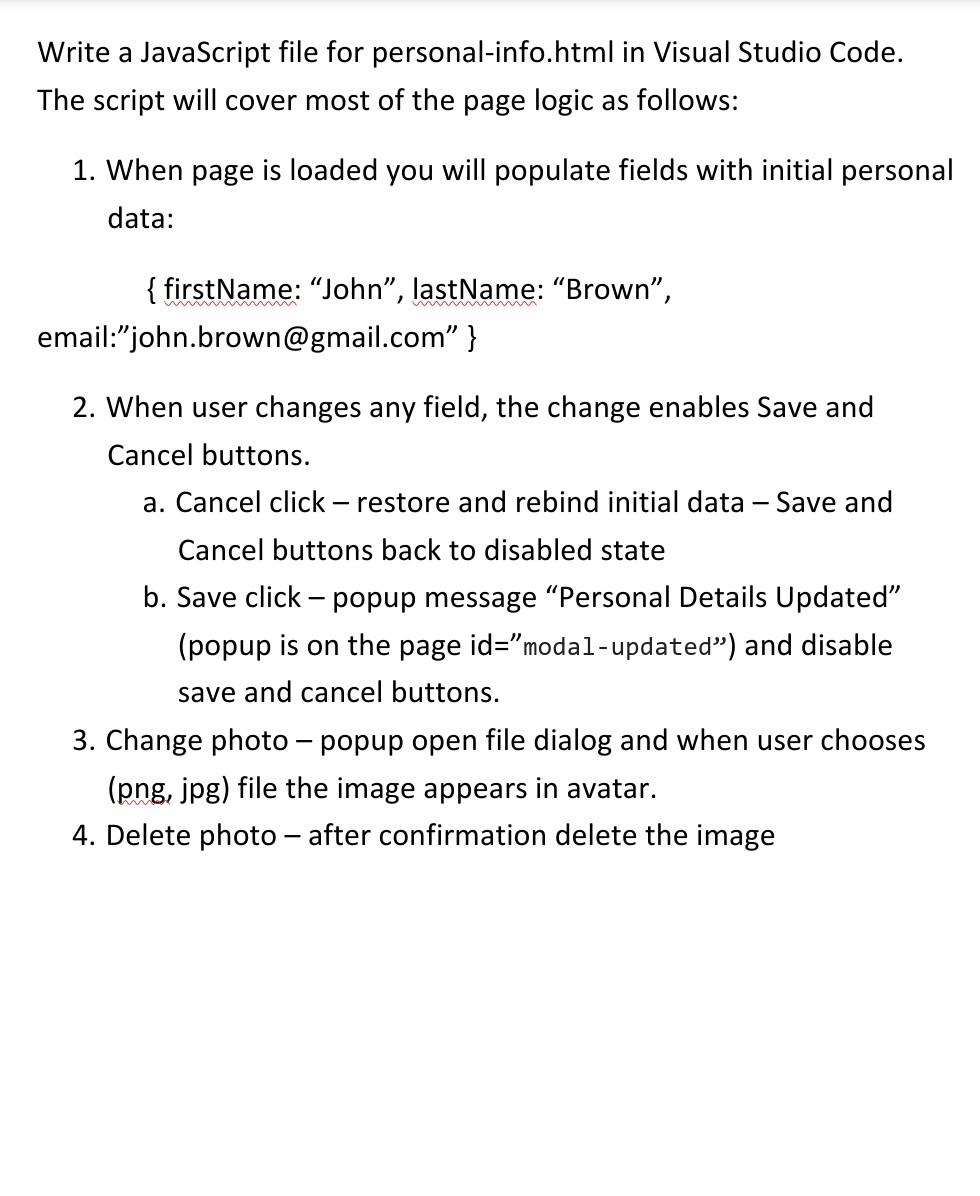
Write a JavaScript file for personal-info.html in Visual Studio Code. The script will cover most of the page logic as follows: 1. When page is loaded you will populate fields with initial personal data: {firstName: "John", lastName: "Brown", email:"john.brown@gmail.com" } 2. When user changes any field, the change enables Save and Cancel buttons. a. Cancel click - restore and rebind initial data - Save and Cancel buttons back to disabled state b. Save click-popup message "Personal Details Updated" (popup is on the page id="modal-updated") and disable save and cancel buttons. 3. Change photo - popup open file dialog and when user chooses (png, jpg) file the image appears in avatar. 4. Delete photo - after confirmation delete the image
Step by Step Solution
There are 3 Steps involved in it

Get step-by-step solutions from verified subject matter experts
 Study Help