







Question: Write a JavaScript program to show a graphical dice on screen, then a textbox showing the points on the graphical dice, followed by a textbox
Write a JavaScript program to show a graphical dice on screen, then a textbox showing the points on the graphical dice, followed by a textbox showing the previous five results of points (latest result shown on the rightmost) when rolling the dice. At the end, it will show a Roll button, which will roll the dice for 3 seconds when it is clicked. There have an image file, inside of it there have dice1.gif , dice2.gif , dice3.gif , dice4.gif , dice5.gif , dice6.gif
Sample output:
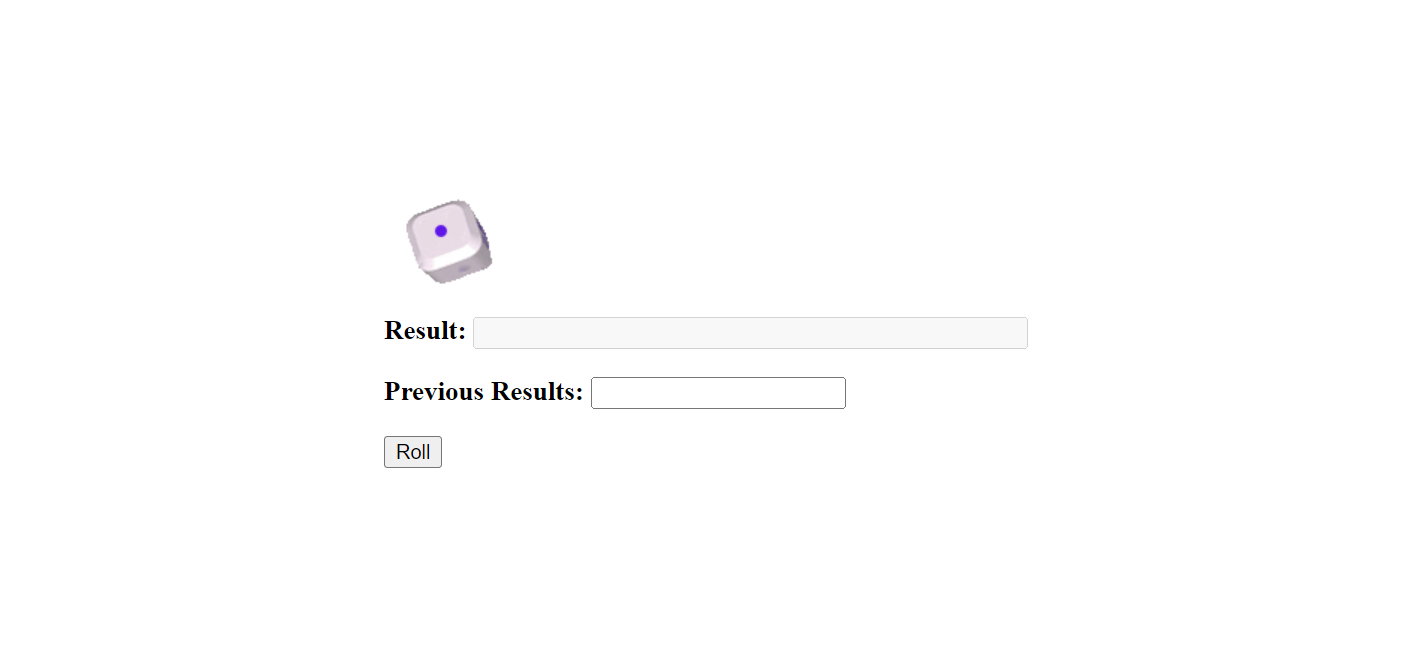
When Roll button is clicked, it will show the point in the Result box and previous results box.
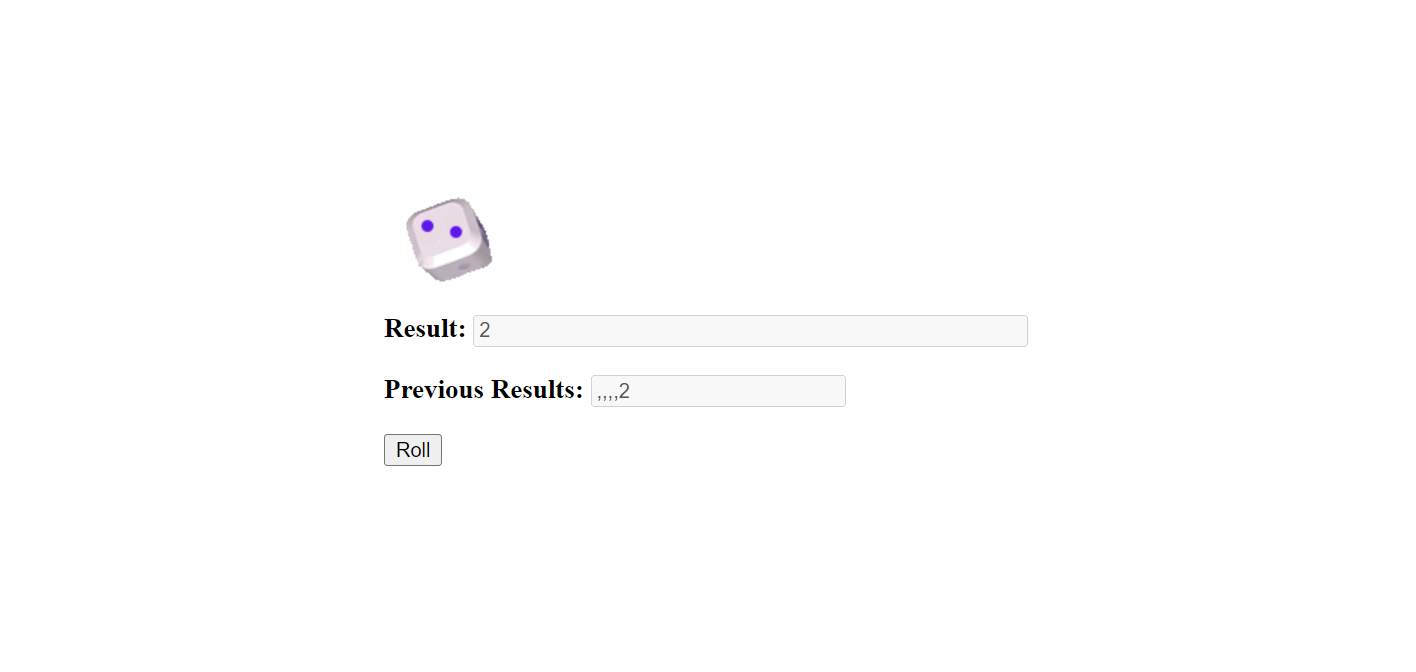
Click again:
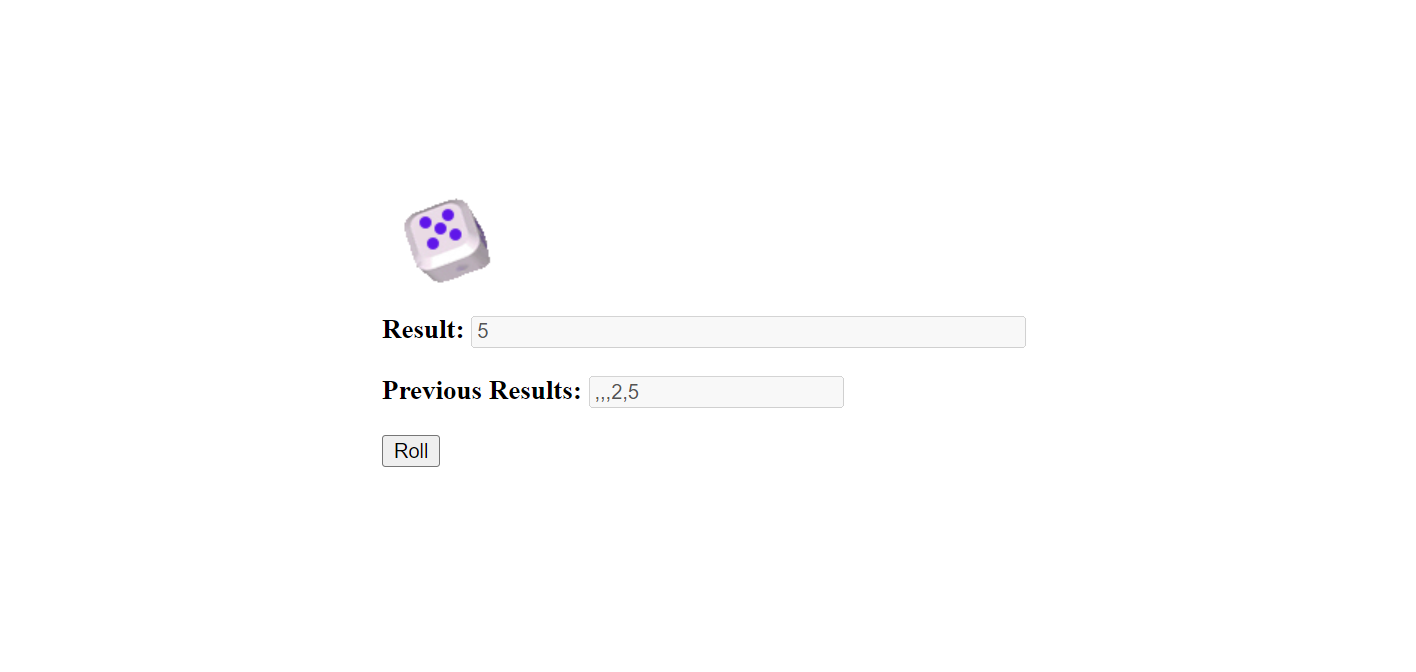
Result: Previous Results: Roll Result: 2 Previous Results: ,,, 2 Roll Result: 5 Previous Results: ,,2,5 Roll
Step by Step Solution
There are 3 Steps involved in it

Get step-by-step solutions from verified subject matter experts
 Study Help