







Question: Write a JavaScript providing at least 7 buttons: White, Black, Blue, Beige, Yellow. When a given button is clicked, the background color of the page
Write a JavaScript providing at least 7 buttons: White, Black, Blue, Beige, Yellow. When a given button is clicked, the background color of the page changes to the color specified by the clicked button. For dark colors (e.g. black, dark blue etc.,) the font color should be white. For all non-dark color the font color should be black (see below).
Note: Use the following properties for changing the background and the font colors
documentbgColor = "color ";
document.body.text = "color ";
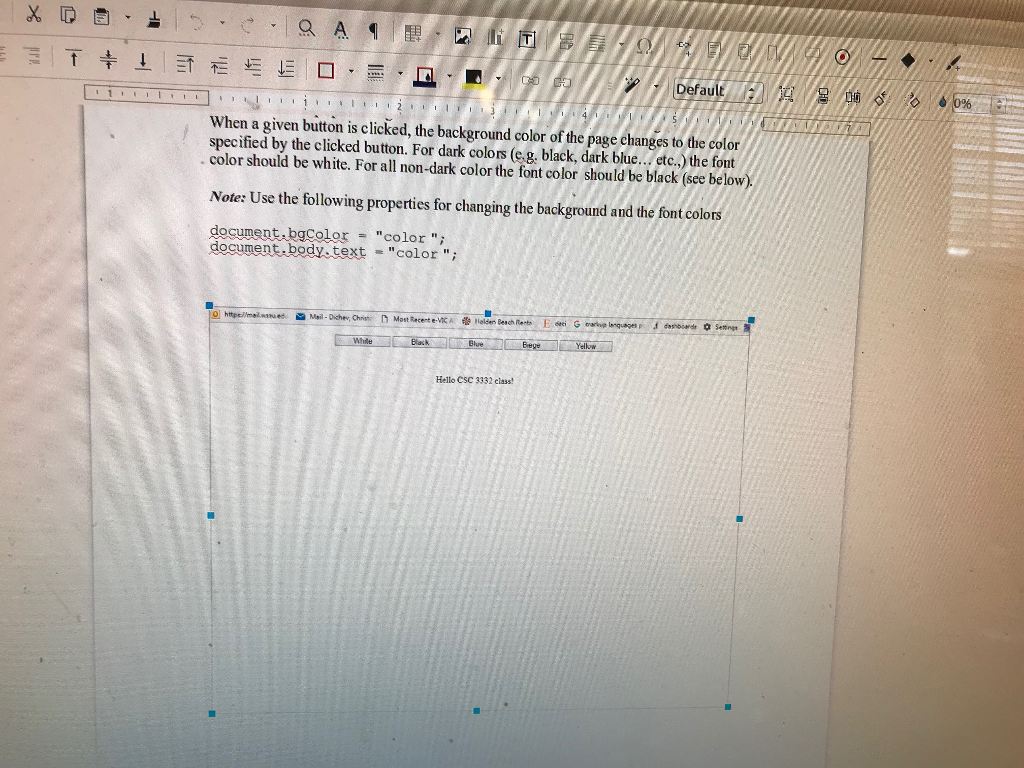
Defau When a given button is clicked, the background color of the page changes to the color specified by the clicked button. For dark colors (eg. black, dark blue...etc.,) the font . color should be white. For all non-dark color the font color should be black (see below) Note: Use the following properties for changing the background and the font colors document bgColor color " document podYetest "color "; Hello CSC 3332 class
Step by Step Solution
There are 3 Steps involved in it

Get step-by-step solutions from verified subject matter experts
 Study Help