







Question: Write a MATLAB code to perform the following handwritten digit recognition computations Step 01 Download the handwritten digit database USPS.mat from CANVAS and load this
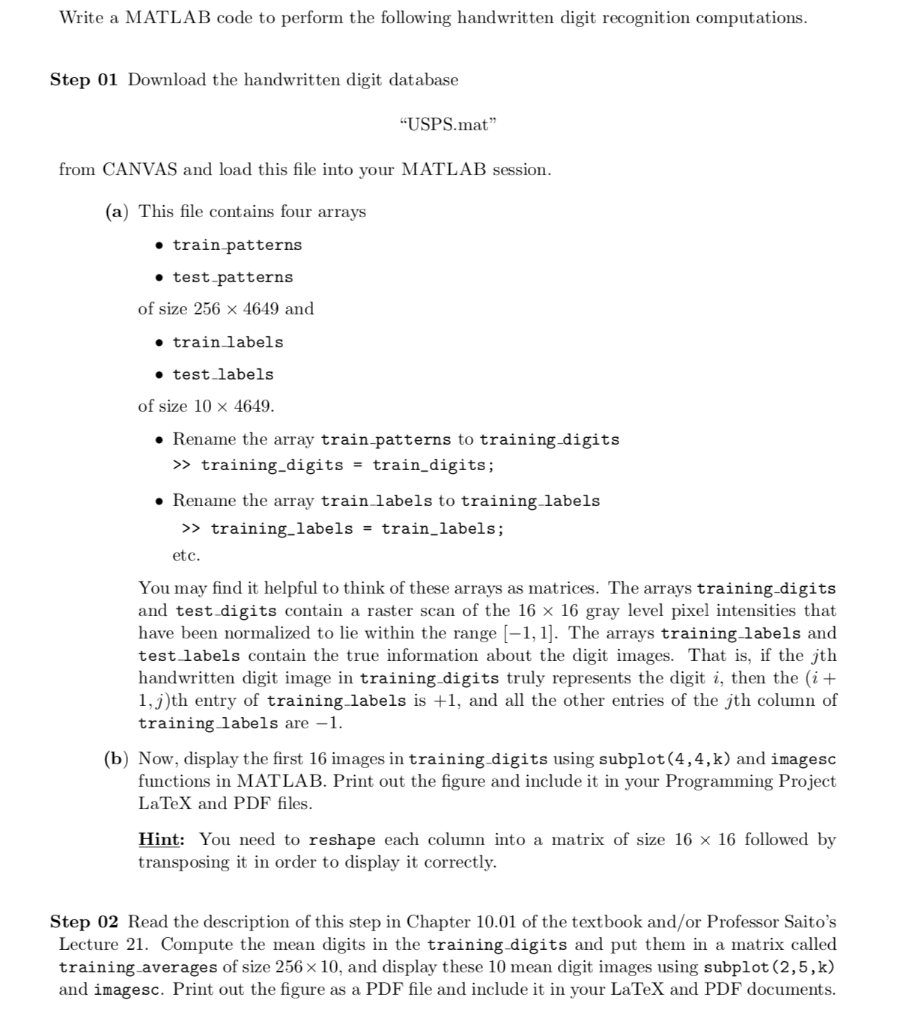
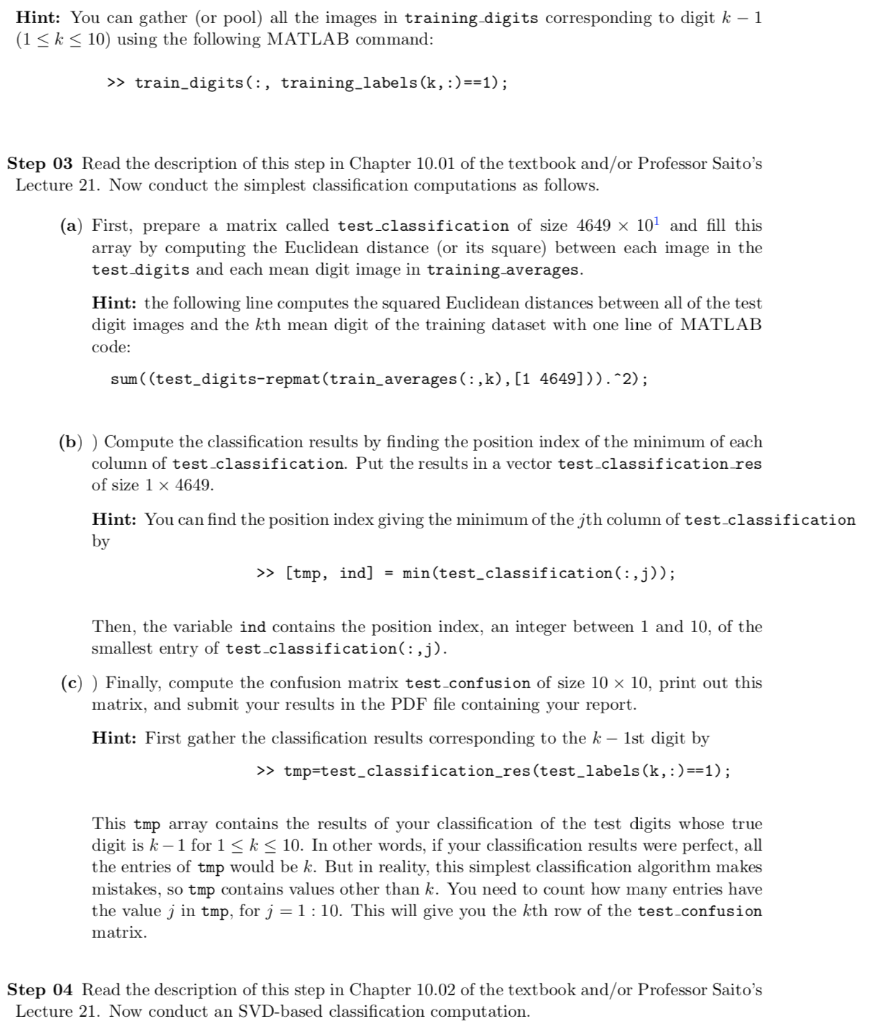
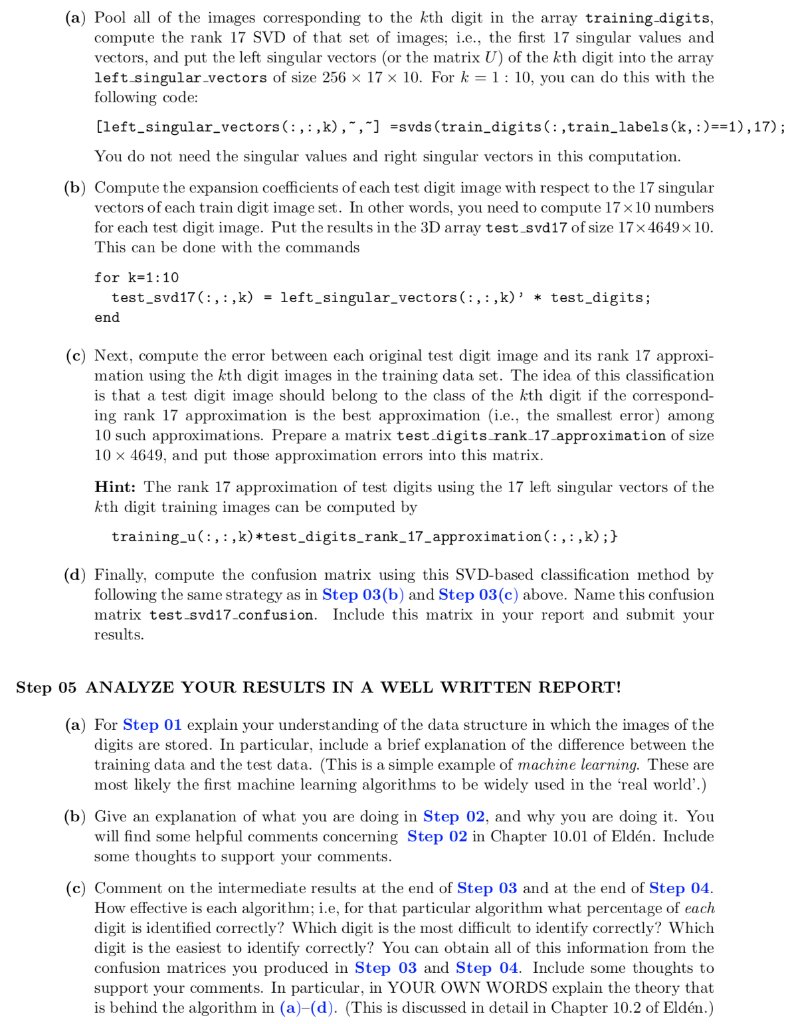
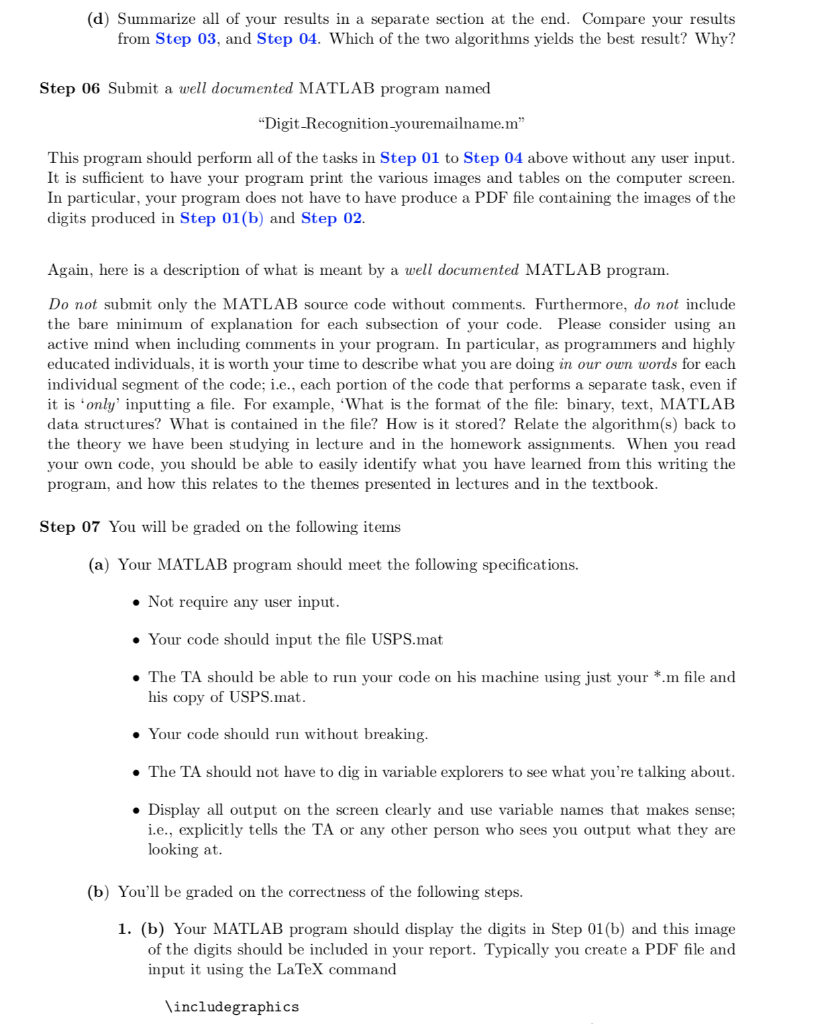
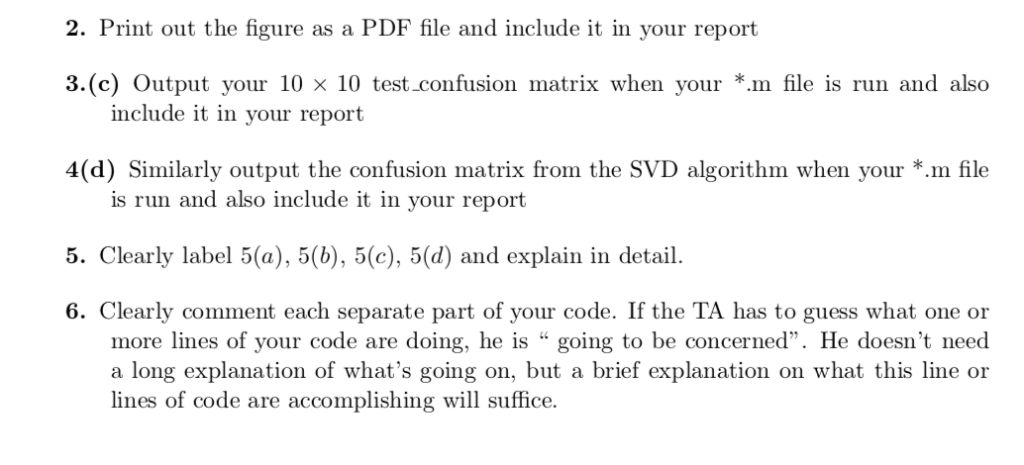
Write a MATLAB code to perform the following handwritten digit recognition computations Step 01 Download the handwritten digit database "USPS.mat from CANVAS and load this file into your MATLAB session a) This file contains four arrays e train patterns e test patterns of size 256 4649 and train labels e test_labels of size 10 x 4649 . Rename the array train-patterns to training-digits >> training_digits train_digits; . Rename the array train labels to training labels >> training labels- train_labels; etc. You may find it helpful to think of these arrays as matrices. The arrays training-digits and test digits contain a raster scan of the 16 x 16 gray level pixel intensities that have been normalized to lie within the range -1,1]. The arrays training labels and test labels contain the true information about the digit images. That is, if the jth handwritten digit image in training-digits truly represents the digit 2, then the (i+ 1, j)th entry of training-labels is +1, and all the other entries of the jth column of traininglabels are -1. (b) Now, display the first 16 images in training-digits using subplot(4,4,k) and imagesc functions in MATLAB. Print out the figure and include it in your Programming Project LaTeX and PDF files Hint: You need to reshape each column into a matrix of size 16 16 followed by transposing it in order to display it correctly Step 02 Read the description of this step in Chapter 10.01 of the textbook and/or Professor Saito's Lecture 21. Compute the mean digits in the training-digits and put them in a matrix called training averages of size 256x 10, and display these 10 mean digit images using subplot (2,5,k) and imagesc. Print out the figure as a PDF file and include it in your LaTeX and PDF documents. Hint: You can gather (or pool) all the images in training digits corresponding to digit k -1 (1Sk 10) using the following MATLAB command >> train_digits(:, training_labels(k, :)-1); Step 03 Read the description of this step in Chapter 10.01 of the textbook and/or Professor Saito's Lecture 21. Now conduct the simplest classification computations as follows. (a) First, prepare a matrix called test-classification of size 4649 101 and fill this array by computing the Euclidean distance (or its square) between each image in the test digits and each mean digit image in training-averages Hint: the following line computes the squared Euclidean distances between all of the test digit images and the kth mean digit of the training dataset with one line of MATLAB code: sum ((test_digits-repmat(train_averages(:,k), [1 4649])).2); (b) ) Compute the classification results by finding the position index of the minimum of each column of test.classification. Put the results in a vector test classification res of size 1 x 4649 Hint: You can find the position index giving the minimum of the jth column of test classification by >> [tmp, ind] - min(test_classification(:,j)); Then, the variable ind contains the position index, an integer between 1 and 10, of the smallest entry of test classification(: ,j). (c) ) Finally, compute the confusion matrix test-confusion of size 10 10, print out this matrix, and submit your results in the PDF file containing your report Hint: First gather the classification results corresponding to the k- 1st digit by >>tmp test_classification_res (test_labels(k,:)1) This tmp array contains the results of your classification of the test digits whose true digit is k- 1 for 1 S k > training_digits train_digits; . Rename the array train labels to training labels >> training labels- train_labels; etc. You may find it helpful to think of these arrays as matrices. The arrays training-digits and test digits contain a raster scan of the 16 x 16 gray level pixel intensities that have been normalized to lie within the range -1,1]. The arrays training labels and test labels contain the true information about the digit images. That is, if the jth handwritten digit image in training-digits truly represents the digit 2, then the (i+ 1, j)th entry of training-labels is +1, and all the other entries of the jth column of traininglabels are -1. (b) Now, display the first 16 images in training-digits using subplot(4,4,k) and imagesc functions in MATLAB. Print out the figure and include it in your Programming Project LaTeX and PDF files Hint: You need to reshape each column into a matrix of size 16 16 followed by transposing it in order to display it correctly Step 02 Read the description of this step in Chapter 10.01 of the textbook and/or Professor Saito's Lecture 21. Compute the mean digits in the training-digits and put them in a matrix called training averages of size 256x 10, and display these 10 mean digit images using subplot (2,5,k) and imagesc. Print out the figure as a PDF file and include it in your LaTeX and PDF documents. Hint: You can gather (or pool) all the images in training digits corresponding to digit k -1 (1Sk 10) using the following MATLAB command >> train_digits(:, training_labels(k, :)-1); Step 03 Read the description of this step in Chapter 10.01 of the textbook and/or Professor Saito's Lecture 21. Now conduct the simplest classification computations as follows. (a) First, prepare a matrix called test-classification of size 4649 101 and fill this array by computing the Euclidean distance (or its square) between each image in the test digits and each mean digit image in training-averages Hint: the following line computes the squared Euclidean distances between all of the test digit images and the kth mean digit of the training dataset with one line of MATLAB code: sum ((test_digits-repmat(train_averages(:,k), [1 4649])).2); (b) ) Compute the classification results by finding the position index of the minimum of each column of test.classification. Put the results in a vector test classification res of size 1 x 4649 Hint: You can find the position index giving the minimum of the jth column of test classification by >> [tmp, ind] - min(test_classification(:,j)); Then, the variable ind contains the position index, an integer between 1 and 10, of the smallest entry of test classification(: ,j). (c) ) Finally, compute the confusion matrix test-confusion of size 10 10, print out this matrix, and submit your results in the PDF file containing your report Hint: First gather the classification results corresponding to the k- 1st digit by >>tmp test_classification_res (test_labels(k,:)1) This tmp array contains the results of your classification of the test digits whose true digit is k- 1 for 1 S k
Step by Step Solution
There are 3 Steps involved in it

Get step-by-step solutions from verified subject matter experts
 Study Help