







Question: Write a program that will display squares in random colors as illustrated to the right. Each square is filled with a random color. The slider
Write a program that will display squares in random colors as illustrated to the right. Each square is filled with a random color. The slider at the top lets the user choose the number of squares to show, from 0 to 10 (or higher if you would prefer).
Since this is an exercise on recursion, you will use a recursive method to place the squares. The method should have the following header
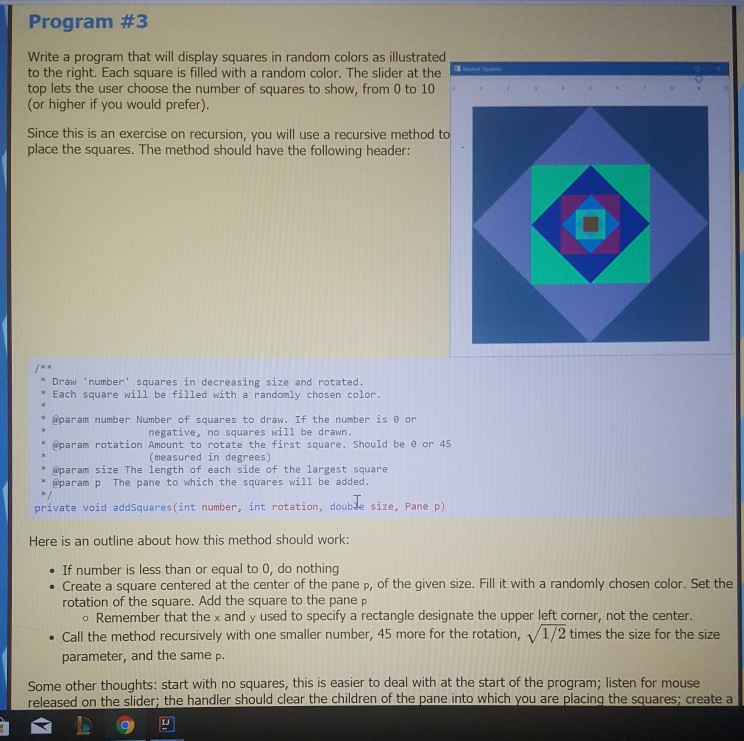
Program #3 Write a program that will display squares in random colors as illustrated to the right. Each square is filled with a random color. The slider at the top lets the user choose the number of squares to show, from 0 to 10 or higher if you would prefer) Since this is an exercise on recursion, you will use a recursive method to place the squares. The method should have the following header: Draw 'number squares in decreasing size and rotated. " Each square will be filled with a randomly chosen color *@param number Number of squares to draw. If the number is 8 or negative, no squares will be drawn. * @param rotation Amount to rotate the first square. Should be or 45 (measured in degrees) * @param size The length of each side of the largest square * @param p The pane to which the squares will be added s/ private void addSquares (int number, int rotation, double size, Pane p) Here is an outline about how this method should work: . If number is less than or equal to 0, do nothing . Create a square centered at the center of the pane p, of the given size. Fill it with a randomly chosen color. Set the rotation of the square. Add the square to the pane p o Remember that the x and y used to specify a rectangle designate the upper left corner, not the center. Call the method recursively with one smaller number, 45 more for the rotation, v/1/2 times the size for the size parameter, and the same p. Some other thoughts: start with no squares, this is easier to deal with at the start of the program; listen for mouse released on the slider; the handler should clear the children of the pane into which you are placing the squares; create a
Step by Step Solution
There are 3 Steps involved in it

Get step-by-step solutions from verified subject matter experts
 Study Help