







Question: Write a program that writes the list of integers given below (num_list) to a file named numbers.txt, where each number is on its own separate
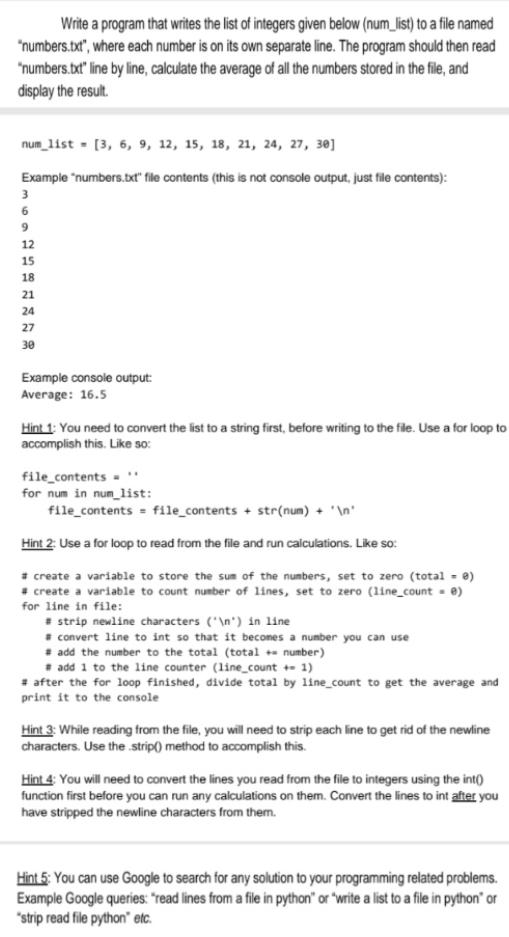
Write a program that writes the list of integers given below (num_list) to a file named "numbers.txt", where each number is on its own separate line. The program should then read "numbers.txt" line by line, calculate the average of all the numbers stored in the file, and display the result. num_list - (3, 6, 9, 12, 15, 18, 21, 24, 27, 30) Example "numbers.txt" file contents (this is not console output, just file contents): 3 6 9 12 15 18 21 24 27 30 Example console output Average: 16.5 Hint 1. You need to convert the list to a string first, before writing to the file. Use a for loop to accomplish this. Like so: file_contents for num in num_list: file_contents = file_contents + str(num) + ' ' Hint 2. Use a for loop to read from the file and run calculations. Like so: #create a variable to store the sum of the numbers, set to zero (total = e) create a variable to count number of lines, set to zero (line_count ) for line in file: + strip newline characters (" ") in line convert line to int so that it becomes a number you can use add the number to the total (total number) # add 1 to the line counter (line_count +- 1) # after the for loop finished, divide total by line_count to get the average and print it to the console Hint 3: While reading from the file, you will need to strip each line to get rid of the newline characters. Use the strip() method to accomplish this. Hint 4: You will need to convert the lines you read from the file to integers using the int() function first before you can run any calculations on them. Convert the lines to int after you have stripped the newline characters from them. Hint 5: You can use Google to search for any solution to your programming related problems. Example Google queries: "read lines from a file in python" or "write a list to a file in python' or *strip read file python" etc
Step by Step Solution
There are 3 Steps involved in it

Get step-by-step solutions from verified subject matter experts
 Study Help