







Question: Write a simple bulletin board server and client. The server will support multiple clients by spawning a thread to handle each one. Each client will
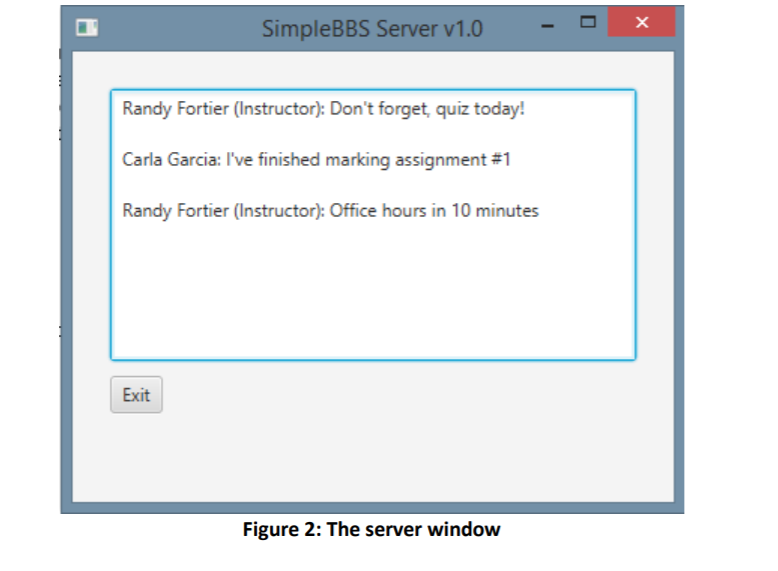
Write a simple bulletin board server and client. The server will support multiple clients by spawning a thread to handle each one. Each client will be able to post messages into the server.
Complete this in Java
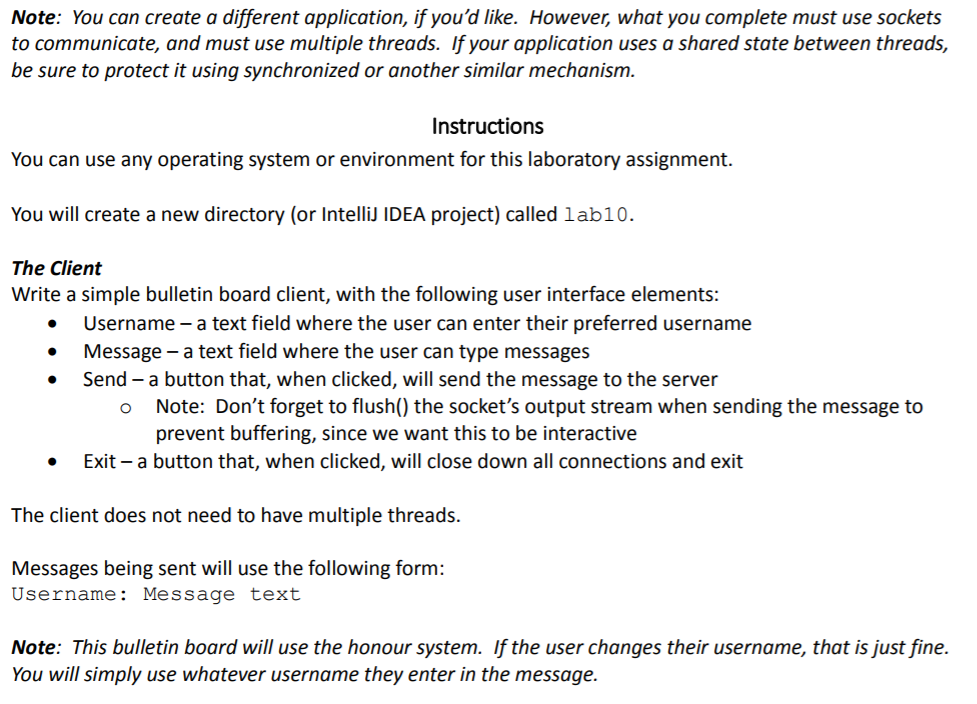
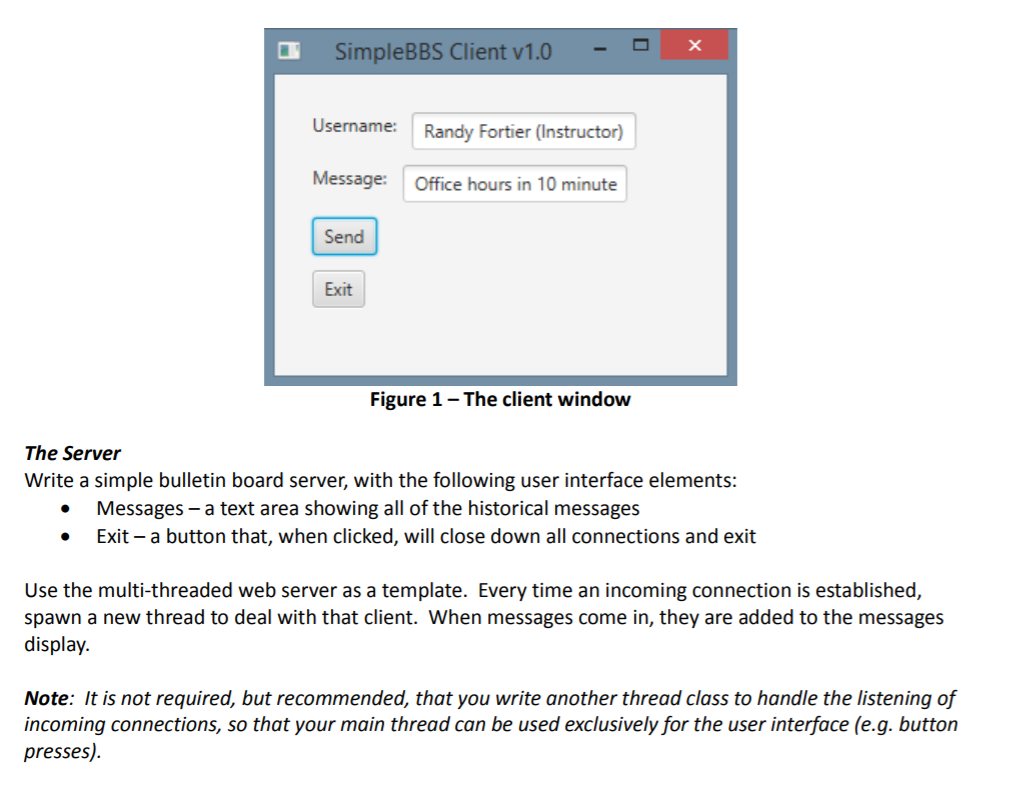
Note: You can create a different application, if you'd like. However, what you complete must use sockets to communicate, and must use multiple threads. If your application uses a shared state between threads, be sure to protect it using synchronized or another similar mechanism. Instructions You can use any operating system or environment for this laboratory assignment. You will create a new directory (or Intelli IDEA project) called 1ab10. The Client Write a simple bulletin board client, with the following user interface elements: Username - a text field where the user can enter their preferred username Message - a text field where the user can type messages Send- a button that, when clicked, will send the message to the server Note: Don't forget to flush() the socket's output stream when sending the message to prevent buffering, since we want this to be interactive o Exit-a button that, when clicked, will close down all connections and exit The client does not need to have multiple threads. Messages being sent will use the following form: Username: Message text Note: This bulletin board will use the honour system. If the user changes their username, that is just fine. You will simply use whatever username they enter in the message
Step by Step Solution
There are 3 Steps involved in it

Get step-by-step solutions from verified subject matter experts
 Study Help