







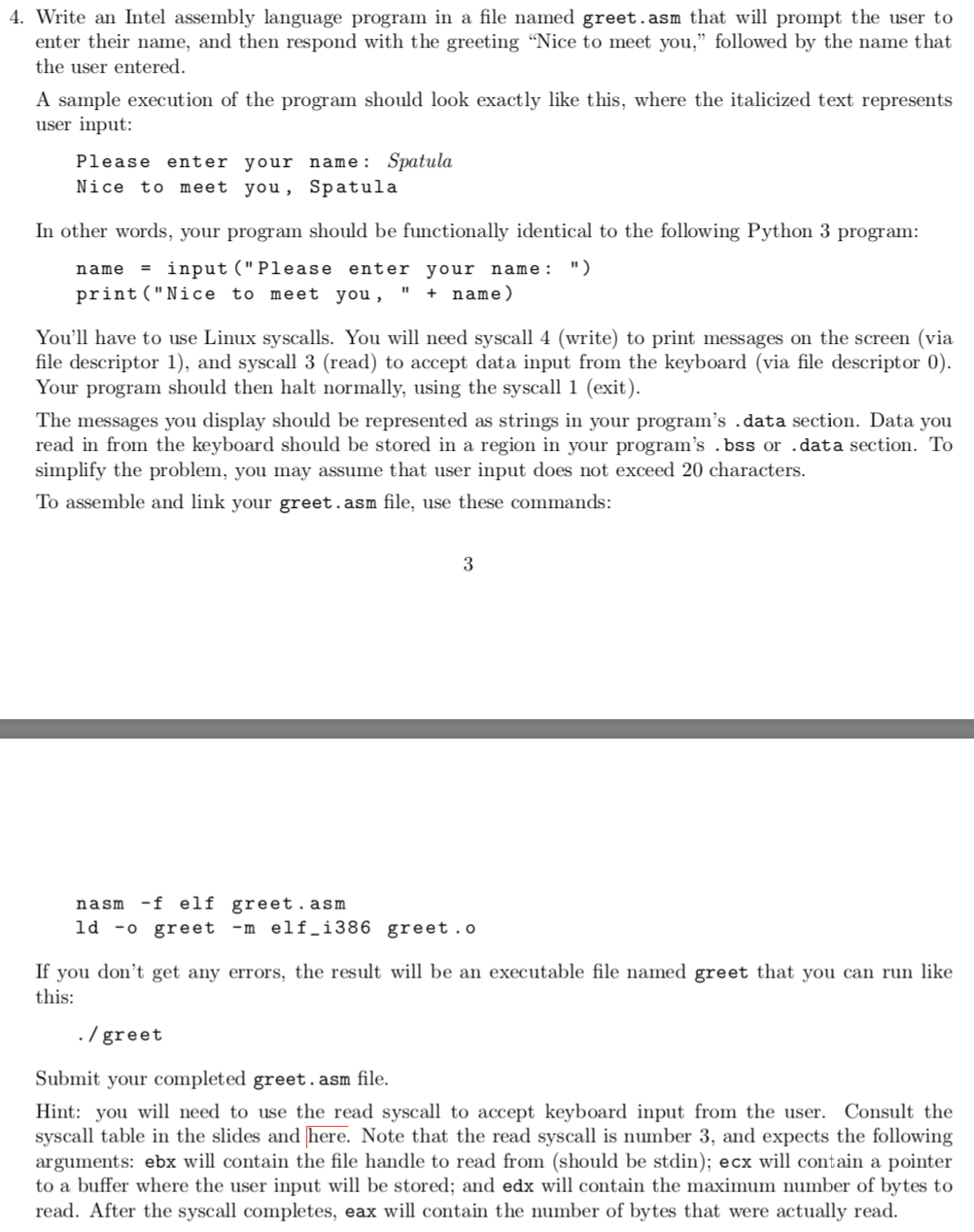
Question: Write an Intel assembly language program in a file named greet.asm that will prompt the user to enter their name, and then respond with the
Write an Intel assembly language program in a file named greet.asm that will prompt the user to
enter their name, and then respond with the greeting "Nice to meet you," followed by the name that
the user entered.
A sample execution of the program should look exactly like this, where the italicized text represents
user input:
Please enter your name: Spatula
Nice to meet you, Spatula
In other words, your program should be functionally identical to the following Python program:
name input:
print name
You'll have to use Linux syscalls. You will need syscall write to print messages on the screen via
file descriptor and syscall read to accept data input from the keyboard via file descriptor
Your program should then halt normally, using the syscall exit
The messages you display should be represented as strings in your program's data section. Data you
read in from the keyboard should be stored in a region in your program's bss or data section. To
simplify the problem, you may assume that user input does not exceed characters.
To assemble and link your greet.asm file, use these commands:
nasm f elf greet.asm
ld o greet elfi greet.o
If you don't get any errors, the result will be an executable file named greet that you can run like
this:
greet
Submit your completed greet. asm file.
Hint: you will need to use the read syscall to accept keyboard input from the user. Consult the
syscall table in the slides and Note that the read syscall is number and expects the following
arguments: ebx will contain the file handle to read from should be stdin; ecx will contain a pointer
to a buffer where the user input will be stored; and edx will contain the maximum number of bytes to
read. After the syscall completes, eax will contain the number of bytes that were actually read.
Step by Step Solution
There are 3 Steps involved in it
1 Expert Approved Answer
Step: 1 Unlock

Question Has Been Solved by an Expert!
Get step-by-step solutions from verified subject matter experts
Step: 2 Unlock
Step: 3 Unlock
 Study Help