







Question: write matlab code for this locations: ( A report which includes the plots you obtained from your Matlab code ) Location 1 : Honolulu, Hawaii
write matlab code for this locations: A report which includes the plots you obtained from your Matlab code
Location : Honolulu, Hawaii Coordinates: deg Ndeg W
Location : Reykjavik, Iceland Coordinates: deg Ndeg W
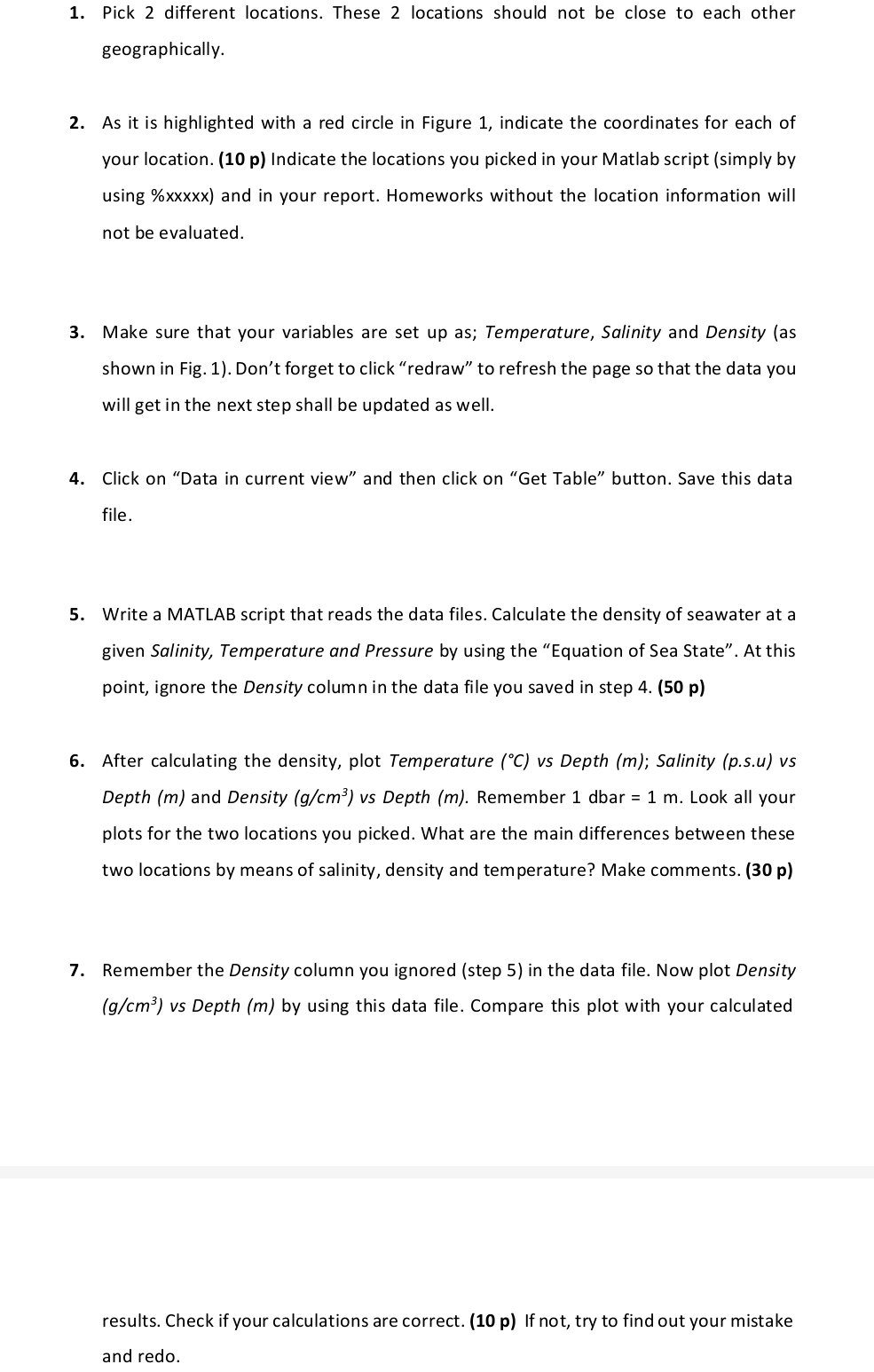
As it is highlighted with a red circle in Figure indicate the coordinates for each of your location. p Indicate the locations you picked in your Matlab script simply by using xxxxx and in your report. Homeworks without the location information will not be evaluated.
Make sure that your variables are set up as; Temperature, Salinity and Density as shown in Fig. Don't forget to click "redraw" to refresh the page so that the data you will get in the next step shall be updated as well.
Click on "Data in current view" and then click on "Get Table" button. Save this data file.
Write a MATLAB script that reads the data files. Calculate the density of seawater at a given Salinity, Temperature and Pressure by using the "Equation of Sea State". At this point, ignore the Density column in the data file you saved in step p
After calculating the density, plot Temperature vs Depth m; Salinity psu vs Depth and Density vs Depth Remember Look all your plots for the two locations you picked. What are the main differences between these two locations by means of salinity, density and temperature? Make comments. p
Remember the Density column you ignored step in the data file. Now plot Density vs Depth by using this data file. Compare this plot with your calculated
results. Check if your calculations are correct. p If not, try to find out your mistake and redo.
Step by Step Solution
There are 3 Steps involved in it
1 Expert Approved Answer
Step: 1 Unlock

Question Has Been Solved by an Expert!
Get step-by-step solutions from verified subject matter experts
Step: 2 Unlock
Step: 3 Unlock
 Study Help