







Question: X Provide visually appealing formatting to allow for quick differentiation among the categories and months and for quick location of individual items. Provide visually appealing
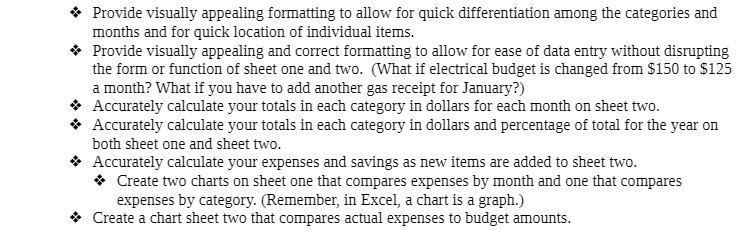
X Provide visually appealing formatting to allow for quick differentiation among the categories and months and for quick location of individual items. Provide visually appealing and correct formatting to allow for ease of data entry without disrupting the form or function of sheet one and two. (What if electrical budget is changed from $150 to $125 a month? What if you have to add another gas receipt for January?) Accurately calculate your totals in each category in dollars for each month on sheet two. Accurately calculate your totals in each category in dollars and percentage of total for the year on both sheet one and sheet two. Accurately calculate your expenses and savings as new items are added to sheet two. * Create two charts on sheet one that compares expenses by month and one that compares expenses by category. (Remember, in Excel, a chart is a graph.) Create a chart sheet two that compares actual expenses to budget amounts
Step by Step Solution
There are 3 Steps involved in it

Get step-by-step solutions from verified subject matter experts
 Study Help