



Question: year. She decides to create a PivotTable to better manipulate and filter the student group data. Switch to the Academic PivotTable worksheet, then create a
year. She decides to create a PivotTable to better manipulate and filter the student group data.
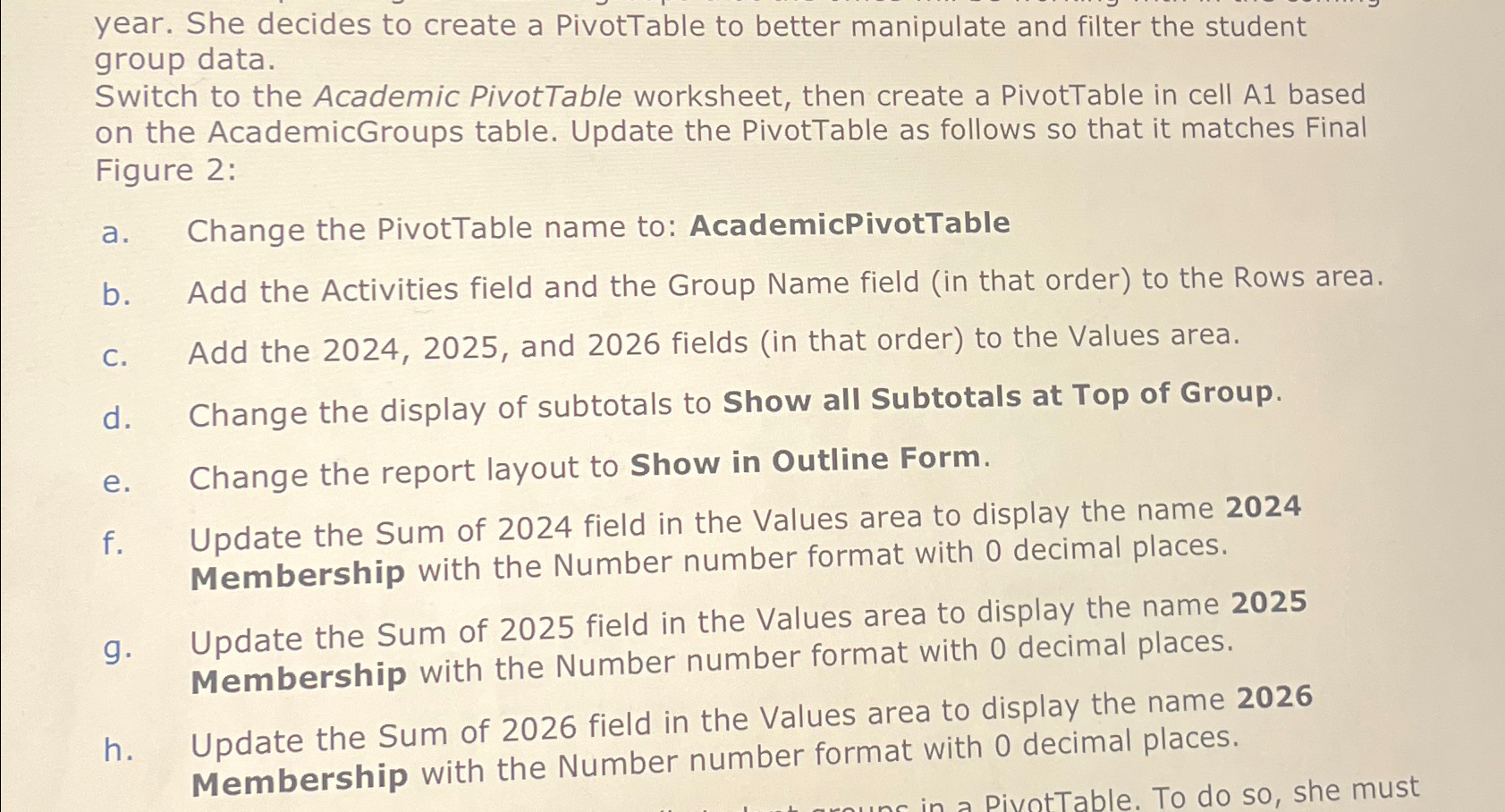
Switch to the Academic PivotTable worksheet, then create a PivotTable in cell A based on the AcademicGroups table. Update the PivotTable as follows so that it matches Final Figure :
a Change the PivotTable name to: AcademicPivotTable
b Add the Activities field and the Group Name field in that order to the Rows area.
c Add the and fields in that order to the Values area.
d Change the display of subtotals to Show all Subtotals at Top of Group.
e Change the report layout to Show in Outline Form.
f Update the Sum of field in the Values area to display the name Membership with the Number number format with decimal places.
g Update the Sum of field in the Values area to display the name Membership with the Number number format with decimal places.
h Update the Sum of field in the Values area to display the name Membership with the Number number format with decimal places.
Step by Step Solution
There are 3 Steps involved in it
1 Expert Approved Answer
Step: 1 Unlock

Question Has Been Solved by an Expert!
Get step-by-step solutions from verified subject matter experts
Step: 2 Unlock
Step: 3 Unlock