Question: You are given a deadline for a project. What is the drawback of using that specific date as your Project Finish Date when scheduling in
You are given a deadline for a project. What is
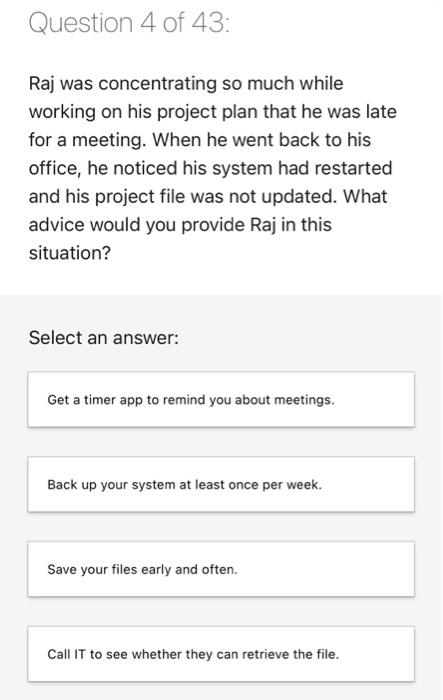
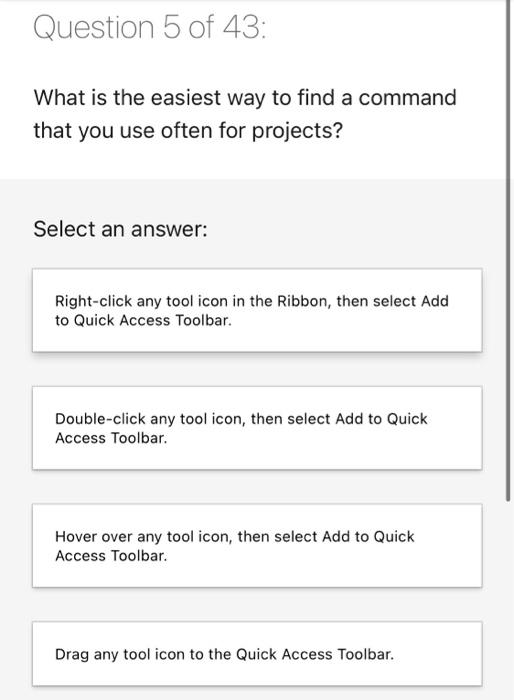
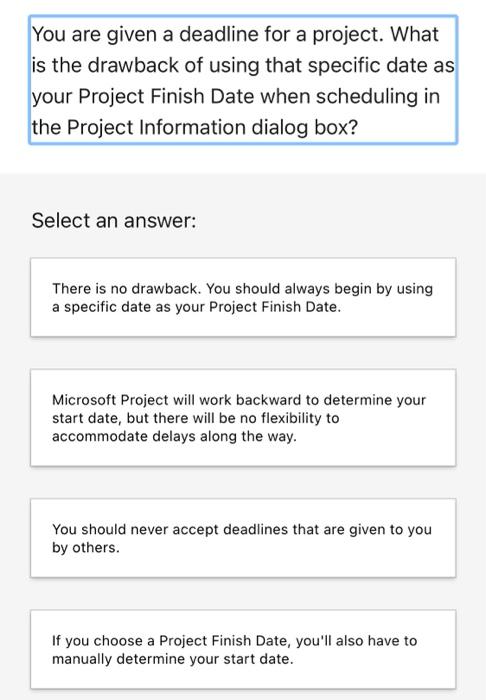
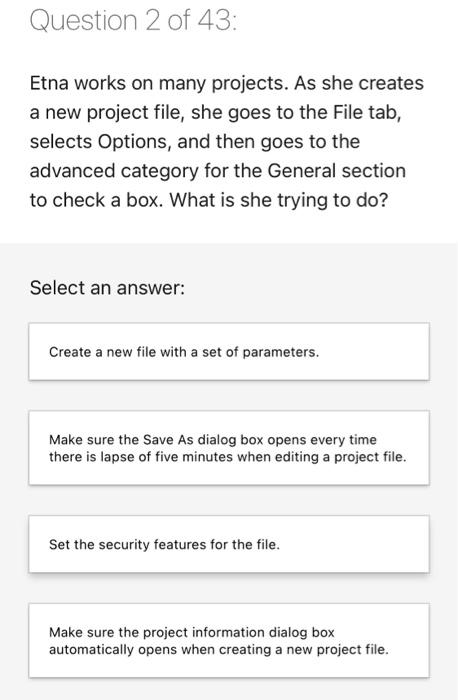
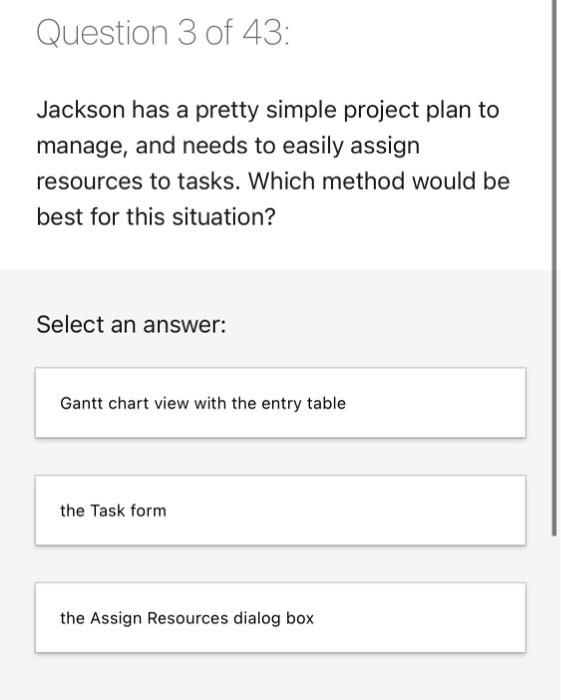
You are given a deadline for a project. What is the drawback of using that specific date as your Project Finish Date when scheduling in the Project Information dialog box? Select an answer: There is no drawback. You should always begin by using a specific date as your Project Finish Date. Microsoft Project will work backward to determine your start date, but there will be no flexibility to accommodate delays along the way. You should never accept deadlines that are given to you by others. If you choose a Project Finish Date, you'll also have to manually determine your start date. Question 2 of 43: Etna works on many projects. As she creates a new project file, she goes to the File tab, selects Options, and then goes to the advanced category for the General section to check a box. What is she trying to do? Select an answer: Create a new file with a set of parameters. Make sure the Save As dialog box opens every time there is lapse of five minutes when editing a project file. Set the security features for the file. Make sure the project information dialog box automatically opens when creating a new project file. Question 3 of 43: Jackson has a pretty simple project plan to manage, and needs to easily assign resources to tasks. Which method would be best for this situation? Select an answer: Gantt chart view with the entry table the Task form the Assign Resources dialog box Question 4 of 43: Raj was concentrating so much while working on his project plan that he was late for a meeting. When he went back to his office, he noticed his system had restarted and his project file was not updated. What advice would you provide Raj in this situation? Select an answer: Get a timer app to remind you about meetings. Back up your system at least once per week. Save your files early and often. Call IT to see whether they can retrieve the file. Question 5 of 43: What is the easiest way to find a command that you use often for projects? Select an answer: Right-click any tool icon in the Ribbon, then select Add to Quick Access Toolbar. Double-click any tool icon, then select Add to Quick Access Toolbar. Hover over any tool icon, then select Add to Quick Access Toolbar. Drag any tool icon to the Quick Access Toolbar
Step by Step Solution

There are 3 Steps involved in it

1 Expert Approved Answer
Step: 1 Unlock blur-text-image

Question Has Been Solved by an Expert!

Get step-by-step solutions from verified subject matter experts

Step: 2 Unlock
Step: 3 Unlock

Students Have Also Explored These Related General Management Questions!