







Question: you are given a spring boot version 2.0.5 application with database access already configured. The database contains two tables:person and pet.A person can have many
you are given a spring boot version 2.0.5 application with database access already configured. The database contains two tables:person and pet.A person can have many pets,and every pet has an owner. Database schema CREATE TABLE person ( id bigint NOT NULL, first_name varchar(50) NOT NULL, PRIMARY KEY(id) );
CREATE TABLE pet ( id bigint NOT NULL, name varchar(50) NOT NULL, owner_id bigint NOT NULL,
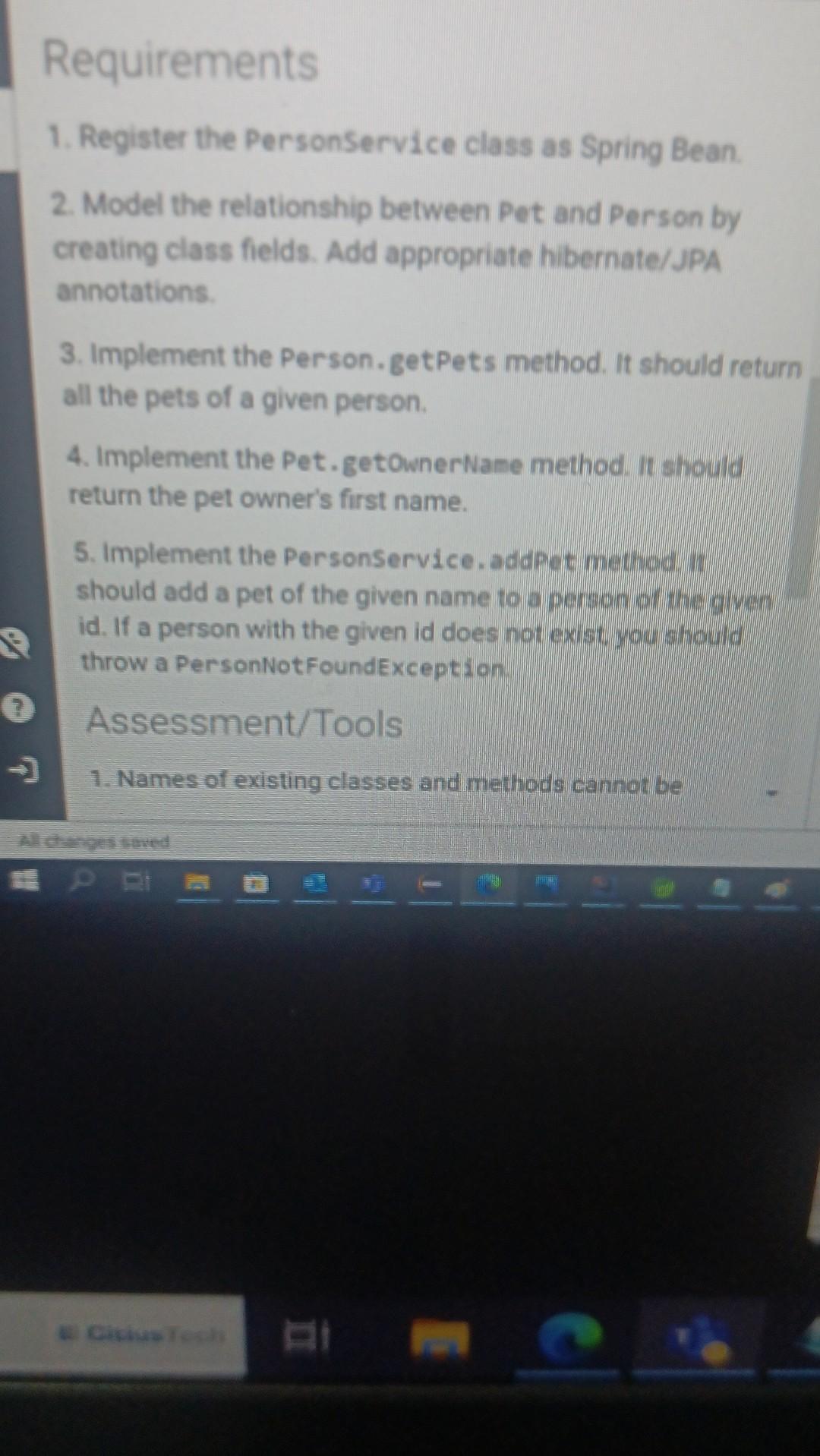
PRIMARY KEY(id) ); ALTER TABLE pet ADD FOREIGN KEY (owner_id) REFERENCES person(id); Requirements 1.Register the PersonService class as Spring Bean. 2.Model the relay between Pet and Person by creating class fields.Add appropriate hibernate/JPA annotations. 3.Implement the Person.getPets method.It should return all the pets of a given person. 4.Implement the Pet.getOwnerName method.It should return the pet owner's first name. 5.Implement the PersonService.addPet method.It should add a pet of the given name to a person of the given id.If a person with the given id does not exist,you should throw a PersonNotFoundException. assignment tools
you are writing a end
2. Model the relationship between Pet and Person by creating class fields. Add appropriate hibernate/JPA annotations. 3. Implement the Person. getPets method. It should return all the pets of a given person. 4. Implement the Pet. getownerNane method. It should return the pet owner's first name. 5. Implement the Personservice. addpet method. it should add a pet of the given name to a person of the given id. If a person with the given id does not exist, you should throw a PersonNotFoundexception
Step by Step Solution
There are 3 Steps involved in it

Get step-by-step solutions from verified subject matter experts
 Study Help