


Question: you can use it again later. Name the new worksheet Simulation Data 1. Be sure that your worksheets have titles and cell formatting. 5. On
you can use it again later. Name the new
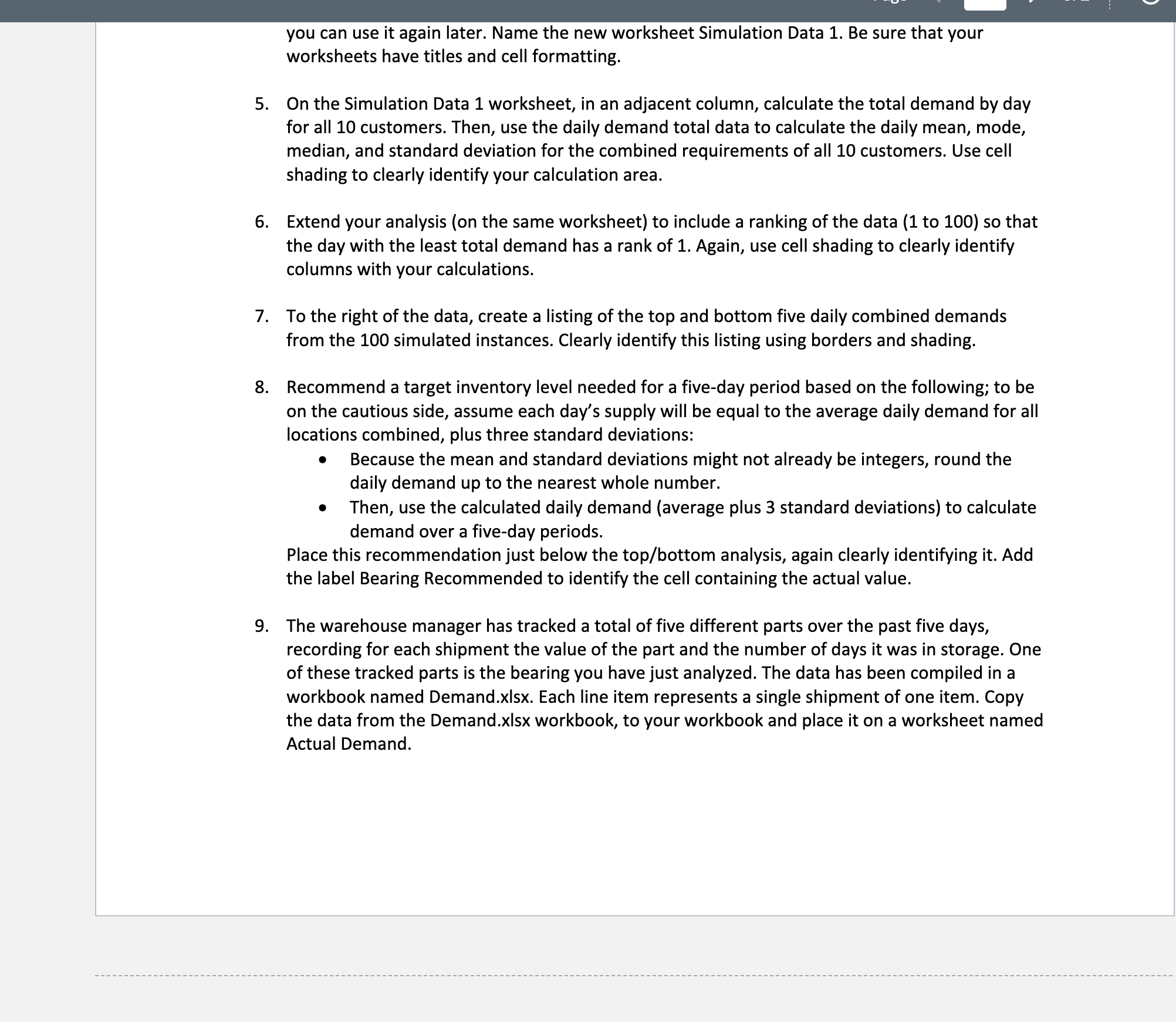
you can use it again later. Name the new worksheet Simulation Data 1. Be sure that your worksheets have titles and cell formatting. 5. On the Simulation Data 1 worksheet, in an adjacent column, calculate the total demand by day for all 10 customers. Then, use the daily demand total data to calculate the daily mean, mode, median, and standard deviation for the combined requirements of all 10 customers. Use cell shading to clearly identify your calculation area. 5. Extend your analysis (on the same worksheet) to include a ranking of the data (1 to 100) so that the day with the least total demand has a rank of 1. Again, use cell shading to clearly identify columns with your calculations. 7. To the right of the data, create a listing of the top and bottom five daily combined demands from the 100 simulated instances. Clearly identify this listing using borders and shading. 8. Recommend a target inventory level needed for a five-day period based on the following; to be on the cautious side, assume each day's supply will be equal to the average daily demand for all locations combined, plus three standard deviations: 0 Because the mean and standard deviations might not already be integers, round the daily demand up to the nearest whole number. I Then, use the calculated daily demand (average plus 3 standard deviations) to calculate demand over a five-day periods. Place this recommendation just below the top/bottom analysis, again clearly identifying it. Add the label Bearing Recommended to identify the cell containing the actual value. 9. The warehouse manager has tracked a total of five different parts over the past five clays, recording for each shipment the value of the part and the number of days it was in storage. One of these tracked parts is the hearing you have just analyzed. The data has been compiled in a workbook named Demand.xlsx. Each line item represents a single shipment of one item. Copy the data from the Demand.xlsx workbook, to your workbook and place it on a worksheet named Actual Demand

Step by Step Solution

There are 3 Steps involved in it

1 Expert Approved Answer
Step: 1 Unlock blur-text-image

Question Has Been Solved by an Expert!

Get step-by-step solutions from verified subject matter experts

Step: 2 Unlock
Step: 3 Unlock

Students Have Also Explored These Related Accounting Questions!