







Question: You need to open NetLab or any other Linux CLI for this assignment. You will be submitting a recording of completed work. 1) Create
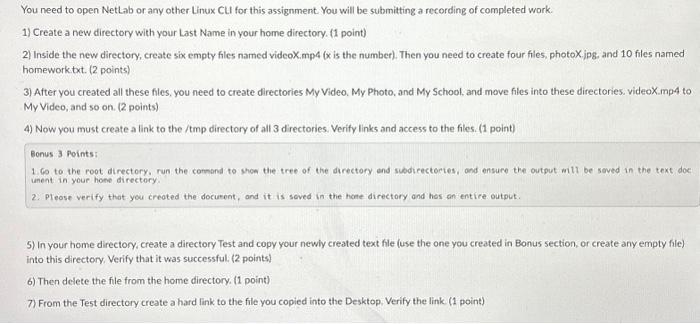
You need to open NetLab or any other Linux CLI for this assignment. You will be submitting a recording of completed work. 1) Create a new directory with your Last Name in your home directory. (1 point) 2) Inside the new directory, create six empty files named videoX.mp4 (x is the number). Then you need to create four files, photoX.jpg, and 10 files named homework.txt. (2 points) 3) After you created all these files, you need to create directories My Video, My Photo, and My School, and move files into these directories. videoX.mp4 to My Video, and so on. (2 points) 4) Now you must create a link to the /tmp directory of all 3 directories. Verify links and access to the files. (1 point) Bonus 3 Points: 1.Go to the root directory, run the command to show the tree of the directory and subdirectories, and ensure the output will be saved in the text doc unent in your home directory. 2. Please verify that you created the document, and it is saved in the home directory and has an entire output. 5) In your home directory, create a directory Test and copy your newly created text file (use the one you created in Bonus section, or create any empty file) into this directory. Verify that it was successful. (2 points) 6) Then delete the file from the home directory. (1 point) 7) From the Test directory create a hard link to the file you copied into the Desktop, Verify the link (1 point) You need to open NetLab or any other Linux CLI for this assignment. You will be submitting a recording of completed work. 1) Create a new directory with your Last Name in your home directory. (1 point) 2) Inside the new directory, create six empty files named videoX.mp4 (x is the number). Then you need to create four files, photoX.jpg, and 10 files named homework.txt. (2 points) 3) After you created all these files, you need to create directories My Video, My Photo, and My School, and move files into these directories. videoX.mp4 to My Video, and so on. (2 points) 4) Now you must create a link to the /tmp directory of all 3 directories. Verify links and access to the files. (1 point) Bonus 3 Points: 1.Go to the root directory, run the command to show the tree of the directory and subdirectories, and ensure the output will be saved in the text doc. ument in your home directory. 2. Please verify that you created the document, and it is saved in the home directory and has an entire output. 5) In your home directory, create a directory Test and copy your newly created text file (use the one you created in Bonus section, or create any empty file) into this directory. Verify that it was successful. (2 points) 6) Then delete the file from the home directory. (1 point) 7) From the Test directory create a hard link to the file you copied into the Desktop. Verify the link. (1 point)
Step by Step Solution
There are 3 Steps involved in it

Get step-by-step solutions from verified subject matter experts
 Study Help