Question: You received a #VALUE error in your formula result. After clicking in the cell with the ERROR, what steps would you use to find the
You received a #VALUE error in your formulaYou received a #VALUE error in your formulaYou received a #VALUE error in your formulaYou received a #VALUE error in your formula

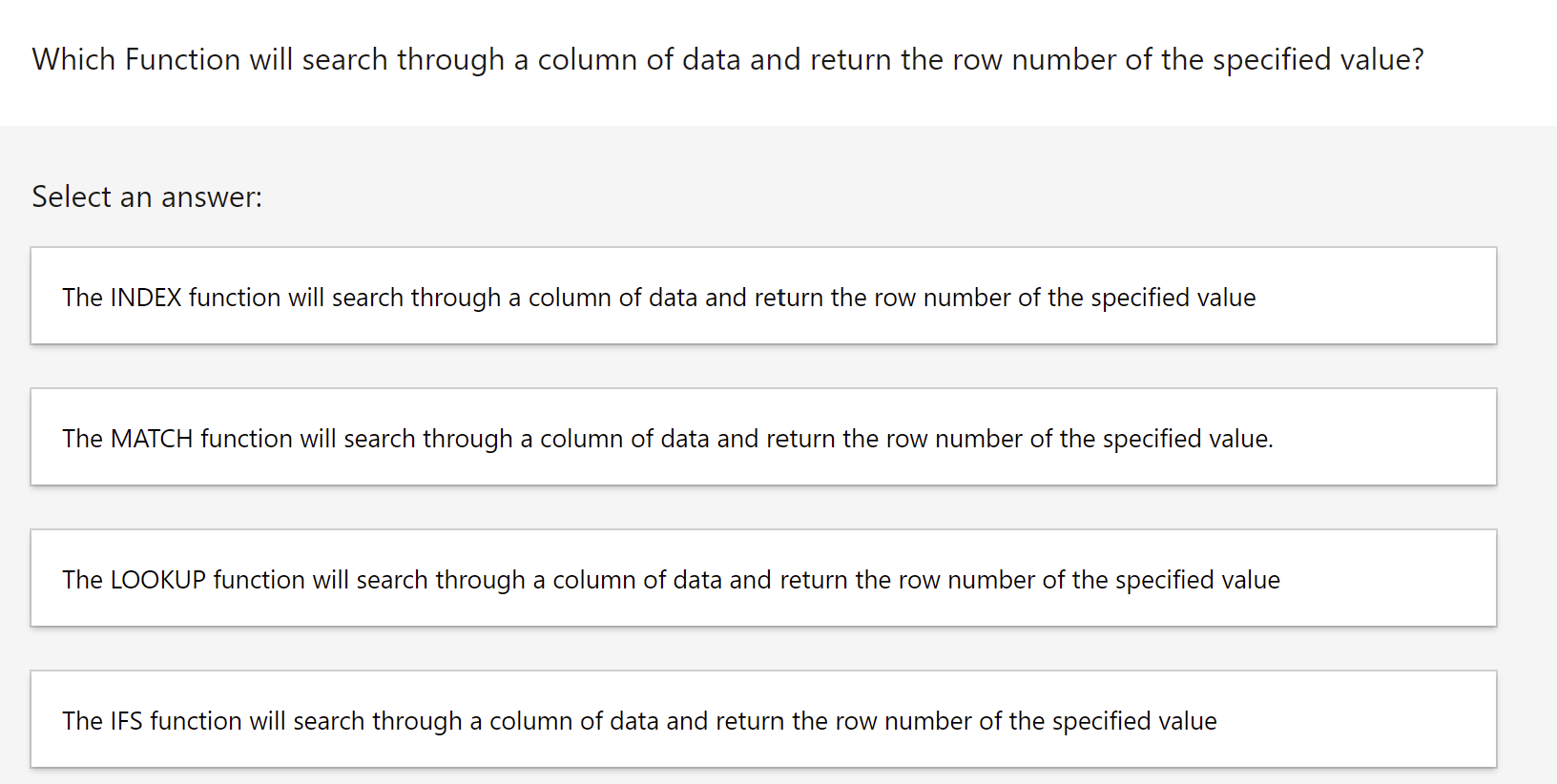
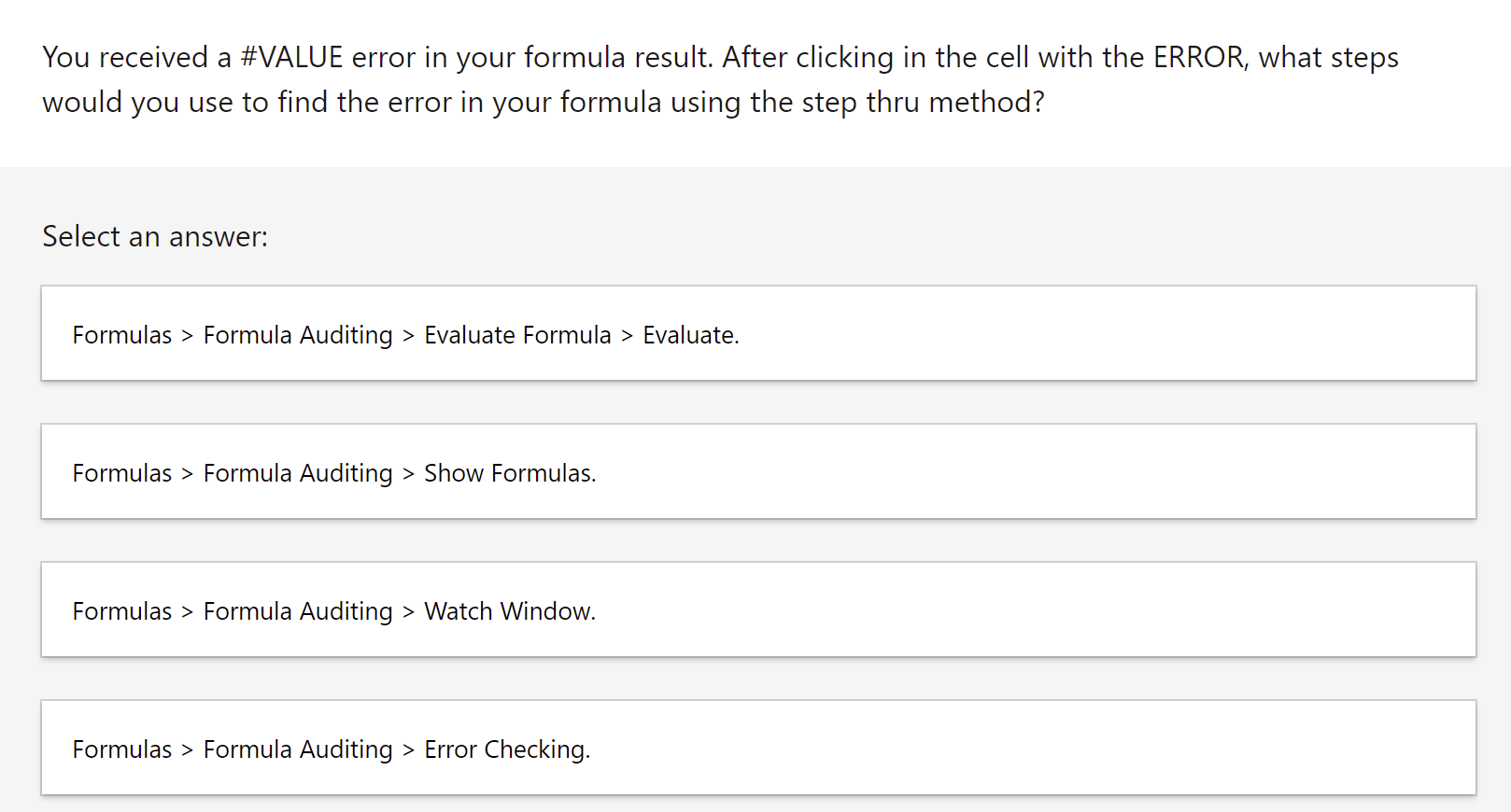
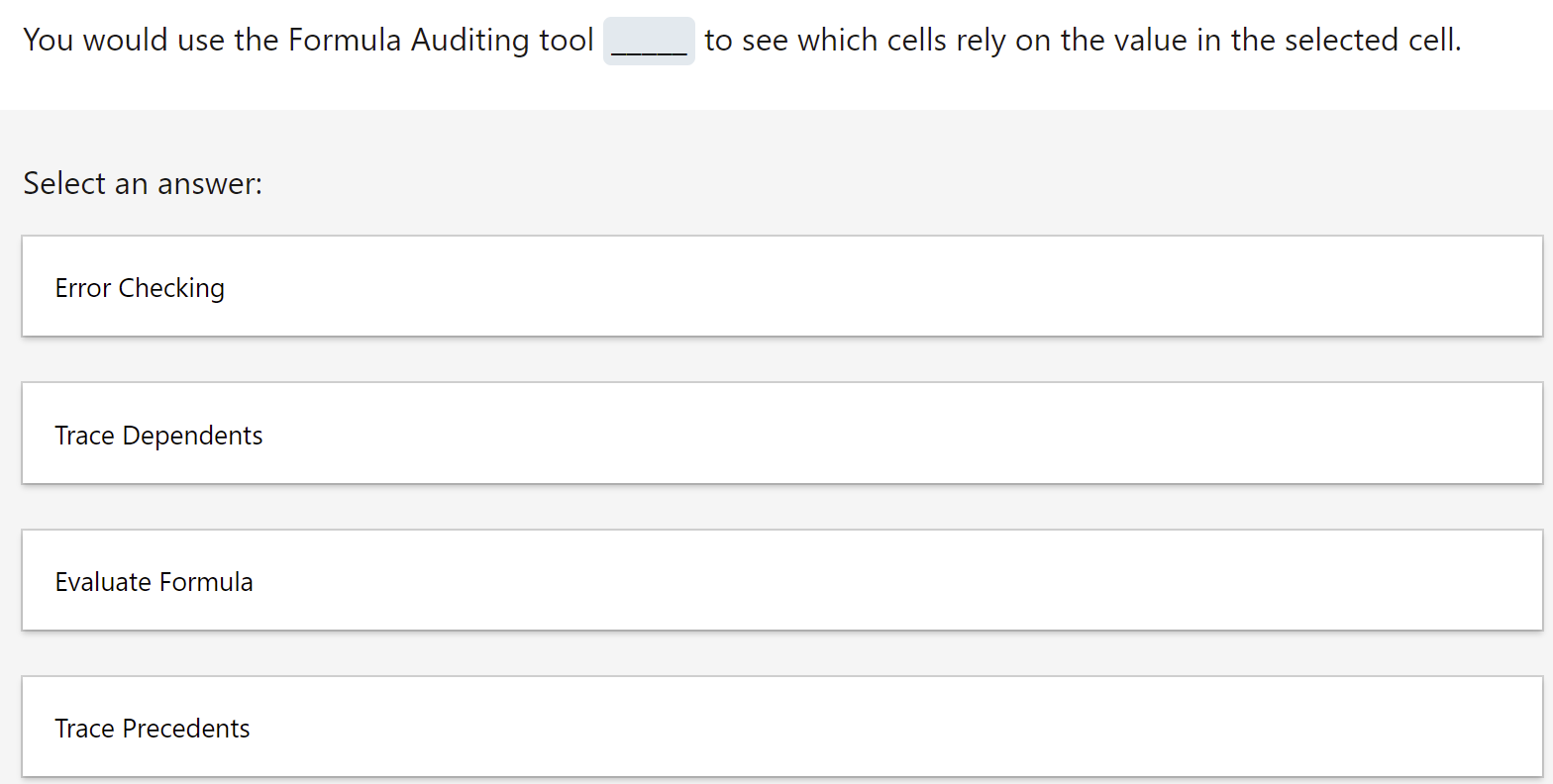
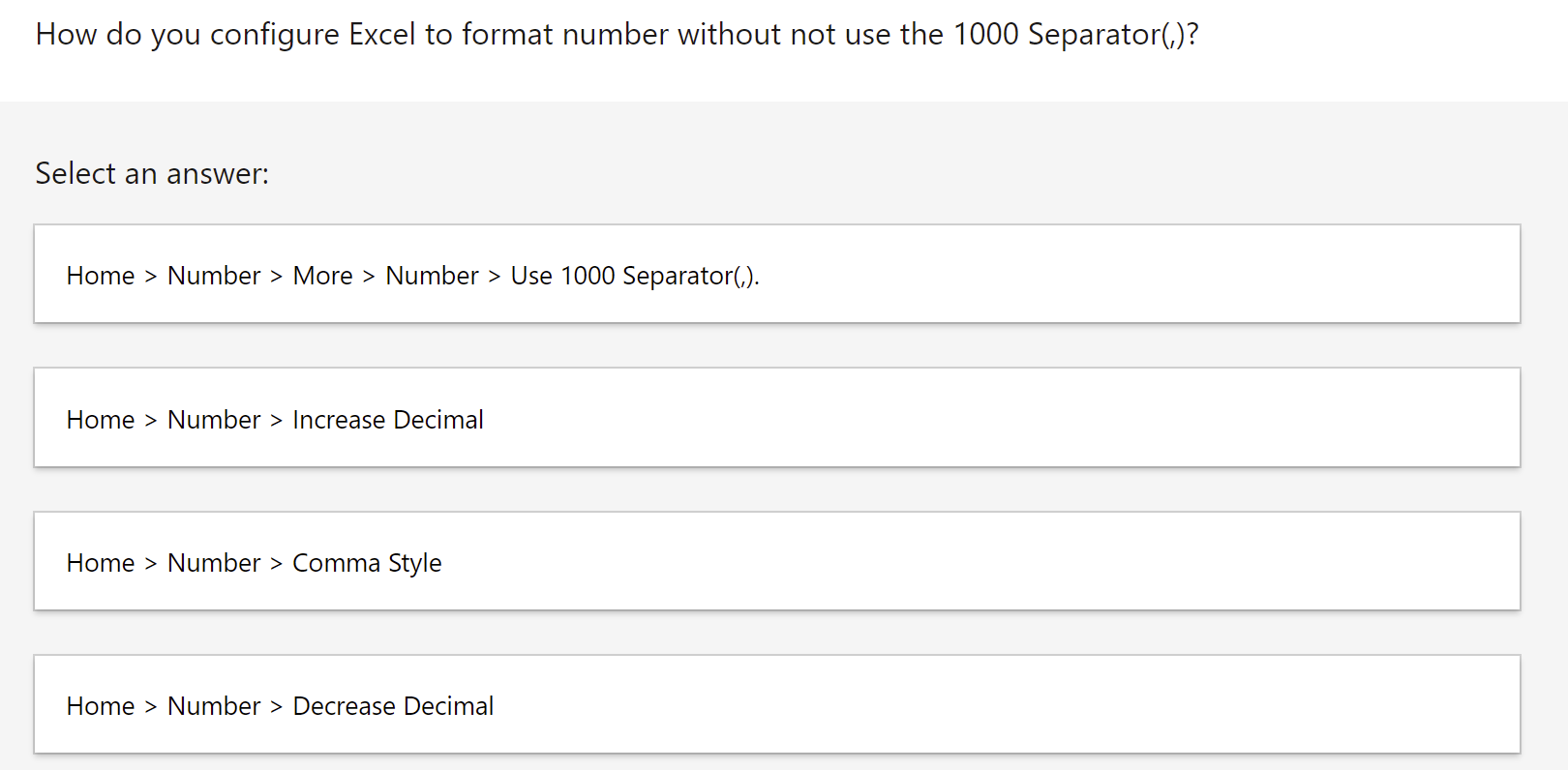
You received a #VALUE error in your formula result. After clicking in the cell with the ERROR, what steps would you use to find the error in your formula using the step thru method? Select an answer: Formulas > Formula Auditing > Evaluate Formula > Evaluate. Formulas > Formula Auditing > Show Formulas. Formulas > Formula Auditing > Watch Window. Formulas > Formula Auditing > Error Checking. You would use the Formula Auditing tool Select an answer: Error Checking Trace Dependents Evaluate Formula Trace Precedents to see which cells rely on the value in the selected cell. How do you configure Excel to format number without not use the 1000 Separator(,)? Select an answer: Home > Number > More > Number > Use 1000 Separator(,). Home > Number > Increase Decimal Home > Number > Comma Style Home > Number > Decrease Decimal Which Function will search through a column of data and return the row number of the specified value? Select an answer: The INDEX function will search through a column of data and return the row number of the specified value The MATCH function will search through a column of data and return the row number of the specified value. The LOOKUP function will search through a column of data and return the row number of the specified value The IFS function will search through a column of data and return the row number of the specified value
Step by Step Solution

There are 3 Steps involved in it

1 Expert Approved Answer
Step: 1 Unlock blur-text-image

Question Has Been Solved by an Expert!

Get step-by-step solutions from verified subject matter experts

Step: 2 Unlock
Step: 3 Unlock

Students Have Also Explored These Related General Management Questions!