







Question: You will only be allowed one attempt to complete this lab. Important: Do not click Score Lab until after you have attempted all tasks. Once
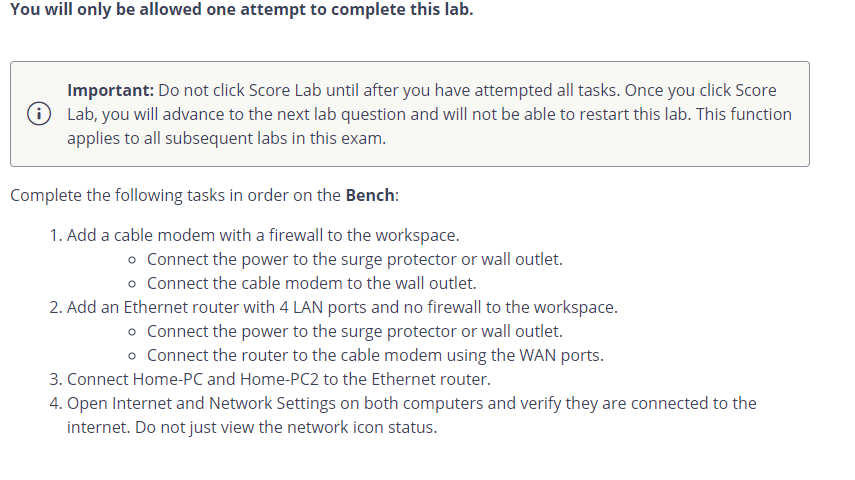
You will only be allowed one attempt to complete this lab. Important: Do not click Score Lab until after you have attempted all tasks. Once you click Score Lab, you will advance to the next lab question and will not be able to restart this lab. This function applies to all subsequent labs in this exam. Complete the following tasks in order on the Bench: 1. Add a cable modem with a firewall to the workspace. - Connect the power to the surge protector or wall outlet. - Connect the cable modem to the wall outlet. 2. Add an Ethernet router with 4 LAN ports and no firewall to the workspace. - Connect the power to the surge protector or wall outlet. - Connect the router to the cable modem using the WAN ports. 3. Connect Home-PC and Home-PC2 to the Ethernet router. 4. Open Internet and Network Settings on both computers and verify they are connected to the internet. Do not just view the network icon status
Step by Step Solution
There are 3 Steps involved in it

Get step-by-step solutions from verified subject matter experts
 Study Help