







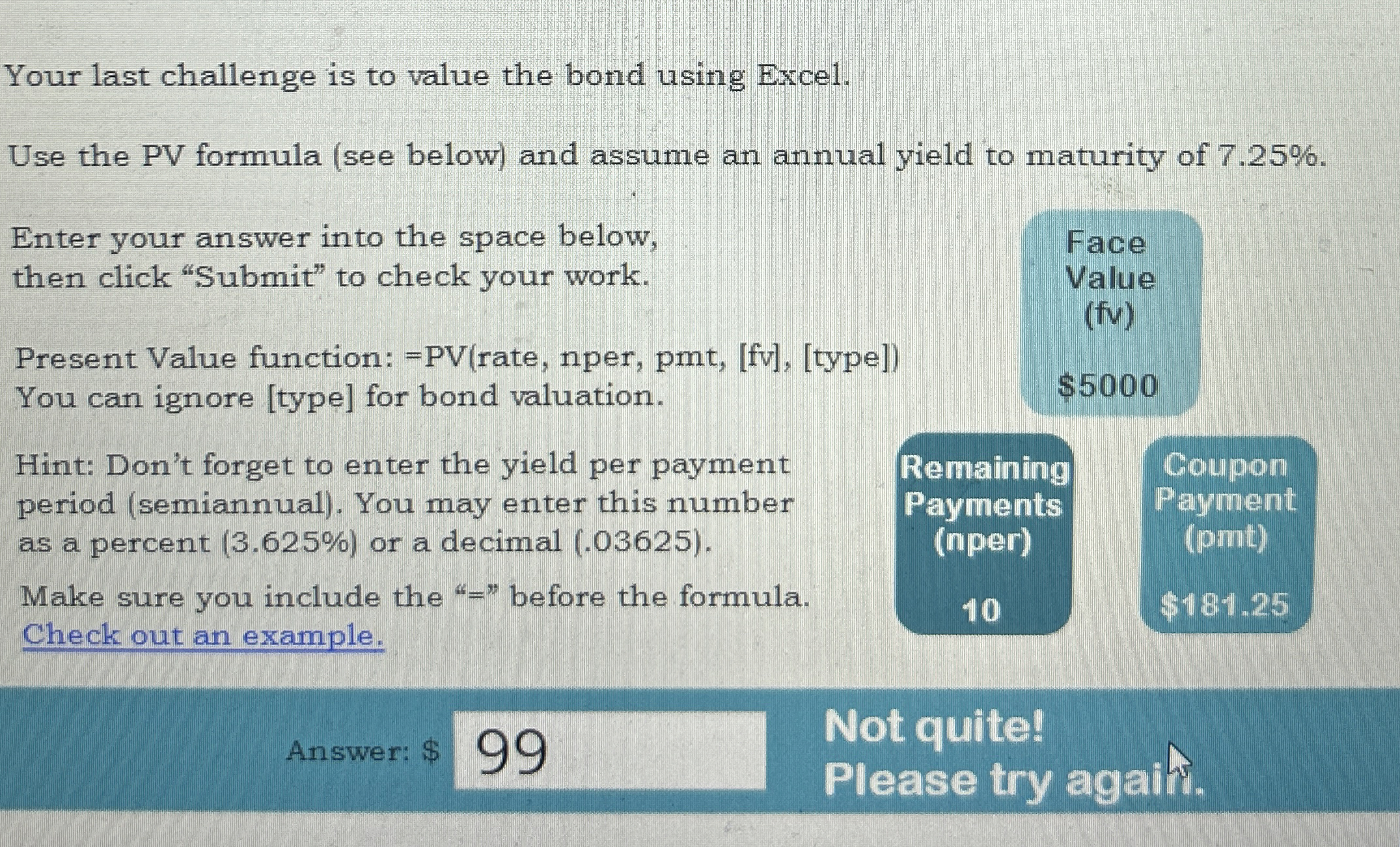
Question: Your last challenge is to value the bond using Excel. Use the PV formula ( see below ) and assume an annual yield to maturity
Your last challenge is to value the bond using Excel.
Use the PV formula see below and assume an annual yield to maturity of
Enter your answer into the space below,
then click "Submit" to check your work.
Present Value function: rate nper, pmtfvtype
You can ignore type for bond valuation.
Face
Value
fv
$
Your last challenge is to value the bond using Excel.
Use the PV formula see below and assume an annual yield to maturity of
Enter your answer into the space below,
then click "Submit" to check your work.
Present Value function: rate, nper, pmtfvtype
You can ignore type for bond valuation.
Face
Value
fv
$
Hint: Don't forget to enter the yield per payment
period semiannual You may enter this number
as a percent or a decimal
Make sure you include the before the formula.
Check out an example.
Answer: $
Not quite!
Please try agahf.
Step by Step Solution
There are 3 Steps involved in it
1 Expert Approved Answer
Step: 1 Unlock

Question Has Been Solved by an Expert!
Get step-by-step solutions from verified subject matter experts
Step: 2 Unlock
Step: 3 Unlock
 Study Help