



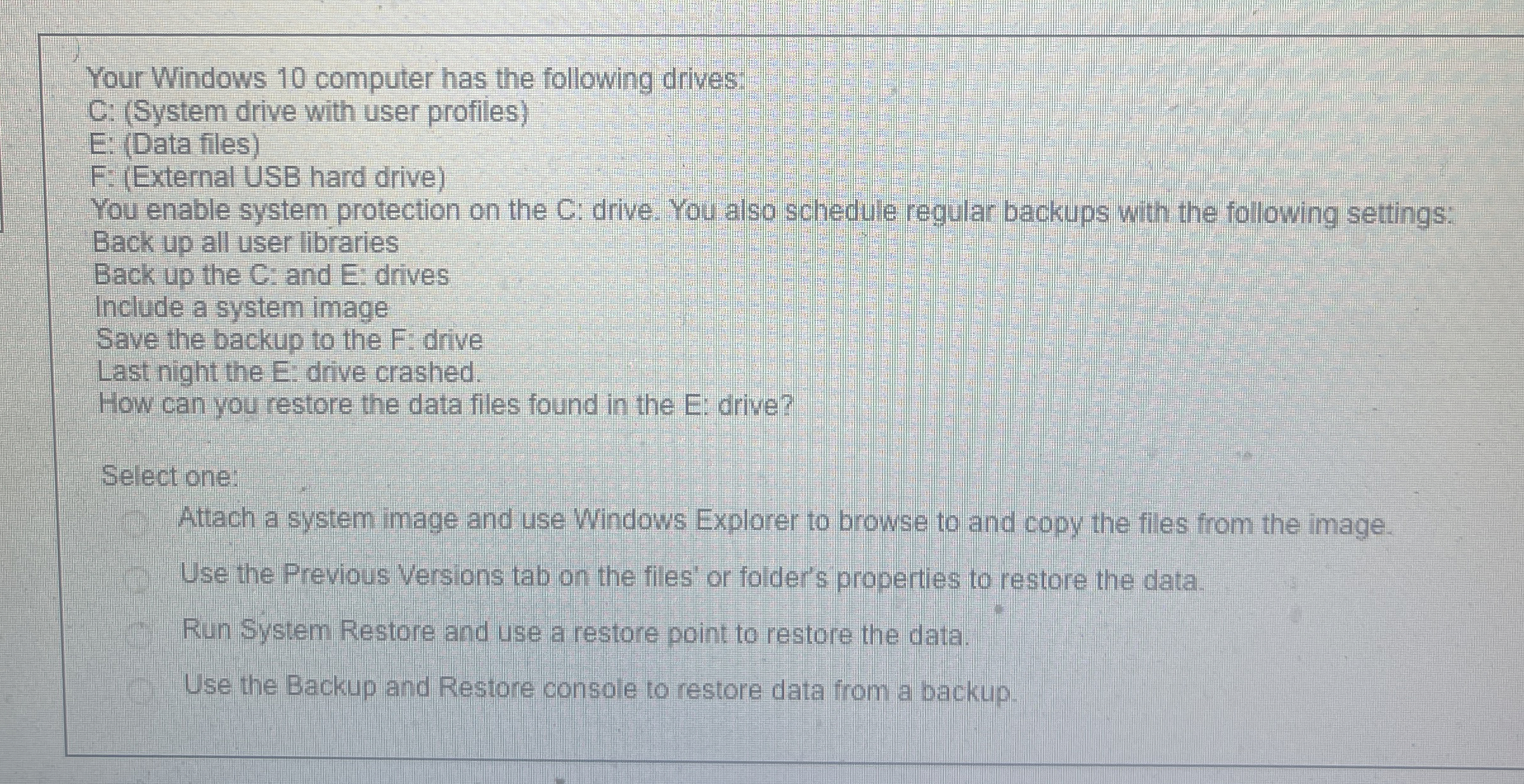
Question: Your Windows 1 0 computer has the following drives: C: ( System drive with user profiles ) E: ( Data files ) F: ( External
Your Windows computer has the following drives:
C: System drive with user profiles
E: Data files
F: External USB hard drive
You enable system protection on the C: drive. You also schedule regular backups with the following settings:
Back up all user libraries
Back up the C: and E: drives
Include a system image
Save the backup to the F: drive
Last night the E: drive crashed.
How can you restore the data files found in the E: drive?
lect one:
Attach a system image and use Windows Explorer to browse to and copy the files from the image.
Use the Previous Versions tab on the files' or folder's properties to restore the data.
Run System Restore and use a restore point to restore the data.
Use the Backup and Restore console to restore data from a backup.
Step by Step Solution
There are 3 Steps involved in it
1 Expert Approved Answer
Step: 1 Unlock

Question Has Been Solved by an Expert!
Get step-by-step solutions from verified subject matter experts
Step: 2 Unlock
Step: 3 Unlock