







Question: zodiac.php and upload it to the Includes folder in the Chinese Zodiac folder on the server. A link to this file will be added in
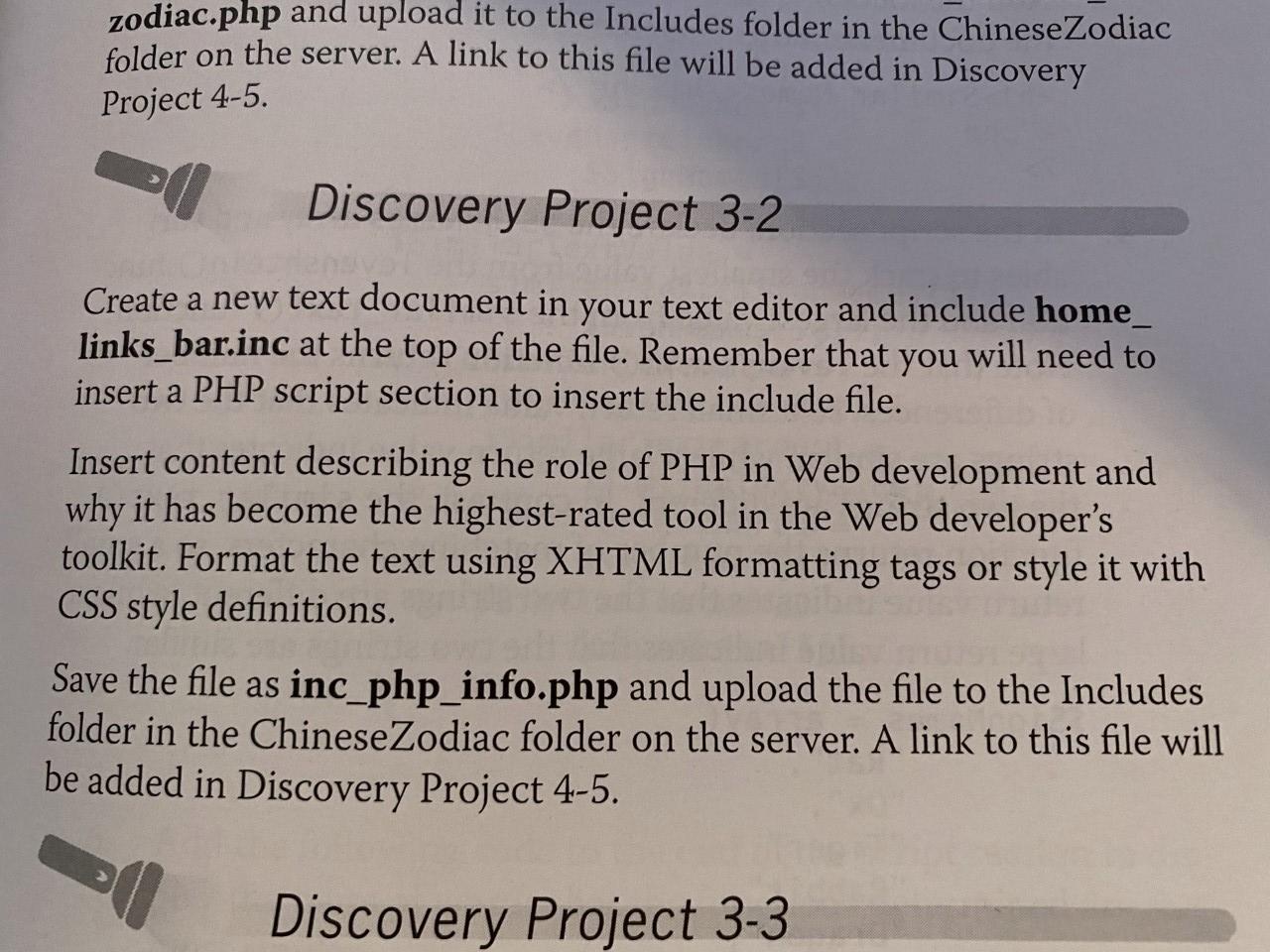
zodiac.php and upload it to the Includes folder in the Chinese Zodiac folder on the server. A link to this file will be added in Discovery Project 4-5. Discovery Project 3-2 Create a new text document in your text editor and include home_ links_bar.inc at the top of the file. Remember that you will need to insert a PHP script section to insert the include file. Insert content describing the role of PHP in Web development and why it has become the highest-rated tool in the Web developer's toolkit. Format the text using XHTML formatting tags or style it with CSS style definitions. Save the file as inc.php_info.php and upload the file to the Includes folder in the Chinese Zodiac folder on the server. A link to this file will be added in Discovery Project 4-5. Discovery Project 3-3
Step by Step Solution
There are 3 Steps involved in it

Get step-by-step solutions from verified subject matter experts
 Study Help