







Question: Zoom Add Page Insert Table Chart Text Shape Media Comment access it through the URL: localhost or 127.0.0.1. If you are not able to launch
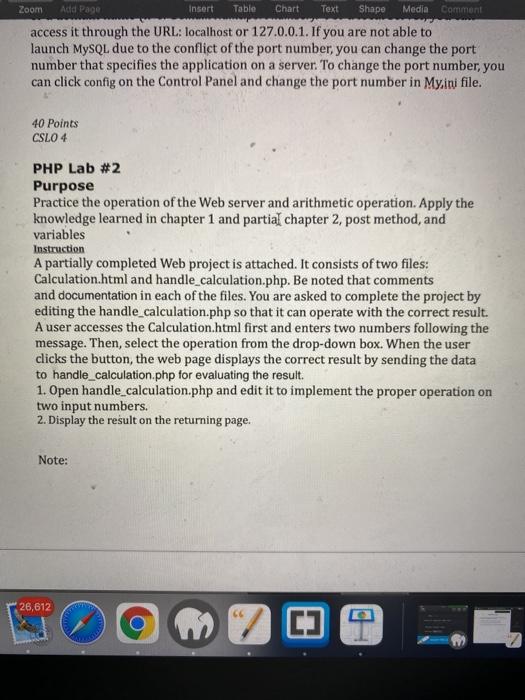
Zoom Add Page Insert Table Chart Text Shape Media Comment access it through the URL: localhost or 127.0.0.1. If you are not able to launch MySQL due to the conflict of the port number, you can change the port number that specifies the application on a server. To change the port number, you can click config on the Control Panel and change the port number in My.ini file. 40 Points CSLO 4 PHP Lab #2 Purpose Practice the operation of the Web server and arithmetic operation. Apply the knowledge learned in chapter 1 and partial chapter 2, post method, and variables Instruction A partially completed Web project is attached. It consists of two files: Calculation.html and handle_calculation.php. Be noted that comments and documentation in each of the files. You are asked to complete the project by editing the handle_calculation.php so that it can operate with the correct result. A user accesses the Calculation.html first and enters two numbers following the message. Then, select the operation from the drop-down box. When the user click the button, the web page displays the correct result by sending the data to handle_calculation.php for evaluating the result. 1. Open handle_calculation.php and edit it to implement the proper operation on two input numbers. 2. Display the result on the returning page. Note: 26,612 CO [] 03
Step by Step Solution
There are 3 Steps involved in it

Get step-by-step solutions from verified subject matter experts
 Study Help