







Question: Using the Picture class of Worked Example 2.2, write a Double Size Picture program that loads a picture, doubles its size, and shows the center
Using the Picture class of Worked Example 2.2, write a Double Size Picture program that loads a picture, doubles its size, and shows the center of the picture in the window.
Data from worked example 2.2.
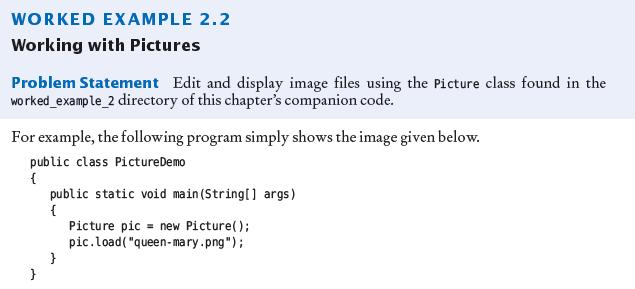
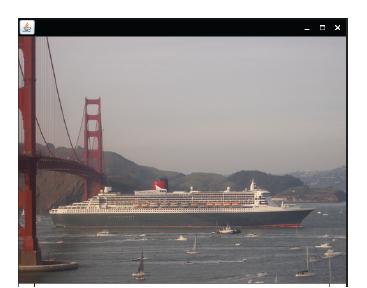
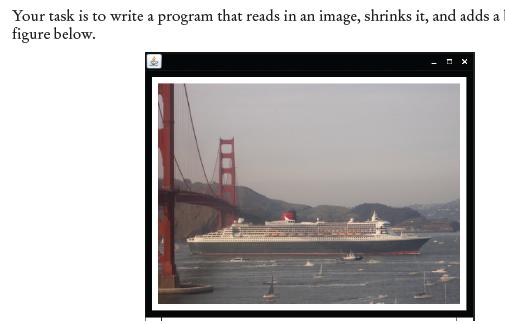
![given below. public class Picture Demo { } public static void main(String[]](https://dsd5zvtm8ll6.cloudfront.net/images/question_images/1706/5/9/2/05965b8873bddc6d1706592059908.jpg)
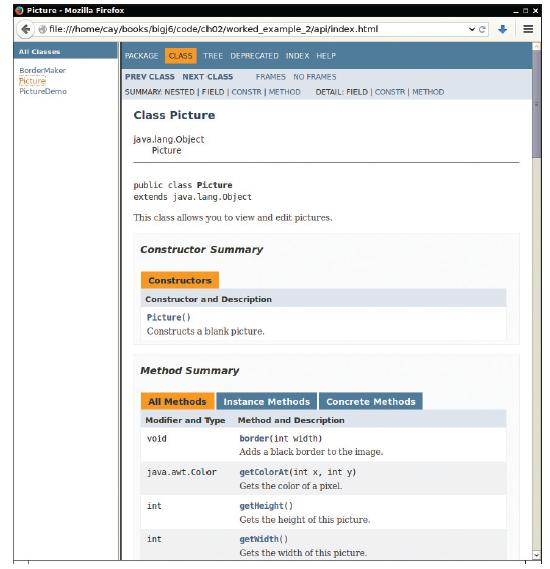
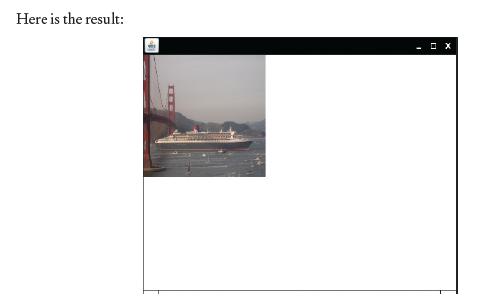
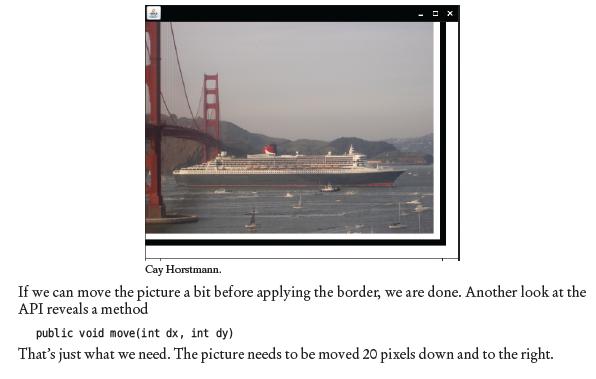
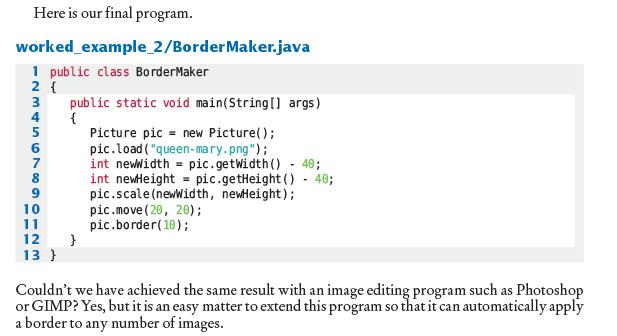
WORKED EXAMPLE 2.2 Working with Pictures Problem Statement Edit and display image files using the Picture class found in the worked_example_2 directory of this chapter's companion code. For example, the following program simply shows the image given below. public class Picture Demo { } public static void main(String[] args) { Picture pic= new Picture(); pic.load("queen-mary.png");
Step by Step Solution
3.57 Rating (157 Votes )
There are 3 Steps involved in it

Get step-by-step solutions from verified subject matter experts
 Study Help