







Question: Modify Program 7.1 so that the light can be positioned by moving the mouse. After doing this, move the mouse around and note the movement
Modify Program 7.1 so that the light can be positioned by moving the mouse. After doing this, move the mouse around and note the movement of the specular highlight and the appearance of the Gouraud shading artifacts. You may find it convenient to render a point (or small object) at the location of the light source.
Program 7.1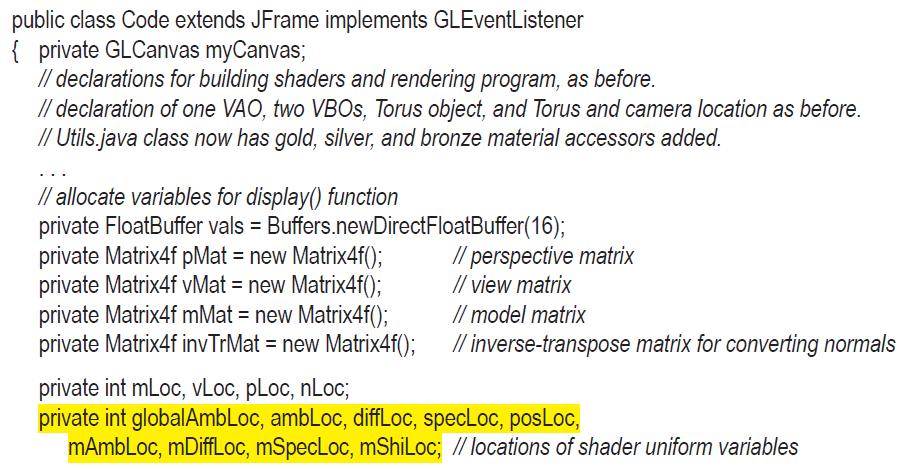
![private Vector3f currentLightPos = new Vector3f(); private float[] lightPos = new float[3]; // current light](https://dsd5zvtm8ll6.cloudfront.net/images/question_images/1701/6/7/2/944656d77f0cdf8d1701672944185.jpg)
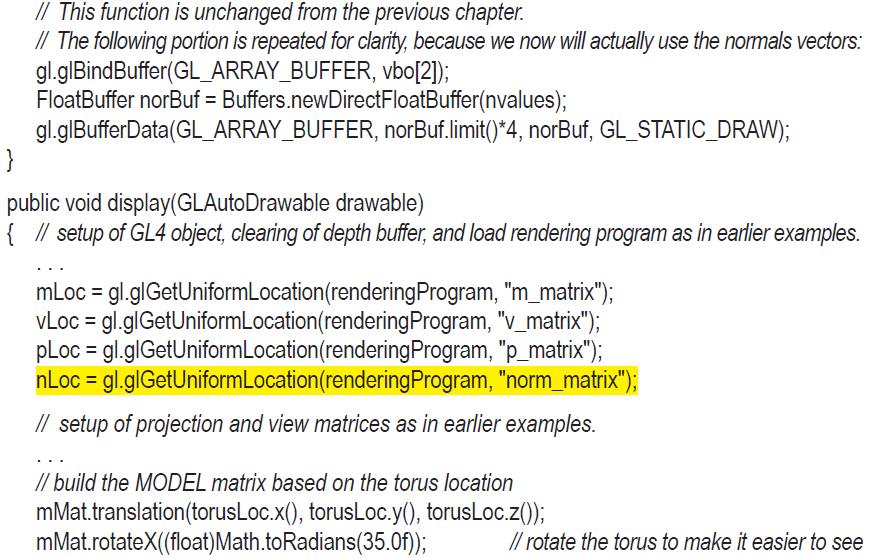
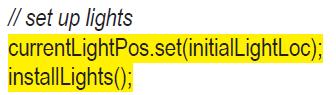
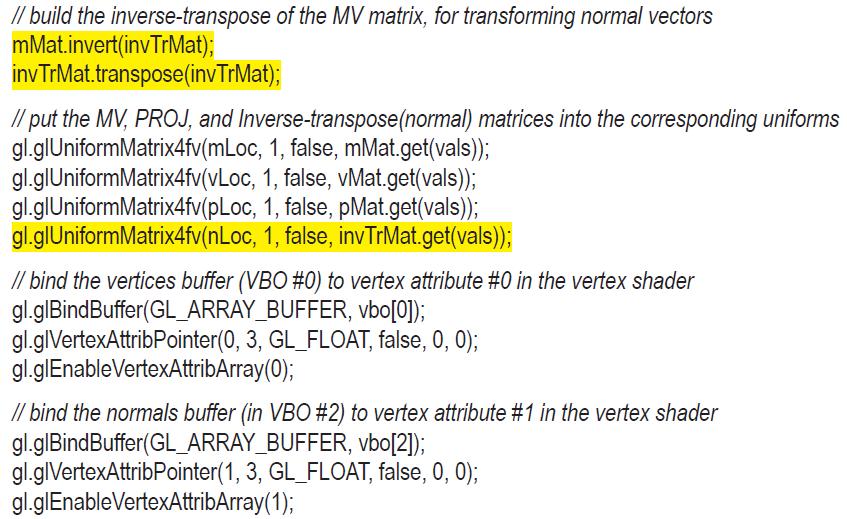
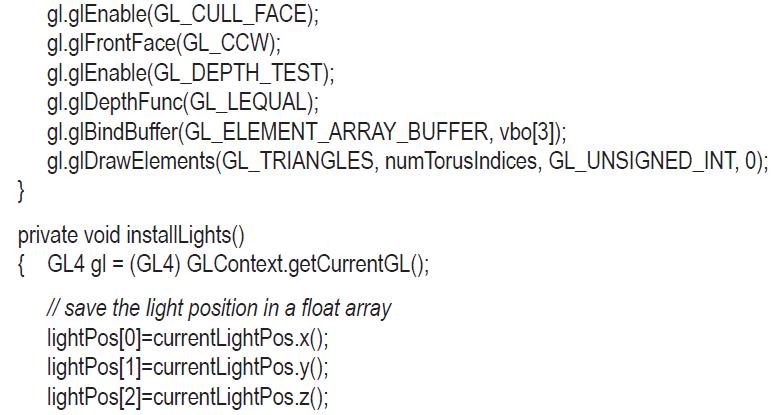
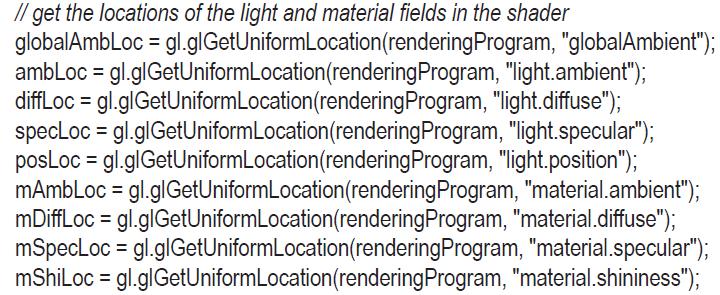
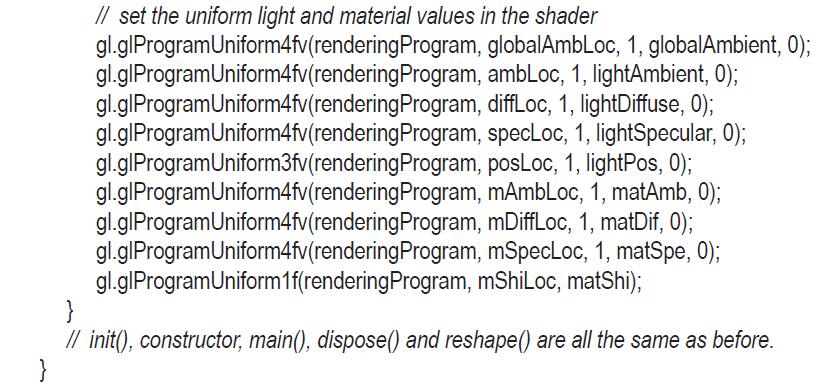
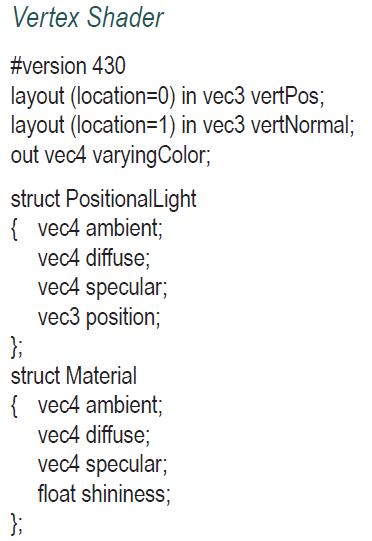
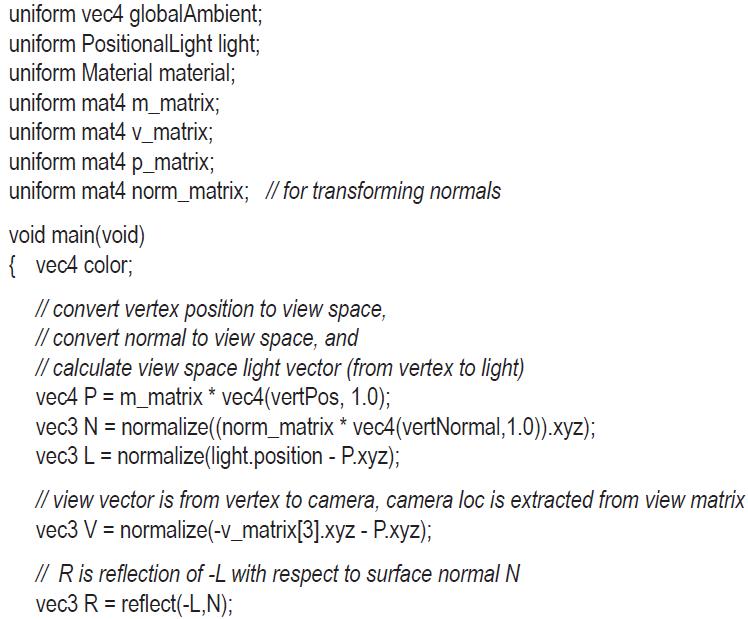

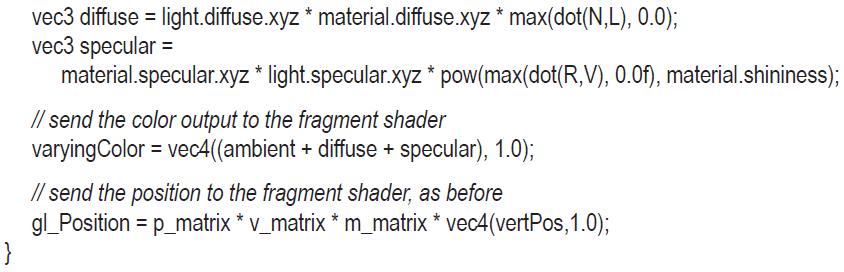
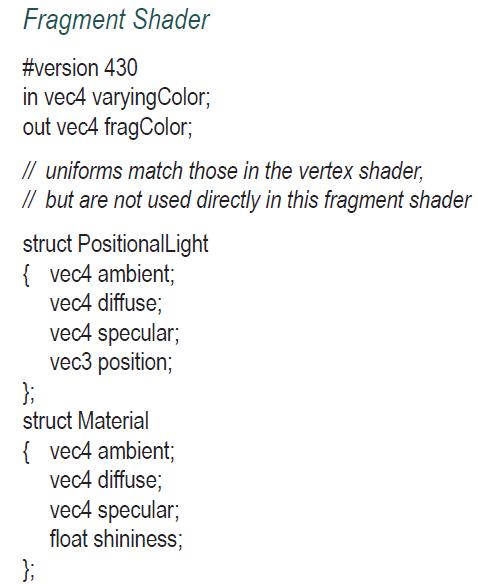
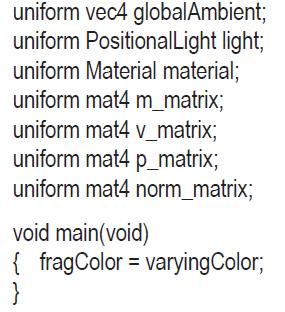
public class Code extends JFrame implements GLEventListener { private GLCanvas myCanvas; // declarations for building shaders and rendering program, as before. // declaration of one VAO, two VBOS, Torus object, and Torus and camera location as before. // Utils.java class now has gold, silver, and bronze material accessors added. // allocate variables for display() function private FloatBuffer vals = Buffers.newDirectFloatBuffer(16); private Matrix4f pMat = new Matrix4f(); private Matrix4f vMat = new Matrix4f(); private Matrix4f mMat = new Matrix4f(); private Matrix4f invTrMat = new Matrix4f(); // perspective matrix // view matrix // model matrix // inverse-transpose matrix for converting normals private int mLoc, vLoc, pLoc, nLoc; private int globalAmbLoc, ambLoc, diffLoc, specLoc, posLoc, mAmbLoc, mDiffLoc, mSpecLoc, mShiLoc; // locations of shader uniform variables
Step by Step Solution
3.41 Rating (148 Votes )
There are 3 Steps involved in it

Get step-by-step solutions from verified subject matter experts
 Study Help