







Question: Listing 28.10, ConnectedCircles.java, allows the user to create circles and determine whether they are connected. Rewrite the program for rectangles. The program lets the user
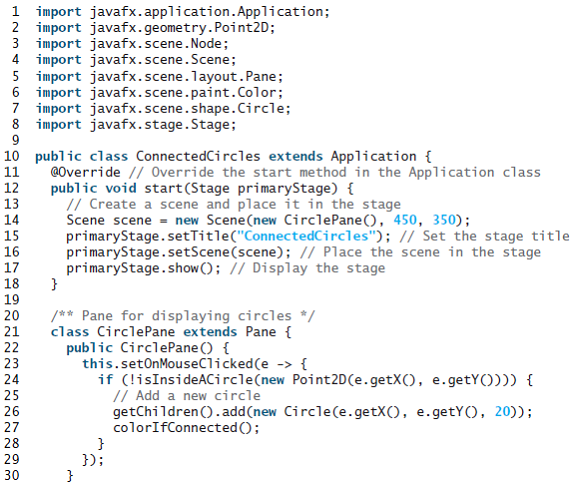
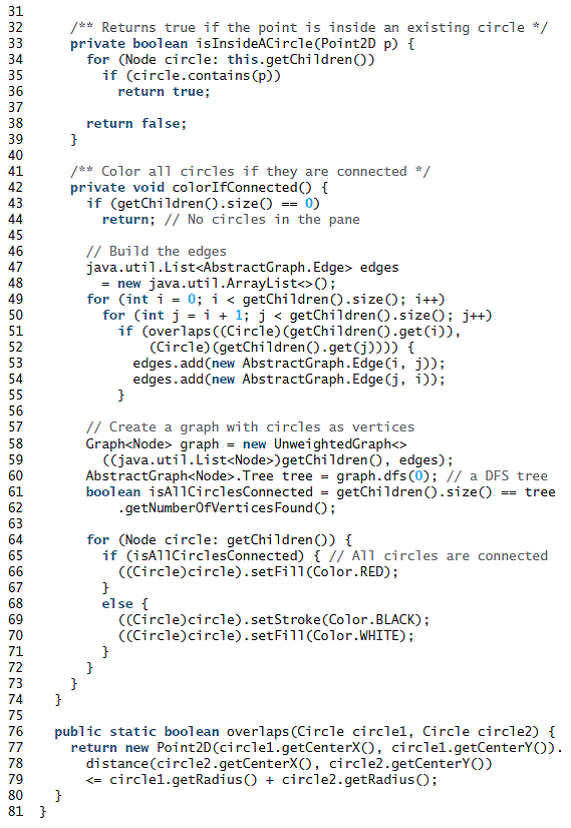
Listing 28.10, ConnectedCircles.java, allows the user to create circles and determine whether they are connected. Rewrite the program for rectangles. The program lets the user create a rectangle by clicking a mouse in a blank area that is not currently covered by a rectangle. As the rectangles are added, the rectangles are repainted as filled if they are connected or are unfilled otherwise, as shown in Figure 28.25b?c.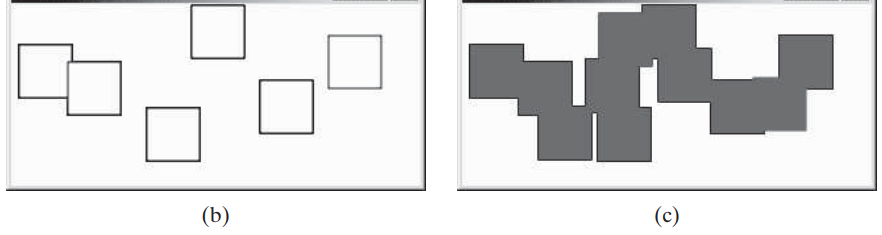
Listing
(b) (c) 1 import javafx.application. Application; 2 import javafx.geometry.Point2D; 3 import javafx.scene.Node; 4 import javafx.scene.Scene; 5 import javafx.scene.layout.Pane; 6 import javafx.scene.paint.Color; 7 import javafx.scene.shape.Circle; 8 import javafx.stage.Stage; 10 public class ConnectedCircles extends Application { 11 12 13 14 15 16 17 18 19 @Override // Override the start method in the Application class public void start(Stage primaryStage) { // Create a scene and place it in the stage Scene scene = new Scene(new CirclePane(), 450, 350); primaryStage.setTitle("ConnectedCircles"); // Set the stage title primaryStage.setScene(scene); // Place the scene in the stage primaryStage.show(); // Display the stage /** Pane for displaying circles */ class CirclePane extends Pane { 20 21 public CirclePane () { this.setOnMouseClicked(e -> { if (!isInsideACircle(new Point2D(e.getX(), e.getY()))) { // Add a new circle getChildren ().add(new Circle(e.getX(), e.getY(), 20)); colorIfConnected(); 22 23 24 25 26 27 28 29 }); 30
Step by Step Solution
3.41 Rating (164 Votes )
There are 3 Steps involved in it
Program Plan Create a class DrawRectangles that extends Application class start method is used to create a scene setting that scene to stage and showing the stage MyRectanglePane class extends Pane cl... View full answer

Get step-by-step solutions from verified subject matter experts
 Study Help