







Question: Create a Windows Forms application. Use the following names for the project and solution, respectively: OnYourOwn Project and OnYourOwn Solution. Save the application in the
Create a Windows Forms application. Use the following names for the project and solution, respectively: OnYourOwn Project and OnYourOwn Solution. Save the application in the VB2017\Chap01 folder. Design and code an application that adheres to the guidelines listed in Figure 1-43. Open the Project Designer window and verify the name of the startup form. Save the solution and then close the Project Designer window. Start and test the application. Print the application’s code and interface.
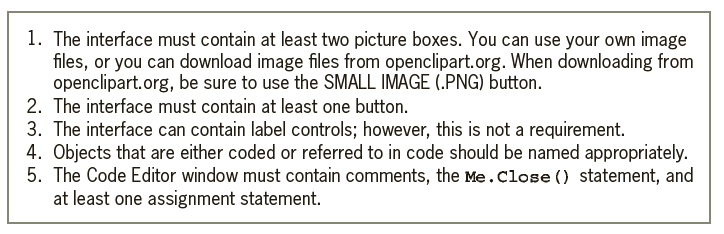
1. The interface must contain at least two picture boxes. You can use your own image files, or you can download image files from openclipart.org. When downloading from openclipart.org, be sure to use the SMALL IMAGE (.PNG) button. 2. The interface must contain at least one button. 3. The interface can contain label controls; however, this is not a requirement. 4. Objects that are either coded or referred to in code should be named appropriately. 5. The Code Editor window must contain comments, the Me.Close () statement, and at least one assignment statement.
Step by Step Solution
3.53 Rating (170 Votes )
There are 3 Steps involved in it
The OnYourOwn Solution fil... View full answer

Get step-by-step solutions from verified subject matter experts
 Study Help