







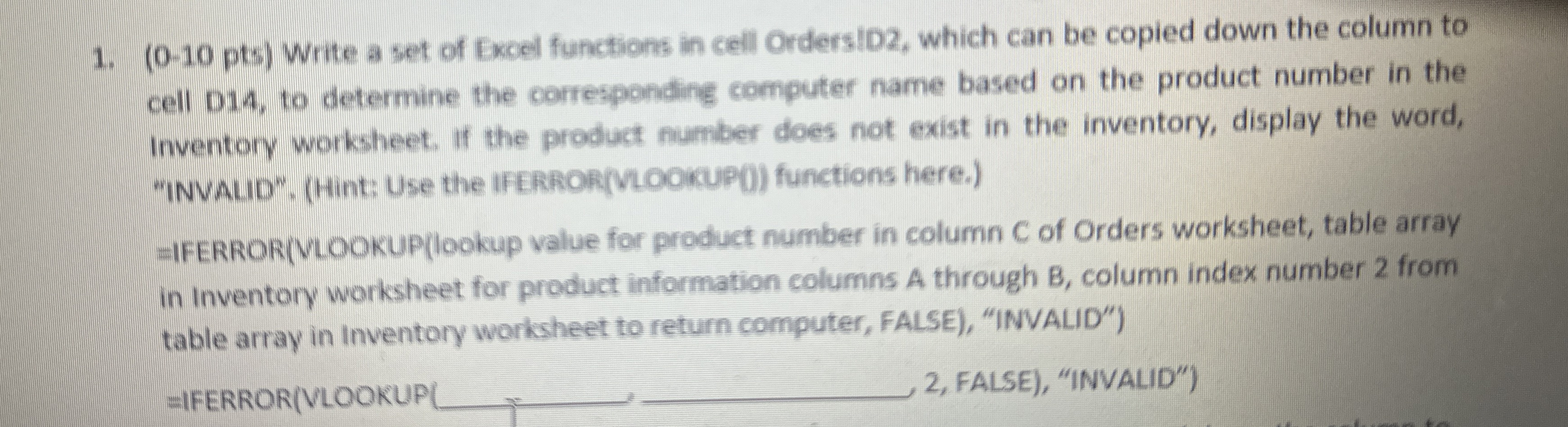
Question: ( 0 - 1 0 p t s ) Write a set of Excel functions in cell OrdersID 2 , which can be copied down
Write a set of Excel functions in cell OrdersID which can be copied down the column to
cell D to determine the corresponding computer name based on the product number in the
Inventory worksheet. If the product number does not exist in the inventory, display the word,
"INVALID", Hint: Use the IFERRORVLOOKUP functions here.
IFERRORVLOOKUPlookup value for product number in column C of Orders worksheet, table array
in Inventory worksheet for product information columns A through column index number from
table array in Inventory worksheet to return computer, FALSE "INVALID"
IFERRORVLOOKUP
FALSE "INVALID"
Step by Step Solution
There are 3 Steps involved in it
1 Expert Approved Answer
Step: 1 Unlock

Question Has Been Solved by an Expert!
Get step-by-step solutions from verified subject matter experts
Step: 2 Unlock
Step: 3 Unlock
 Study Help