







Question: 1 4 You want to create a named array for a list of product codes and use this named array in a VLOOKUP function to
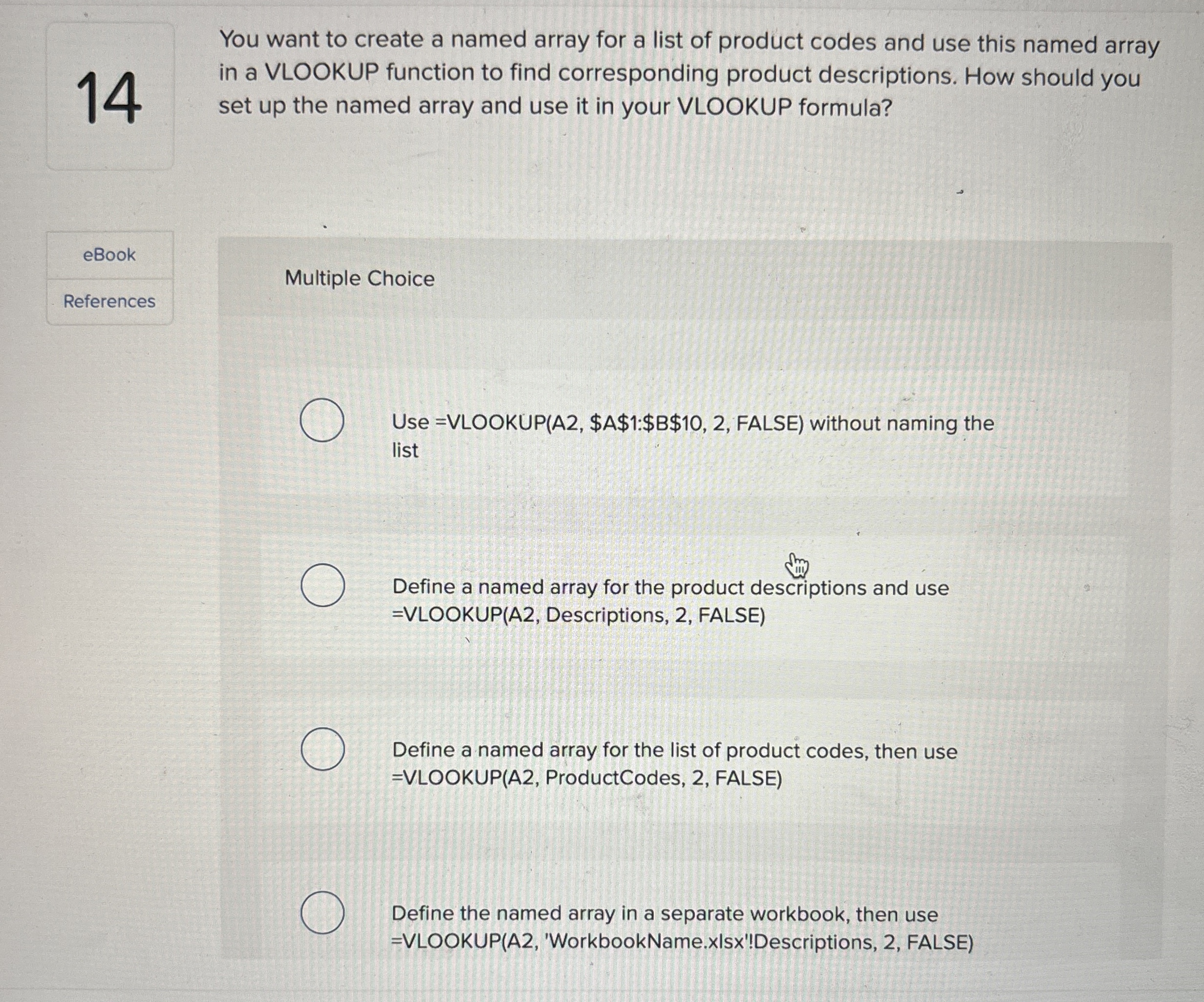
You want to create a named array for a list of product codes and use this named array in a VLOOKUP function to find corresponding product descriptions. How should you set up the named array and use it in your VLOOKUP formula?
eBook
References
Multiple Choice
Use VLOOKUPA $A$:$B$ FALSE without naming the list
Define a named array for the product descriptions and use VLOOKUPA Descriptions, FALSE
Define a named array for the list of product codes, then use VLOOKUPA ProductCodes, FALSE
Define the named array in a separate workbook, then use VLOOKUPA 'WorkbookName.xIsx'!Descriptions, FALSE
Step by Step Solution
There are 3 Steps involved in it
1 Expert Approved Answer
Step: 1 Unlock

Question Has Been Solved by an Expert!
Get step-by-step solutions from verified subject matter experts
Step: 2 Unlock
Step: 3 Unlock
 Study Help