







Question: 1. Click the down arrow next to Transmit Power. Click the down arrow again to close the drop down list without making any changes. Why
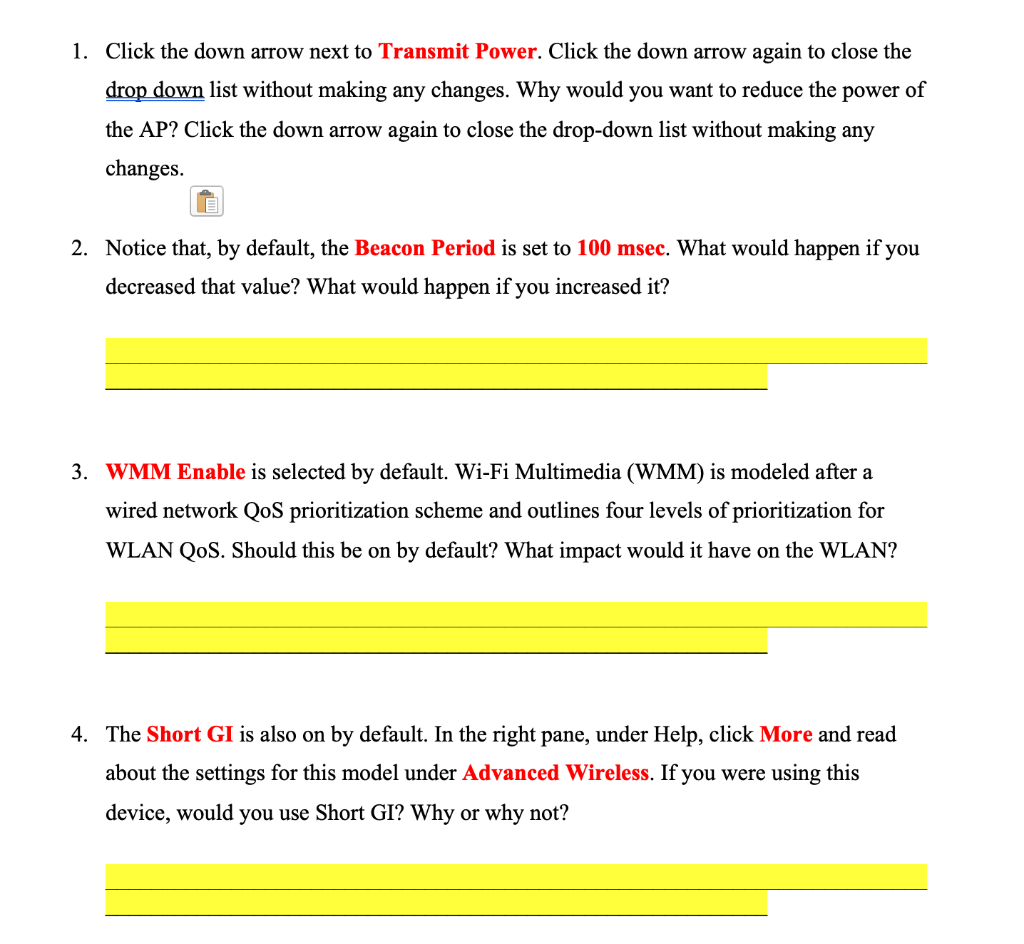
1. Click the down arrow next to Transmit Power. Click the down arrow again to close the drop down list without making any changes. Why would you want to reduce the power of the AP? Click the down arrow again to close the drop-down list without making any changes. 2. Notice that, by default, the Beacon Period is set to 100 msec. What would happen if you decreased that value? What would happen if you increased it? 3. WMM Enable is selected by default. Wi-Fi Multimedia (WMM) is modeled after a wired network QoS prioritization scheme and outlines four levels of prioritization for WLAN QOS. Should this be on by default? What impact would it have on the WLAN? 4. The Short GI is also on by default. In the right pane, under Help, click More and read about the settings for this model under Advanced Wireless. If you were using this device, would you use Short GI? Why or why not? 1. Click the down arrow next to Transmit Power. Click the down arrow again to close the drop down list without making any changes. Why would you want to reduce the power of the AP? Click the down arrow again to close the drop-down list without making any changes. 2. Notice that, by default, the Beacon Period is set to 100 msec. What would happen if you decreased that value? What would happen if you increased it? 3. WMM Enable is selected by default. Wi-Fi Multimedia (WMM) is modeled after a wired network QoS prioritization scheme and outlines four levels of prioritization for WLAN QOS. Should this be on by default? What impact would it have on the WLAN? 4. The Short GI is also on by default. In the right pane, under Help, click More and read about the settings for this model under Advanced Wireless. If you were using this device, would you use Short GI? Why or why not
Step by Step Solution
There are 3 Steps involved in it

Get step-by-step solutions from verified subject matter experts
 Study Help