







Question: 1. Create a directory in the Document Folder and name it Evaluation1. 2. Create a file on the desktop using Dos commands and name it
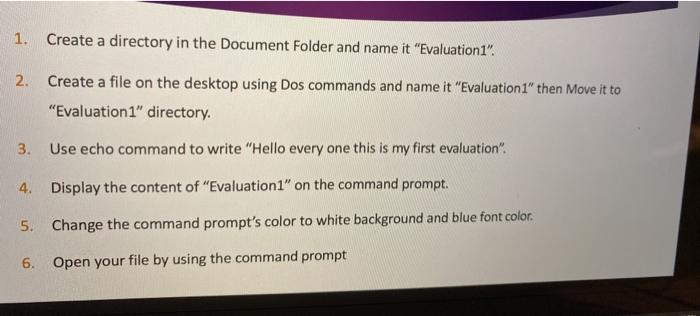
1. Create a directory in the Document Folder and name it "Evaluation1". 2. Create a file on the desktop using Dos commands and name it "Evaluation1" then Move it to "Evaluation1" directory. 3. Use echo command to write "Hello every one this is my first evaluation" 4. Display the content of "Evaluation1" on the command prompt. 5. Change the command prompt's color to white background and blue font color. 6. Open your file by using the command prompt
Step by Step Solution
There are 3 Steps involved in it
1 Expert Approved Answer
Step: 1 Unlock

Question Has Been Solved by an Expert!
Get step-by-step solutions from verified subject matter experts
Step: 2 Unlock
Step: 3 Unlock
 Study Help