







Question: 1) Create a form based on the Products data with a Category combo box (created without the wizard, call it FORM01 2) Create a MainForm/SubForm
1) Create a form based on the Products data with a Category combo box (created without the wizard, call it FORM01
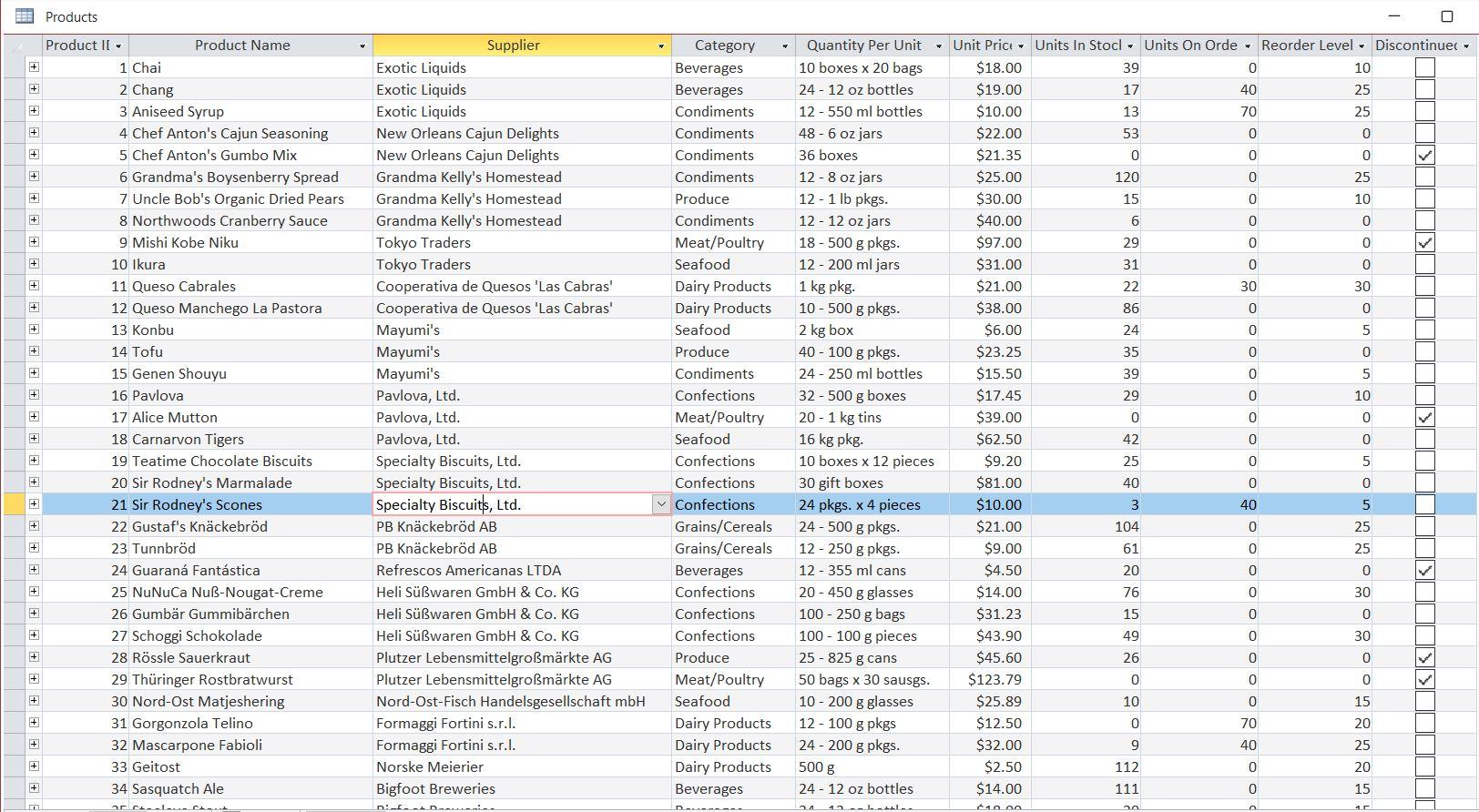
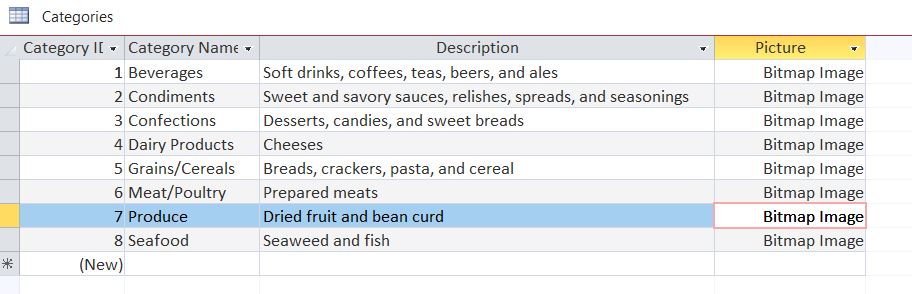
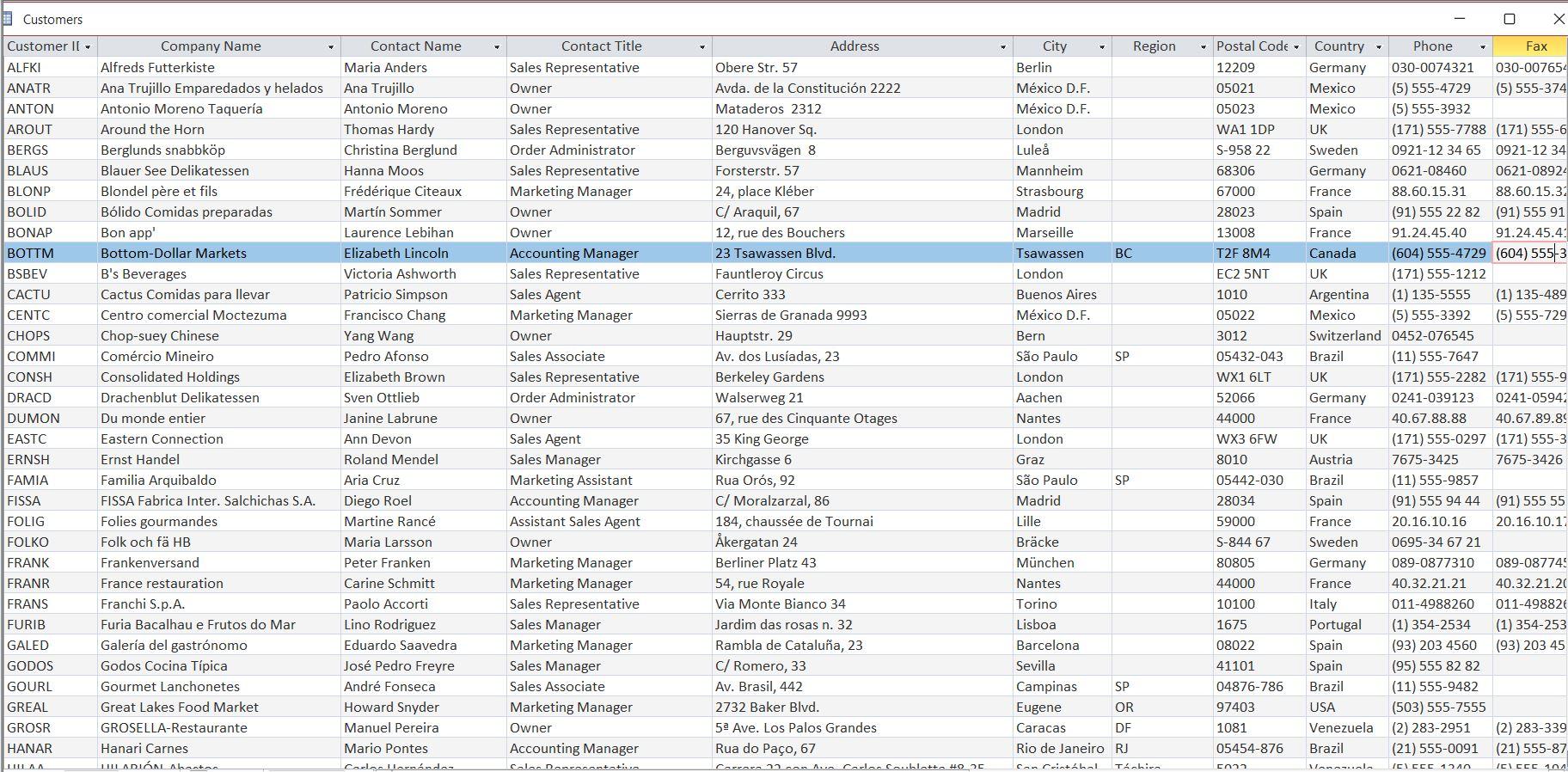
2) Create a MainForm/SubForm using Customers only from CA with Orders only over $50, call it FORM02.
 3) Create a Form with 10+ different toolbox objects, call it FORM03.
4) Create a form that uses data from 5 different tables and is able to update data in 2 of those tables (think main/sub form and 3 lookups), call it FORM04.
5) Create an option group that uses data from one table and writes back into another (HINT: Using Orders and Shippers), call it FORM05.
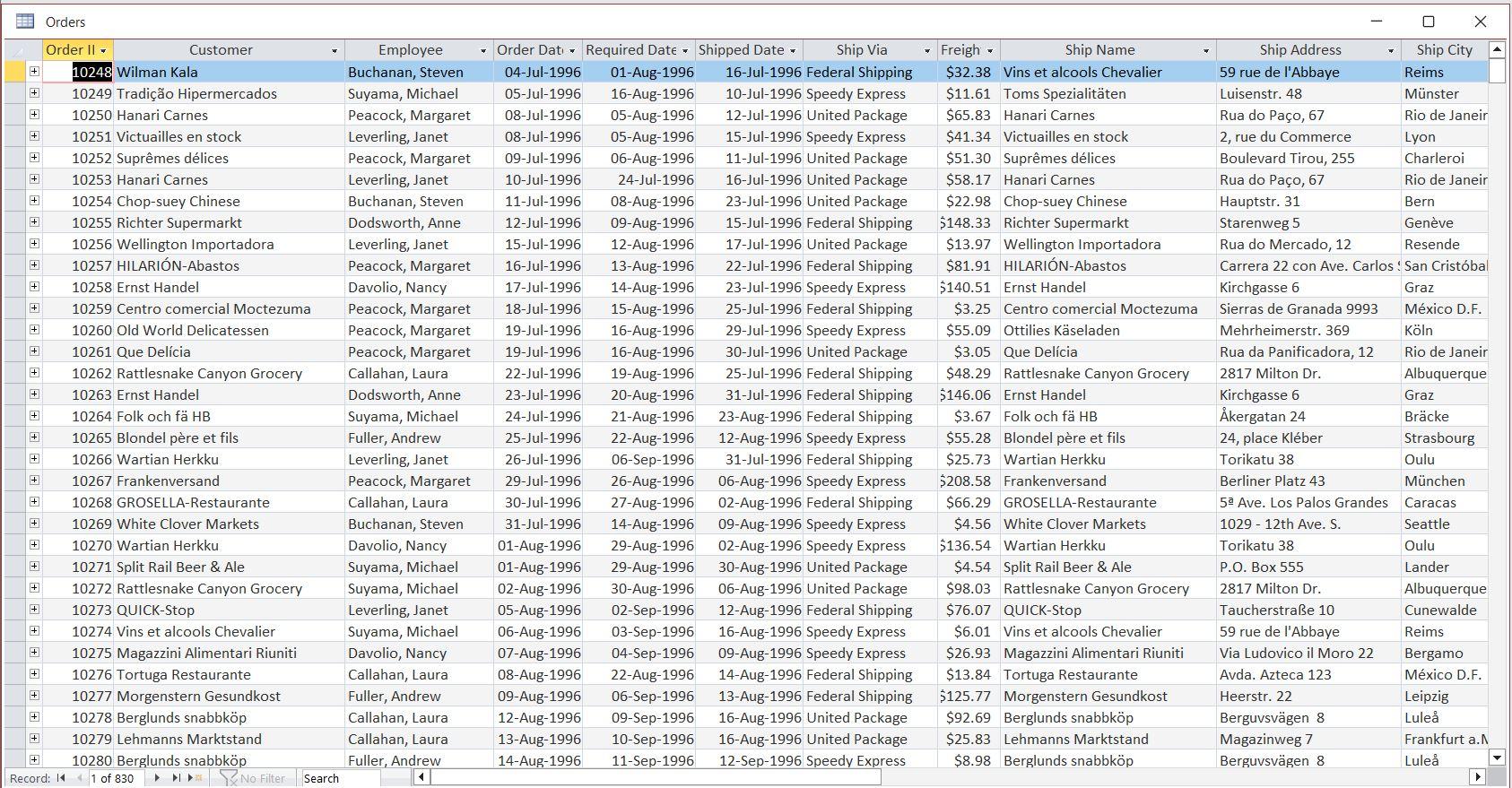
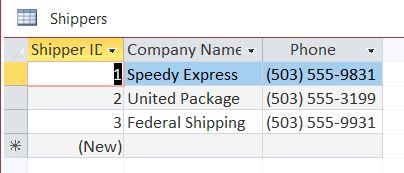
Products Categories Shippers Products Categories Shippers
Step by Step Solution
There are 3 Steps involved in it
1 Expert Approved Answer
Step: 1 Unlock

Question Has Been Solved by an Expert!
Get step-by-step solutions from verified subject matter experts
Step: 2 Unlock
Step: 3 Unlock
 Study Help