







Question: 1. Create a project called name_asgnl. Replace name with your first name and initial. (Example: johnK_asgnl). a. Use the new project wizard to create the
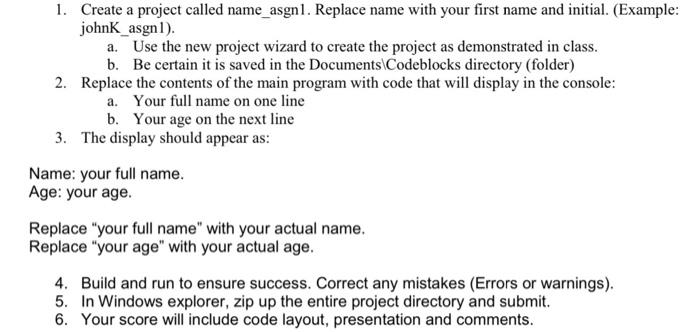
1. Create a project called name_asgnl. Replace name with your first name and initial. (Example: johnK_asgnl). a. Use the new project wizard to create the project as demonstrated in class. b. Be certain it is saved in the Documents Codeblocks directory (folder) 2. Replace the contents of the main program with code that will display in the console: a. Your full name on one line b. Your age on the next line 3. The display should appear as: Name: your full name. Age: your age. Replace "your full name" with your actual name. Replace "your age" with your actual age. 4. Build and run to ensure success. Correct any mistakes (Errors or warnings). 5. In Windows explorer, zip up the entire project directory and submit. 6. Your score will include code layout, presentation and comments
Step by Step Solution
There are 3 Steps involved in it

Get step-by-step solutions from verified subject matter experts
 Study Help