







Question: 1. Create Myprogram class that extends from Application with coral Circle and Textarea objects. Circle: set centerX and centerY parameters to 150 , radius to
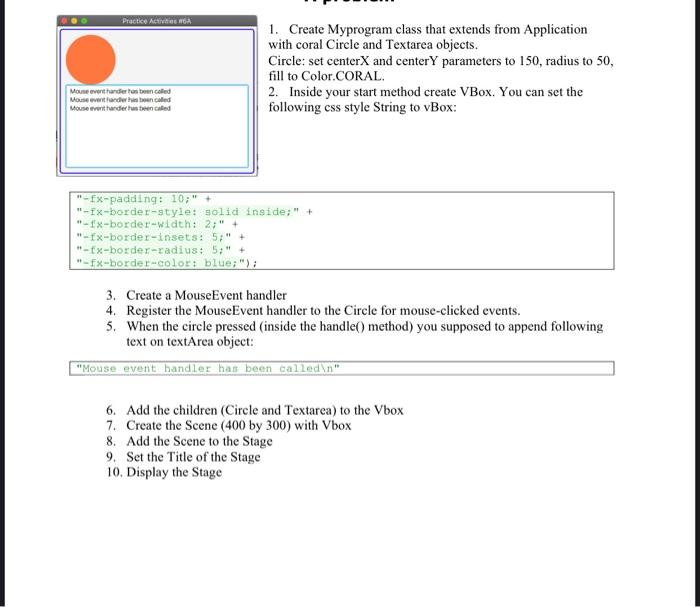
1. Create Myprogram class that extends from Application with coral Circle and Textarea objects. Circle: set centerX and centerY parameters to 150 , radius to 50 , fill to Color.CORAL. 2. Inside your start method create VBox. You can set the following css style String to vBox: "-fx-padding: 10;"+ "-fx-border-style: solid inside; ;+ "-fx-border-width: 2;"+ "-fx-border-insets: 5; + + "-fx-border-radius: 5;+ + "-fx-border-color: blue; ;; 3. Create a MouseEvent handler 4. Register the MouseEvent handler to the Circle for mouse-clicked events. 5. When the circle pressed (inside the handle() method) you supposed to append following text on textArea object: "Mouse event handler has been calledin" 6. Add the children (Circle and Textarea) to the Vbox 7. Create the Scene ( 400 by 300) with Vbox 8. Add the Scene to the Stage 9. Set the Title of the Stage 10. Display the Stage
Step by Step Solution
There are 3 Steps involved in it

Get step-by-step solutions from verified subject matter experts
 Study Help