







Question: 1. In cell C5, enter a formula to generate a random integer between 1 and 100. Enter an IF formula into cell E5. If
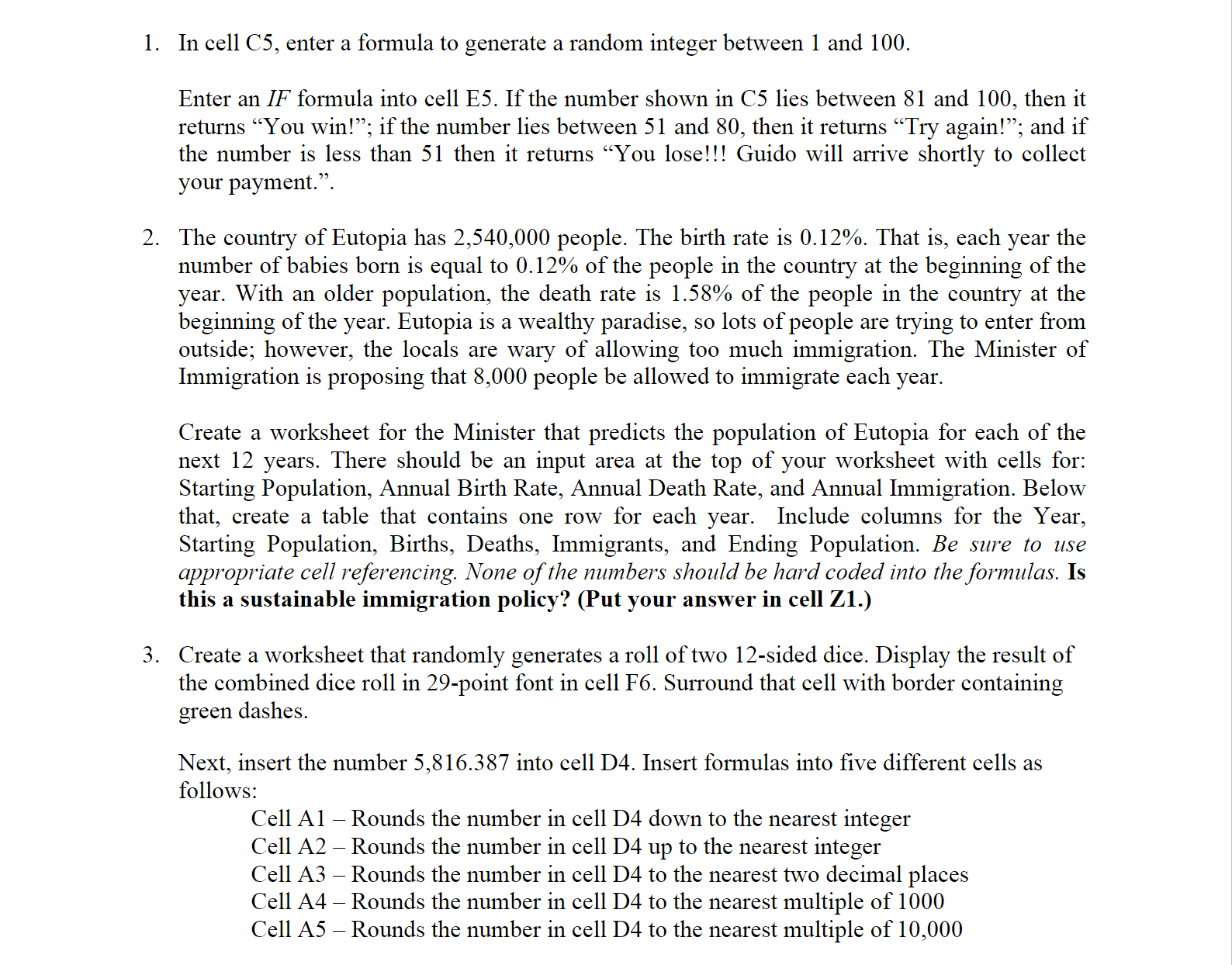
1. In cell C5, enter a formula to generate a random integer between 1 and 100. Enter an IF formula into cell E5. If the number shown in C5 lies between 81 and 100, then it returns "You win!"; if the number lies between 51 and 80, then it returns "Try again!; and if the number is less than 51 then it returns You lose!!! Guido will arrive shortly to collect your payment.". 2. The country of Eutopia has 2,540,000 people. The birth rate is 0.12%. That is, each year the number of babies born is equal to 0.12% of the people in the country at the beginning of the year. With an older population, the death rate is 1.58% of the people in the country at the beginning of the year. Eutopia is a wealthy paradise, so lots of people are trying to enter from outside; however, the locals are wary of allowing too much immigration. The Minister of Immigration is proposing that 8,000 people be allowed to immigrate each year. Create a worksheet for the Minister that predicts the population of Eutopia for each of the next 12 years. There should be an input area at the top of your worksheet with cells for: Starting Population, Annual Birth Rate, Annual Death Rate, and Annual Immigration. Below that, create a table that contains one row for each year. Include columns for the Year, Starting Population, Births, Deaths, Immigrants, and Ending Population. Be sure to use appropriate cell referencing. None of the numbers should be hard coded into the formulas. Is this a sustainable immigration policy? (Put your answer in cell Z1.) 3. Create a worksheet that randomly generates a roll of two 12-sided dice. Display the result of the combined dice roll in 29-point font in cell F6. Surround that cell with border containing green dashes. Next, insert the number 5,816.387 into cell D4. Insert formulas into five different cells as follows: Cell A1 - Rounds the number in cell D4 down to the nearest integer Cell A2 - Rounds the number in cell D4 up to the nearest integer Cell A3 - Rounds the number in cell D4 to the nearest two decimal places Cell A4 - Rounds the number in cell D4 to the nearest multiple of 1000 Cell A5 - Rounds the number in cell D4 to the nearest multiple of 10,000
Step by Step Solution
There are 3 Steps involved in it

Get step-by-step solutions from verified subject matter experts
 Study Help