







Question: 1. Randomly select 200 counties from the DATA tab to use for your sample. Be sure to follow the process outlined in the video guide
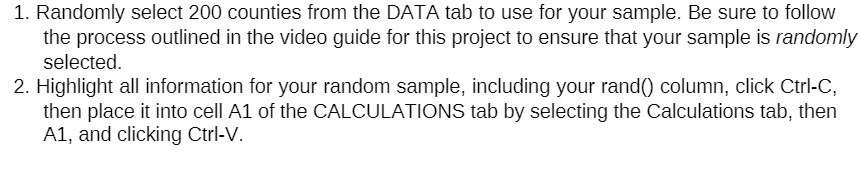
1. Randomly select 200 counties from the DATA tab to use for your sample. Be sure to follow the process outlined in the video guide for this project to ensure that your sample is randomly selected. 2. Highlight all information for your random sample, including your rand() column, click Cirl-C, then place it into cell Al of the CALCULATIONS tab by selecting the Calculations tab, then Al, and clicking Cirl-V
Step by Step Solution
There are 3 Steps involved in it
1 Expert Approved Answer
Step: 1 Unlock

Question Has Been Solved by an Expert!
Get step-by-step solutions from verified subject matter experts
Step: 2 Unlock
Step: 3 Unlock
 Study Help