







Question: 1 Start Access. Open the downloaded Access file named Exp 1 9 _ Access _ Ch 0 3 _ Cap _ Briton _ Madley _
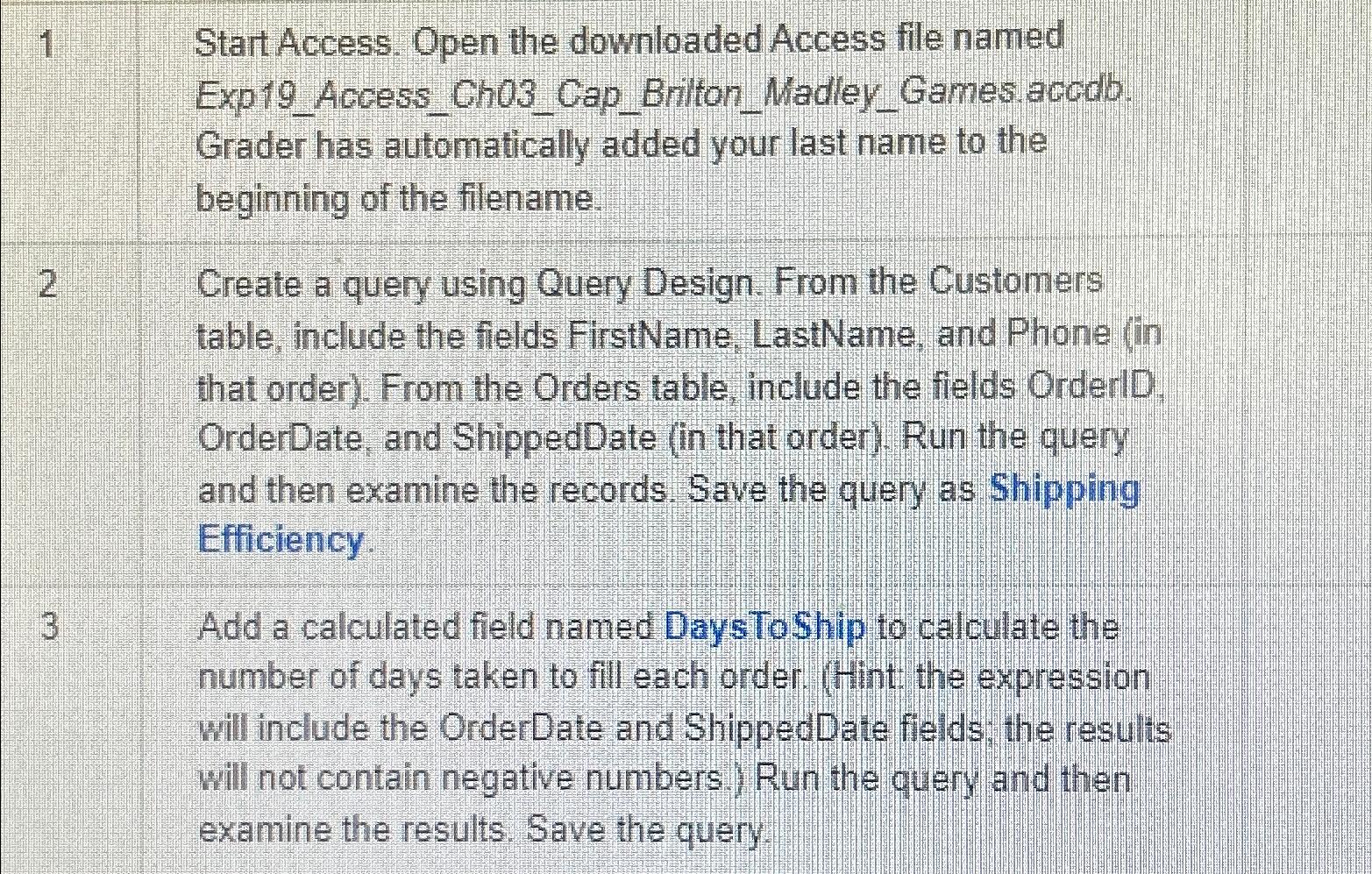
Start Access. Open the downloaded Access file named
ExpAccessChCapBritonMadleyGames accob.
Grader has automatically added your last name to the beginning of the filename.
Create a query using Query Design. From the Customers table, include the fields FirstName, LastName, and Phone in that order From the Orders table, include the fields OrderlD, OrderDate, and ShippedDate in that order Run the query and then examine the records. Save the query as Shipping Efficiency.
Add a calculated field named DaysToShip to calculate the number of days taken to fill each order. Hint: the expression will include the OrderDate and ShippedDate fields; the results will not contain negative numbers. Run the query and then examine the results. Save the query.
Step by Step Solution
There are 3 Steps involved in it
1 Expert Approved Answer
Step: 1 Unlock

Question Has Been Solved by an Expert!
Get step-by-step solutions from verified subject matter experts
Step: 2 Unlock
Step: 3 Unlock
 Study Help