







Question: 1) Step 1: Open a project called StudentStuff. When making this project, make sure to keep the Create Main Class checked and DO NOT delete
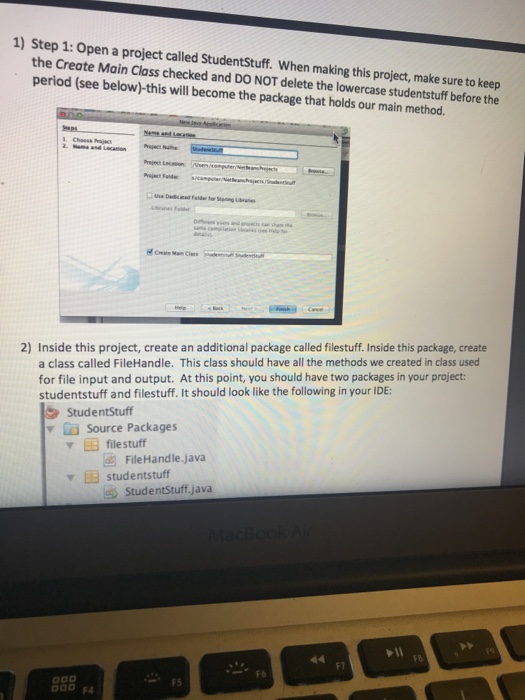
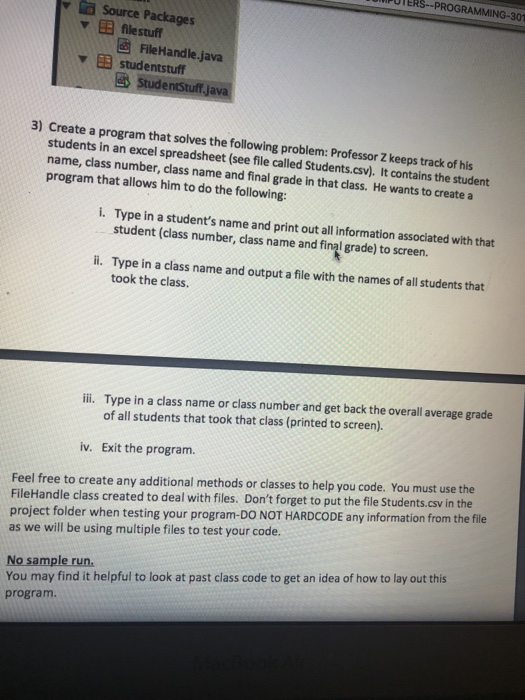
1) Step 1: Open a project called StudentStuff. When making this project, make sure to keep the Create Main Class checked and DO NOT delete the lowercase studentstuff before the period (see below)-this will become the package that holds our main method. 2) Inside this project, create an additional package called filestuff. Inside this package, create a class called FileHandle. This class should have all the methods we created in class used for file input and output. At this point, you should have two packages in your project: studentstuff and filestuff. It should look like the ollowing in your IDE: StudentStuff Source Packages filestuff FileHandle.java studentstuff StudentStuff,java F6
Step by Step Solution
There are 3 Steps involved in it

Get step-by-step solutions from verified subject matter experts
 Study Help