







Question: 1 Warm-Up Question (4 marks) https: //www. youtube. com/watch?v=oNyXYPhnUIs Micheal Knight is a young loner on a crusade to champion the cause of the innocent,
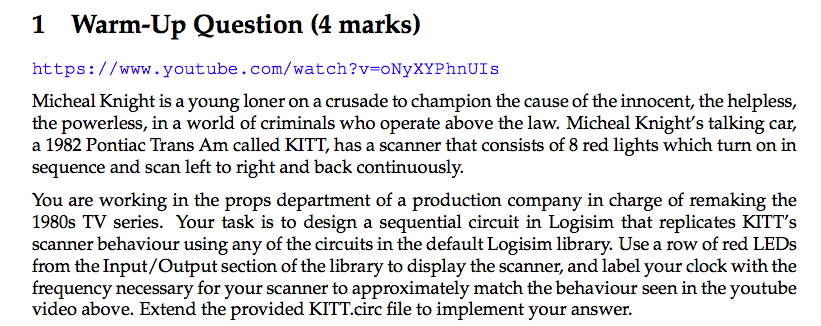

1 Warm-Up Question (4 marks) https: //www. youtube. com/watch?v=oNyXYPhnUIs Micheal Knight is a young loner on a crusade to champion the cause of the innocent, the helpless, the powerless, in a world of criminals who operate above the law. Micheal Knight's talking car, a 1982 Pontiac Trans Am called KITT, has a scanner that consists of 8 red lights which turn on in sequence and scan left to right and back continuously. You are working in the props department of a production company in charge of remaking the 1980s TV series. Your task is to design a sequential circuit in Logisim that replicates KITT's scanner behaviour using any of the circuits in the default Logisim library. Use a row of red LEDs from the Input/Output section of the library to display the scanner, and label your clock with the frequency necessary for your scanner to approximately match the behaviour seen in the youtube video above. Extend the provided KITT.circ file to implement your answer 1 Warm-Up Question (4 marks) https: //www. youtube. com/watch?v=oNyXYPhnUIs Micheal Knight is a young loner on a crusade to champion the cause of the innocent, the helpless, the powerless, in a world of criminals who operate above the law. Micheal Knight's talking car, a 1982 Pontiac Trans Am called KITT, has a scanner that consists of 8 red lights which turn on in sequence and scan left to right and back continuously. You are working in the props department of a production company in charge of remaking the 1980s TV series. Your task is to design a sequential circuit in Logisim that replicates KITT's scanner behaviour using any of the circuits in the default Logisim library. Use a row of red LEDs from the Input/Output section of the library to display the scanner, and label your clock with the frequency necessary for your scanner to approximately match the behaviour seen in the youtube video above. Extend the provided KITT.circ file to implement your
Step by Step Solution
There are 3 Steps involved in it

Get step-by-step solutions from verified subject matter experts
 Study Help