







Question: 1) Which is a precaution to be taken when setting up a wireless network? Keep the default network name. Use WPA2 encryption. Keep the default
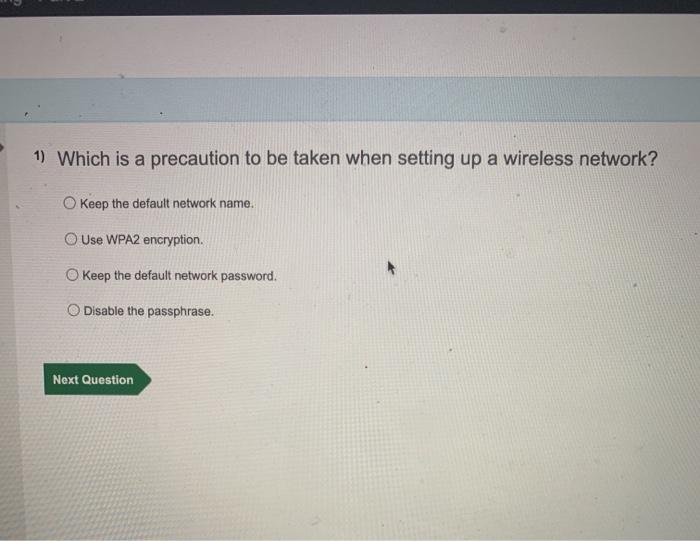
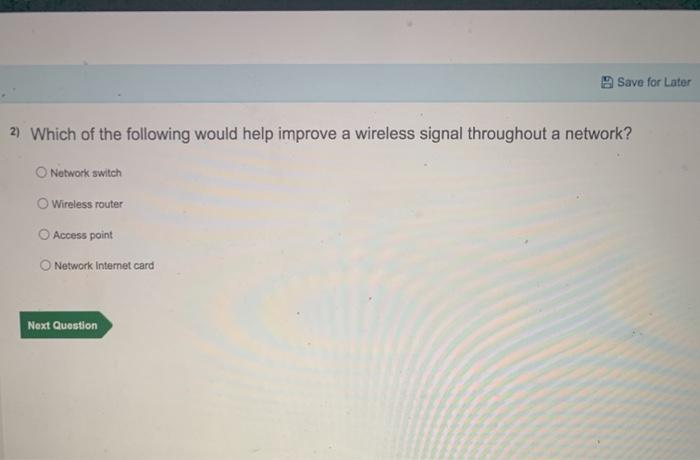
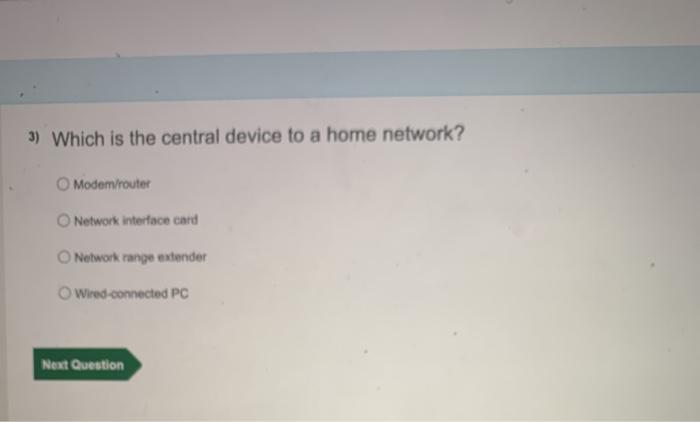
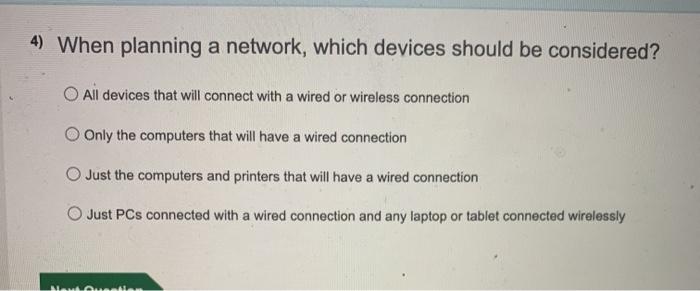
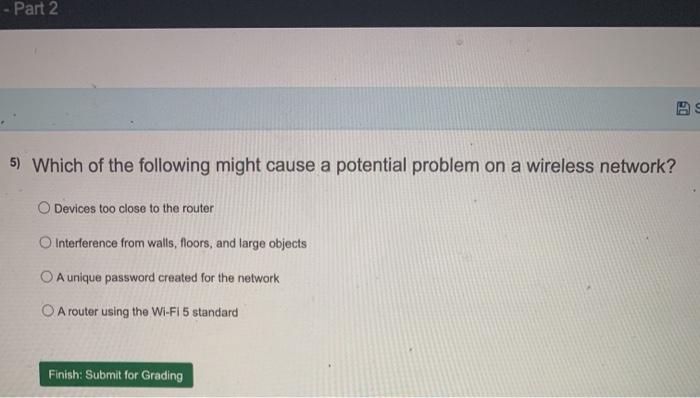
1) Which is a precaution to be taken when setting up a wireless network? Keep the default network name. Use WPA2 encryption. Keep the default network password. Disable the passphrase. Next Question Save for Later 2) Which of the following would help improve a wireless signal throughout a network? Network switch Wireless router Access point Network Internet card Next Question 3) Which is the central device to a home network? O Modem/router Network interface card Network range extender Wired connected PC Next Question 4) When planning a network, which devices should be considered? O All devices that will connect with a wired or wireless connection Only the computers that will have a wired connection Just the computers and printers that will have a wired connection Just PCs connected with a wired connection and any laptop or tablet connected wirelessly ALMON Part 2 5) Which of the following might cause a potential problem on a wireless network? O Devices too close to the router Interference from walls, floors, and large objects A unique password created for the network O A router using the Wi-Fi 5 standard Finish: Submit for Grading
Step by Step Solution
There are 3 Steps involved in it

Get step-by-step solutions from verified subject matter experts
 Study Help