







Question: 12:39 elearning.wmich.edu Exercise 03 Special Note Use NetBeans IDE as tool to write the Java code. Using Command-line as the proper interface (CLI) Create a
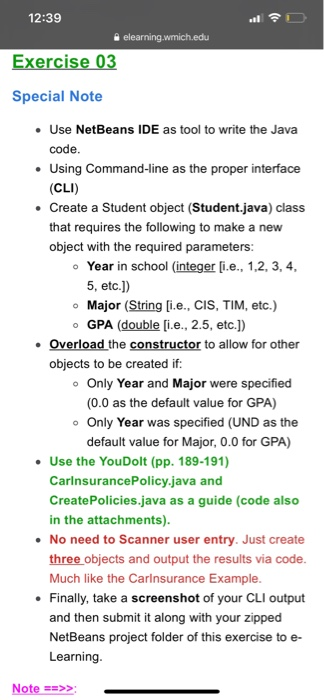
12:39 elearning.wmich.edu Exercise 03 Special Note Use NetBeans IDE as tool to write the Java code. Using Command-line as the proper interface (CLI) Create a Student object (Student.java) class that requires the following to make a new object with the required parameters: Year in school (integer [i.e., 1,2,3,4, 5, etc.)) Major (String [i.e., CIS, TIM, etc.) GPA (double [i.e., 2.5, etc.)) Overload the constructor to allow for other objects to be created if: Only Year and Major were specified (0.0 as the default value for GPA) Only Year was specified (UND as the default value for Major, 0.0 for GPA) Use the YouDolt (pp. 189-191) Carinsurance Policy.java and Create Policies.java as a guide (code also in the attachments). No need to Scanner user entry. Just create three objects and output the results via code. Much like the Carinsurance Example. Finally, take a screenshot of your CLI output and then submit it along with your zipped NetBeans project folder of this exercise to e- Learning. Note -->>
Step by Step Solution
There are 3 Steps involved in it

Get step-by-step solutions from verified subject matter experts
 Study Help