







Question: 13. Switch back to the All Types worksheet. Use the Scenario Manager as follows to compare the prot per hour in each scenario: a. Create
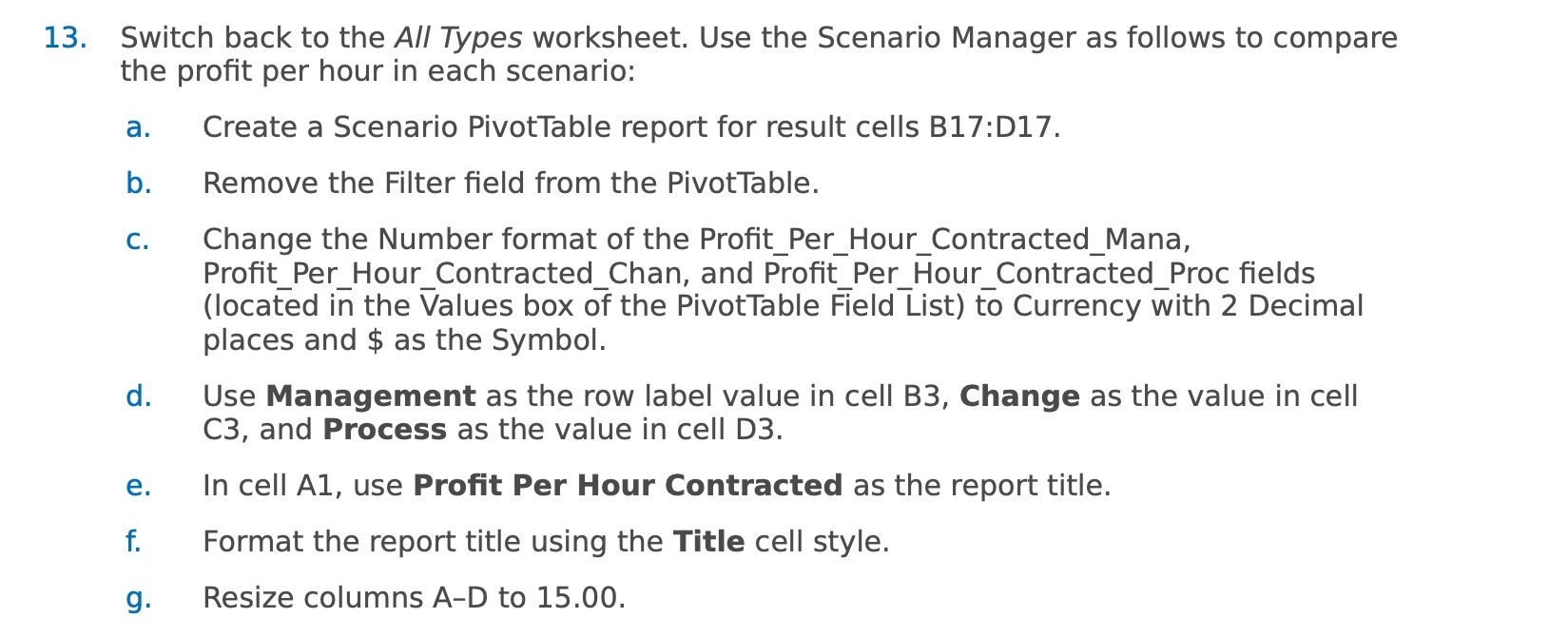
13. Switch back to the All Types worksheet. Use the Scenario Manager as follows to compare the prot per hour in each scenario: a. Create a Scenario PivotTable report for result cells Bl7:D17. b. Remove the Filter eld from the PivotTable. c. Change the Number format of the Prot_Per_Hour_Contracted_Mana, Prot_Per_Hour_Contracted_Chan, and Prot_Per_Hour_Contracted_Proc elds (located in the Values box of the PivotTable Field List) to Currency with 2 Decimal places and $ as the Symbol. d. Use Management as the row label value in cell B3, Change as the value in cell C3, and Process as the value in cell D3. e. In cell A1, use Prot Per Hour Contracted as the report title. f. Format the report title using the Title cell style. 9. Resize columns AD to 15.00
Step by Step Solution
There are 3 Steps involved in it

Get step-by-step solutions from verified subject matter experts
 Study Help