







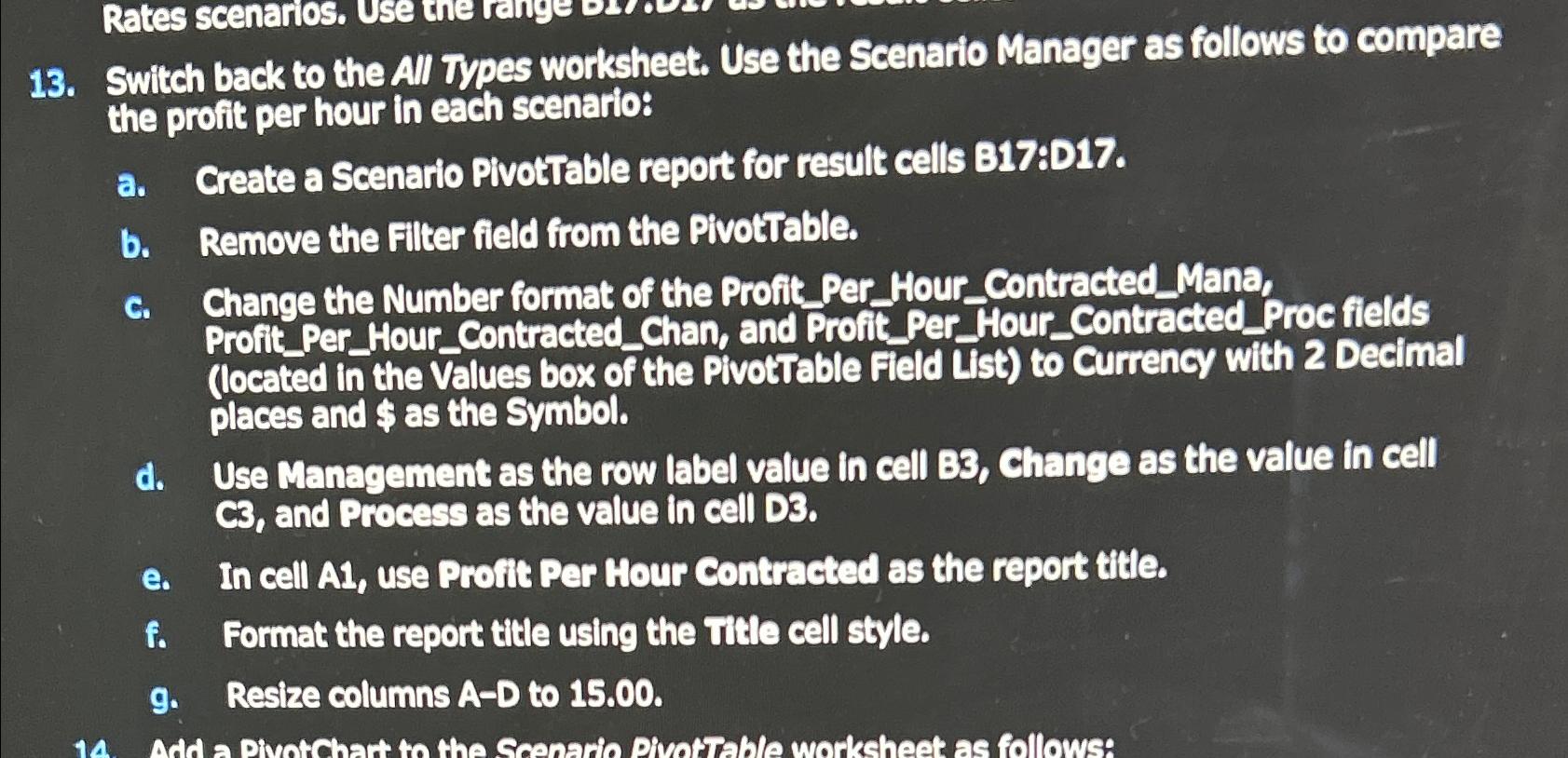
Question: Switch back to the All Types worksheet. Use the Scenario Manager as follows to compare the profit per hour in each scenario: a . Greate
Switch back to the All Types worksheet. Use the Scenario Manager as follows to compare the profit per hour in each scenario:
a Greate a Scenario PivotTable report for result cells B:D
b Remove the Filter field from the PivotTable.
c Change the Number format of the ProfitPerHourContractedMana, ProfitPerHourContractedChan, and ProfitPerHourContractedProc fields located in the Values box of the PivotTable Field List to Currency with Decimal places and $ as the Symbol.
d Use Management as the row label value in cell B Change as the value in cell and Process as the value in cell D
e In cell A use Profit Per Hour Contracted as the report title.
f Format the report title using the Title cell style.
g Resize columns AD to
Step by Step Solution
There are 3 Steps involved in it
1 Expert Approved Answer
Step: 1 Unlock

Question Has Been Solved by an Expert!
Get step-by-step solutions from verified subject matter experts
Step: 2 Unlock
Step: 3 Unlock
 Study Help