







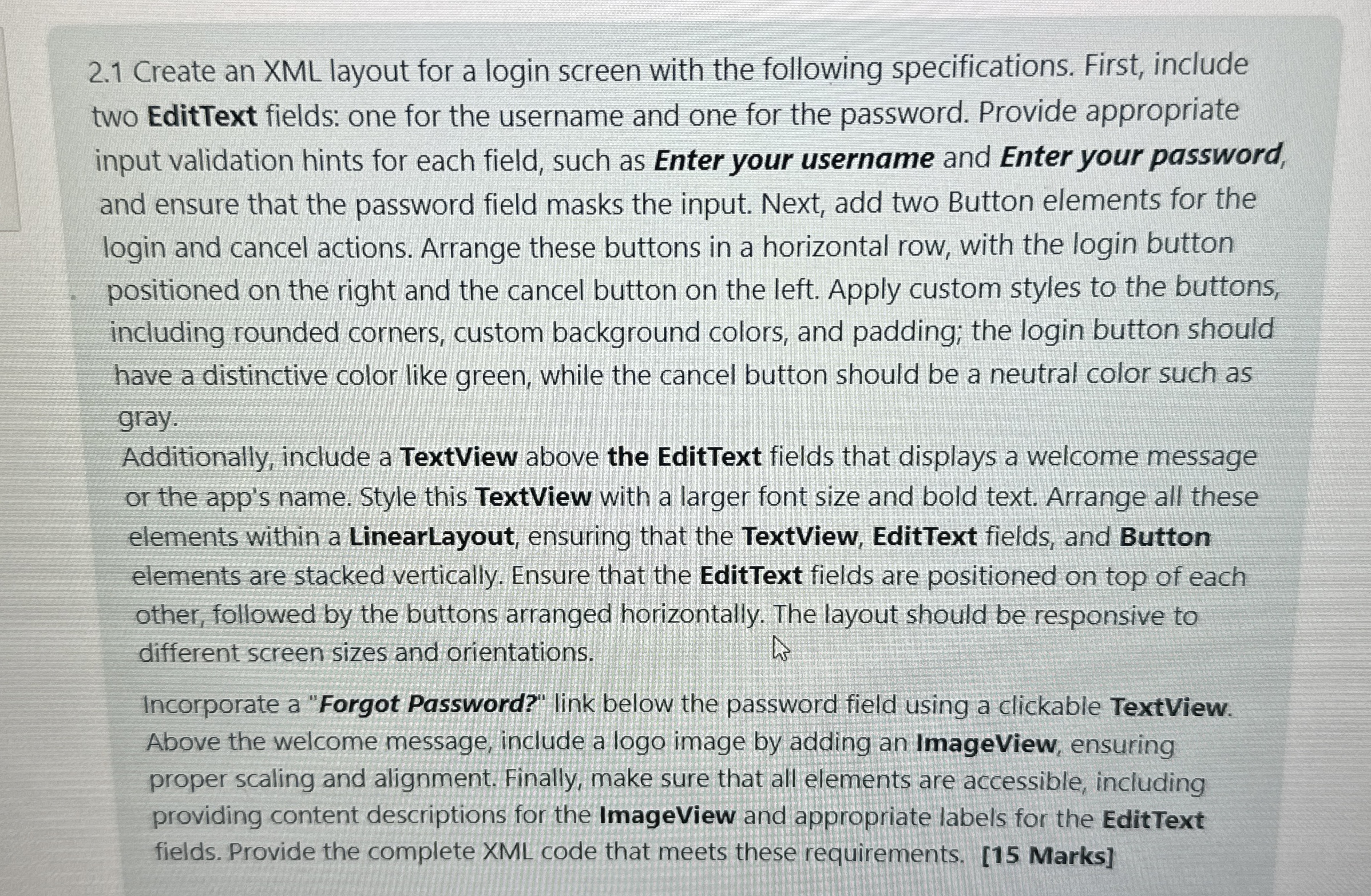
Question: 2 . 1 Create an XML layout for a login screen with the following specifications. First, include two EditText fields: one for the username and
Create an XML layout for a login screen with the following specifications. First, include
two EditText fields: one for the username and one for the password. Provide appropriate
input validation hints for each field, such as Enter your username and Enter your password,
and ensure that the password field masks the input. Next, add two Button elements for the
login and cancel actions. Arrange these buttons in a horizontal row, with the login button
positioned on the right and the cancel button on the left. Apply custom styles to the buttons,
including rounded corners, custom background colors, and padding; the login button should
have a distinctive color like green, while the cancel button should be a neutral color such as
gray.
Additionally, include a TextView above the EditText fields that displays a welcome message
or the app's name. Style this TextView with a larger font size and bold text. Arrange all these
elements within a LinearLayout, ensuring that the TextView, EditText fields, and Button
elements are stacked vertically. Ensure that the EditText fields are positioned on top of each
other, followed by the buttons arranged horizontally. The layout should be responsive to
different screen sizes and orientations.
Incorporate a "Forgot Password?" link below the password field using a clickable TextView.
Above the welcome message, include a logo image by adding an ImageView, ensuring
proper scaling and alignment. Finally, make sure that all elements are accessible, including
providing content descriptions for the ImageView and appropriate labels for the EditText
fields. Provide the complete XML code that meets these requirements. Marks
Step by Step Solution
There are 3 Steps involved in it
1 Expert Approved Answer
Step: 1 Unlock

Question Has Been Solved by an Expert!
Get step-by-step solutions from verified subject matter experts
Step: 2 Unlock
Step: 3 Unlock
 Study Help