







Question: 2. Continue to explore the filesystem tree using cd, ls, pwd and cat. Look in /bin, /usr/bin, /sbin, /tmp and /boot. What do you see?
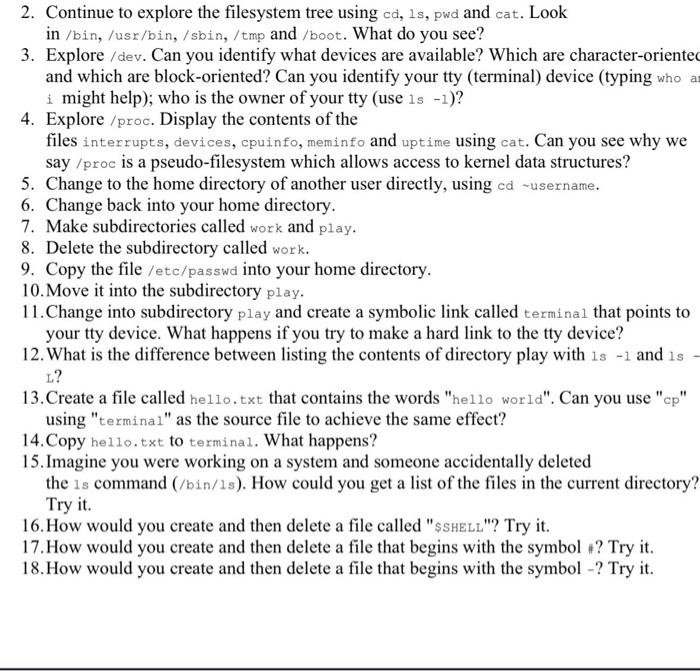
2. Continue to explore the filesystem tree using cd, ls, pwd and cat. Look in /bin, /usr/bin, /sbin, /tmp and /boot. What do you see? 3. Explore /dev. Can you identify what devices are available? Which are character-oriented and which are block-oriented? Can you identify your tty (terminal) device (typing who a i might help); who is the owner of your tty (use is -1)? 4. Explore /proc. Display the contents of the files interrupts, devices, cpuinfo, meminfo and uptime using cat. Can you see why we say /proc is a pseudo-filesystem which allows access to kernel data structures? 5. Change to the home directory of another user directly, using cd -username. 6. Change back into your home directory. 7. Make subdirectories called work and play. 8. Delete the subdirectory called work. 9. Copy the file /etc/passwd into your home directory. 10. Move it into the subdirectory play. 11. Change into subdirectory play and create a symbolic link called terminal that points to your tty device. What happens if you try to make a hard link to the tty device? 12. What is the difference between listing the contents of directory play with ls -1 and is L? 13. Create a file called hello.txt that contains the words "hello world". Can you use "cp" using "terminal" as the source file to achieve the same effect? 14. Copy hello.txt to terminal. What happens? 15. Imagine you were working on a system and someone accidentally deleted the is command (/bin/18). How could you get a list of the files in the current directory? Try it. 16. How would you create and then delete a file called "SSHELL"? Try it. 17. How would you create and then delete a file that begins with the symbol ? Try it. 18. How would you create and then delete a file that begins with the symbol -? Try it
Step by Step Solution
There are 3 Steps involved in it

Get step-by-step solutions from verified subject matter experts
 Study Help