







Question: 2.1 Complex Numbers This section will test your understanding of complex numbers when plotted as vectors. Use z = 2e37/4 and z2 = -13+j for
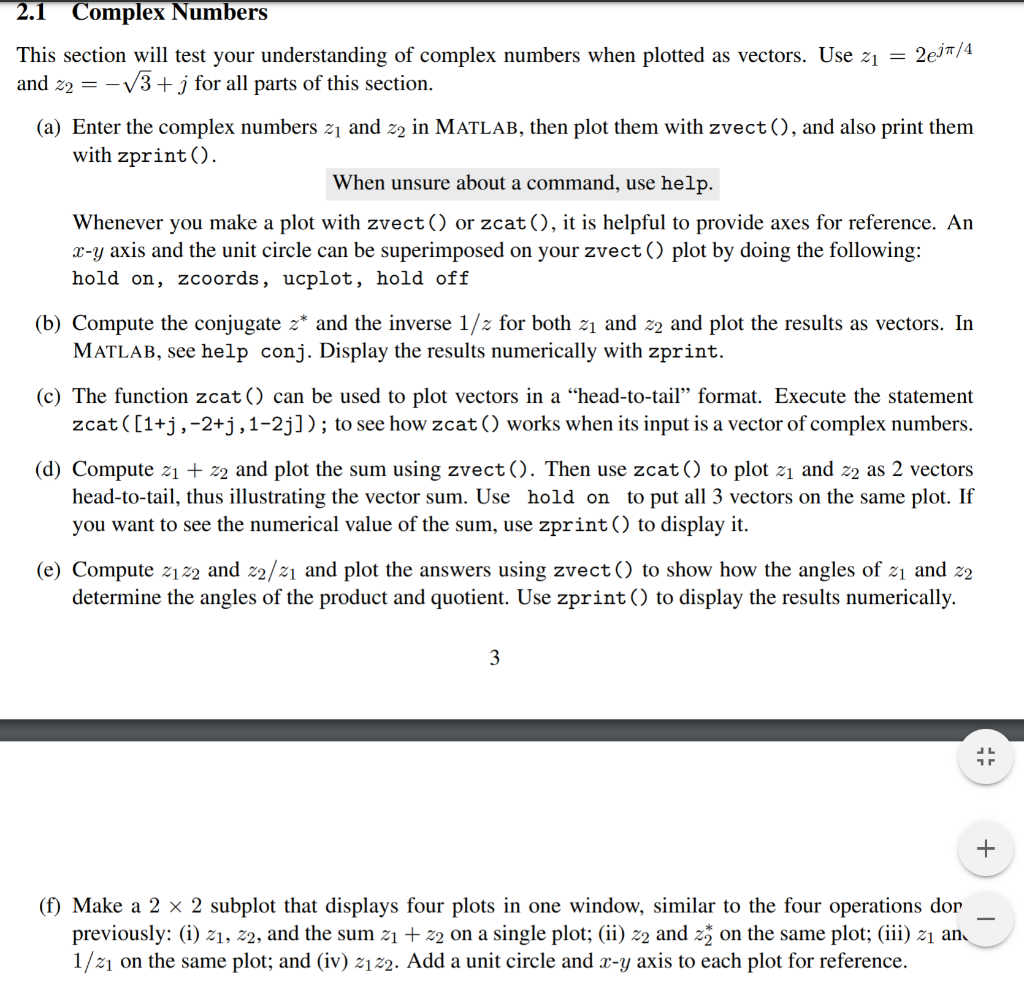
2.1 Complex Numbers This section will test your understanding of complex numbers when plotted as vectors. Use z = 2e37/4 and z2 = -13+j for all parts of this section. (a) Enter the complex numbers zu and ze in MATLAB, then plot them with zvect(), and also print them with zprint(). When unsure about a command, use help. Whenever you make a plot with zvect() or zcat(), it is helpful to provide axes for reference. An x-y axis and the unit circle can be superimposed on your zvect() plot by doing the following: hold on, zcoords, ucplot, hold off (b) Compute the conjugate z* and the inverse 1/2 for both z and z2 and plot the results as vectors. In MATLAB, see help conj. Display the results numerically with zprint. (c) The function zcat() can be used to plot vectors in a head-to-tail format. Execute the statement zcat((1+j,-2+j, 1-2j]); to see how zcat() works when its input is a vector of complex numbers. (d) Compute z + z2 and plot the sum using zvect(). Then use zcat() to plot z1 and 22 as 2 vectors head-to-tail, thus illustrating the vector sum. Use hold on to put all 3 vectors on the same plot. If you want to see the numerical value of the sum, use zprint() to display it. (e) Compute z22 and 22/z and plot the answers using zvect() to show how the angles of z1 and 22 determine the angles of the product and quotient. Use zprint() to display the results numerically. (f) Make a 2 x 2 subplot that displays four plots in one window, similar to the four operations dor previously: (i) 21, 22, and the sum zi + z2 on a single plot; (ii) 22 and zz on the same plot; (iii) 21 an. 1/21 on the same plot; and (iv) 2122. Add a unit circle and x-y axis to each plot for reference. 2.1 Complex Numbers This section will test your understanding of complex numbers when plotted as vectors. Use z = 2e37/4 and z2 = -13+j for all parts of this section. (a) Enter the complex numbers zu and ze in MATLAB, then plot them with zvect(), and also print them with zprint(). When unsure about a command, use help. Whenever you make a plot with zvect() or zcat(), it is helpful to provide axes for reference. An x-y axis and the unit circle can be superimposed on your zvect() plot by doing the following: hold on, zcoords, ucplot, hold off (b) Compute the conjugate z* and the inverse 1/2 for both z and z2 and plot the results as vectors. In MATLAB, see help conj. Display the results numerically with zprint. (c) The function zcat() can be used to plot vectors in a head-to-tail format. Execute the statement zcat((1+j,-2+j, 1-2j]); to see how zcat() works when its input is a vector of complex numbers. (d) Compute z + z2 and plot the sum using zvect(). Then use zcat() to plot z1 and 22 as 2 vectors head-to-tail, thus illustrating the vector sum. Use hold on to put all 3 vectors on the same plot. If you want to see the numerical value of the sum, use zprint() to display it. (e) Compute z22 and 22/z and plot the answers using zvect() to show how the angles of z1 and 22 determine the angles of the product and quotient. Use zprint() to display the results numerically. (f) Make a 2 x 2 subplot that displays four plots in one window, similar to the four operations dor previously: (i) 21, 22, and the sum zi + z2 on a single plot; (ii) 22 and zz on the same plot; (iii) 21 an. 1/21 on the same plot; and (iv) 2122. Add a unit circle and x-y axis to each plot for reference
Step by Step Solution
There are 3 Steps involved in it

Get step-by-step solutions from verified subject matter experts
 Study Help