







Question: 3) Create a Pivot Table that displays the total amount pledged and average amount pledged by each donor type and fund name. Place the Pivot
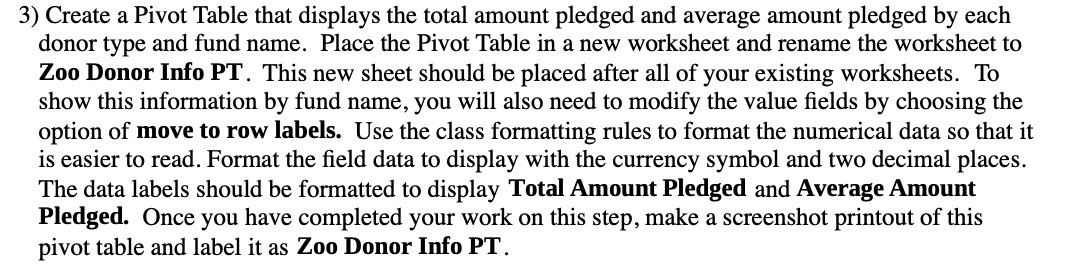
3) Create a Pivot Table that displays the total amount pledged and average amount pledged by each donor type and fund name. Place the Pivot Table in a new worksheet and rename the worksheet to Zoo Donor Info PT. This new sheet should be placed after all of your existing worksheets. To show this information by fund name, you will also need to modify the value elds by choosing the option of move to row labels. Use the class formatting rules to format the numerical data so that it is easier to read. Format the eld data to display with the currency symbol and two decimal places. The data labels should be formatted to display Total Amount Pledged and Average Amount Pledged. Once you have completed your work on this step, make a screenshot printout of this pivot table and label it as Zoo Donor Info PT
Step by Step Solution
There are 3 Steps involved in it

Get step-by-step solutions from verified subject matter experts
 Study Help