Question: 4. 5. 6. 8. With the Client table still open in Design View, add a second field to the table with the field name ClientName
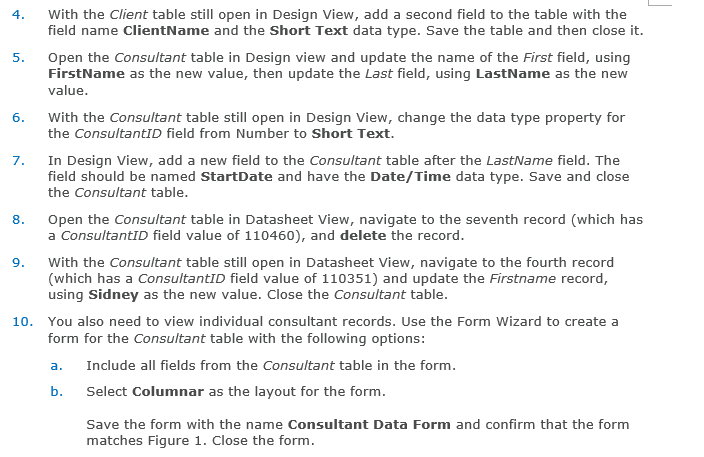
4. 5. 6. 8. With the Client table still open in Design View, add a second field to the table with the field name ClientName and the Short Text data type. Save the table and then close it. Open the Consultant table in Design view and update the name of the First field, using FirstName as the new value, then update the last field, using LastName as the new value. With the Consultant table still open in Design View, change the data type property for the ConsultantID field from Number to Short Text. 7. In Design View, add a new field to the Consultant table after the LastName field. The field should be named StartDate and have the Date/Time data type. Save and close the Consultant table. Open the Consultant table in Datasheet View, navigate to the seventh record (which has a ConsultantID field value of 110460), and delete the record. With the Consultant table still open in Datasheet View, navigate to the fourth record (which has a consultantID field value of 110351) and update the Firstname record, using Sidney as the new value. Close the Consultant table. 10. You also need to view individual consultant records. Use the Form Wizard to create a form for the Consultant table with the following options: Include all fields from the Consultant table in the form. b. Select Columnar as the layout for the form. Save the form with the name Consultant Data Form and confirm that the form matches Figure 1. Close the form. 9. a. 4. 5. 6. 8. With the Client table still open in Design View, add a second field to the table with the field name ClientName and the Short Text data type. Save the table and then close it. Open the Consultant table in Design view and update the name of the First field, using FirstName as the new value, then update the last field, using LastName as the new value. With the Consultant table still open in Design View, change the data type property for the ConsultantID field from Number to Short Text. 7. In Design View, add a new field to the Consultant table after the LastName field. The field should be named StartDate and have the Date/Time data type. Save and close the Consultant table. Open the Consultant table in Datasheet View, navigate to the seventh record (which has a ConsultantID field value of 110460), and delete the record. With the Consultant table still open in Datasheet View, navigate to the fourth record (which has a consultantID field value of 110351) and update the Firstname record, using Sidney as the new value. Close the Consultant table. 10. You also need to view individual consultant records. Use the Form Wizard to create a form for the Consultant table with the following options: Include all fields from the Consultant table in the form. b. Select Columnar as the layout for the form. Save the form with the name Consultant Data Form and confirm that the form matches Figure 1. Close the form. 9. a









 Study Help