







Question: 4. Create a query to display all records from the tblTrainer table with the following options: a. Display only the LocationID, Specialty, and Certification
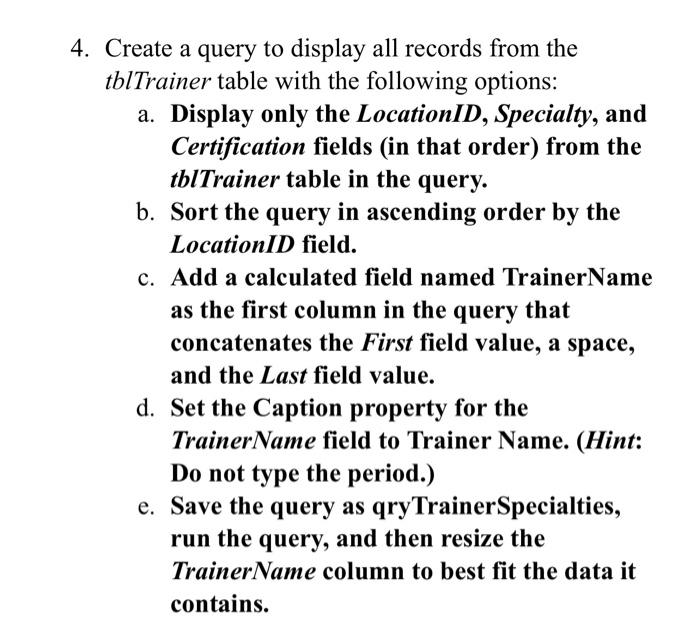
4. Create a query to display all records from the tblTrainer table with the following options: a. Display only the LocationID, Specialty, and Certification fields (in that order) from the tblTrainer table in the query. b. Sort the query in ascending order by the LocationID field. c. Add a calculated field named TrainerName as the first column in the query that concatenates the First field value, a space, and the Last field value. d. Set the Caption property for the TrainerName field to Trainer Name. (Hint: Do not type the period.) e. Save the query as qryTrainer Specialties, run the query, and then resize the TrainerName column to best fit the data it contains.
Step by Step Solution
There are 3 Steps involved in it

Get step-by-step solutions from verified subject matter experts
 Study Help